
How to generate a starter prompt set before creating an AI project
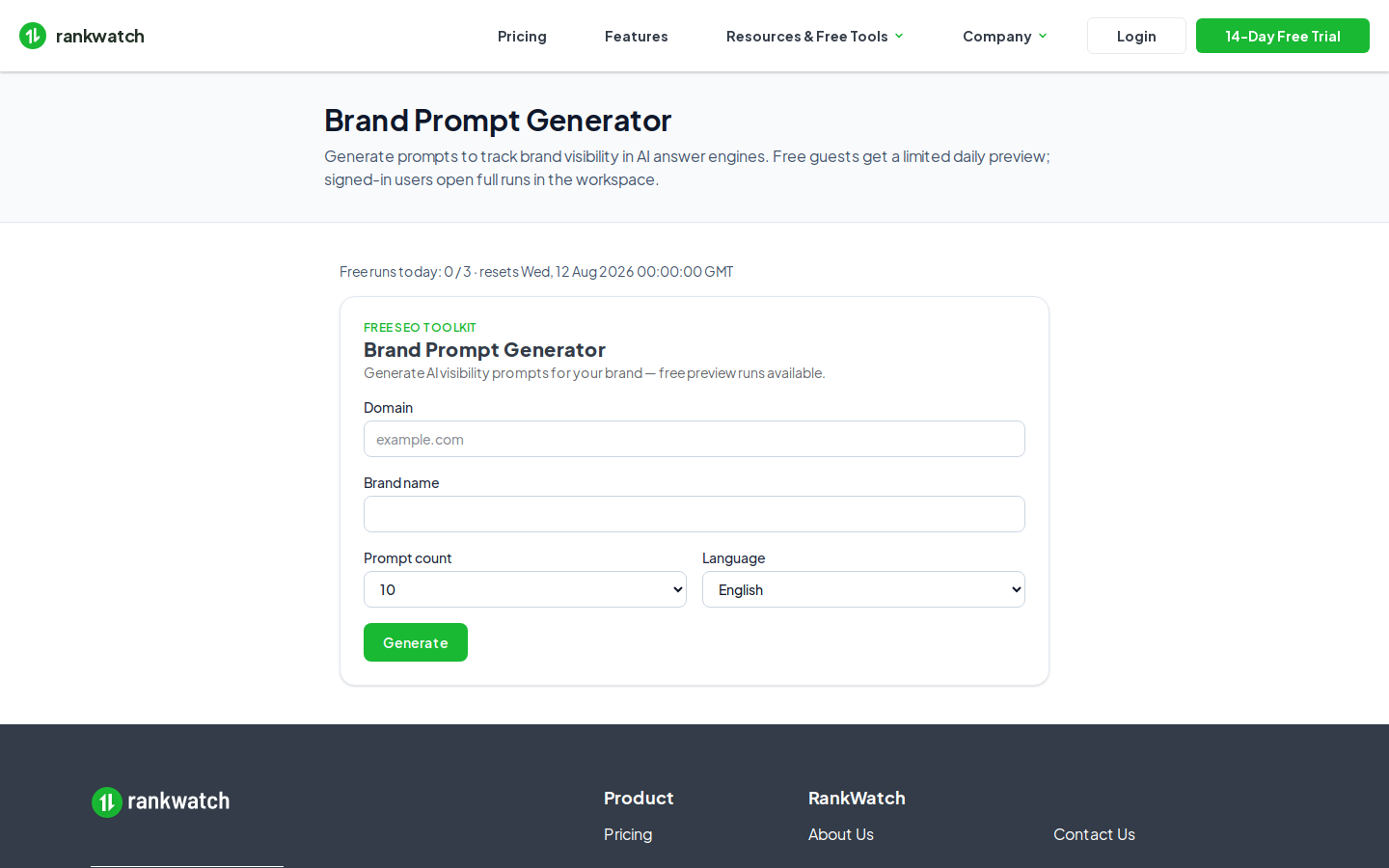
Generate a starter AI prompt set with Brand Prompt Generator before creating an AI project (package-included).
Prerequisites
- Brand Prompt Generator enabled; AI Visibility required to attach prompts to an AI project
Use Brand Prompt Generator (Brand Prompt Generator) to draft prompts, then attach them only if the org also has AI Visibility.
Steps
- Confirm Brand Prompt Generator (and later AI Visibility) under Organization settings → Billing / Package.
- Open Workspace Tools → Brand Prompt Generator and generate prompts for the brand.
- Curate the list — keep buyer-language questions, drop junk.
- Create or open the AI project when AI Visibility is entitled (set up AI visibility). Local create is not available.
- Add the curated prompts on AI Rankings / Add prompts.
- Run first AI jobs and prune prompts that never matter for the client.
Outcome
The AI project starts with a vetted prompt set instead of an empty Rankings table.