
How to turn tool outputs into tracked keywords or AI prompts
Promote Workspace Tools outputs into tracked SEO keywords or AI prompts when packages allow.
Prerequisites
- Matching tool features features; project keyword or AI prompt permissions; AI Visibility to add AI prompts
Tools generate candidates; tracking is intentional. Promote only what you will fund with crawl/AI credits.
Steps
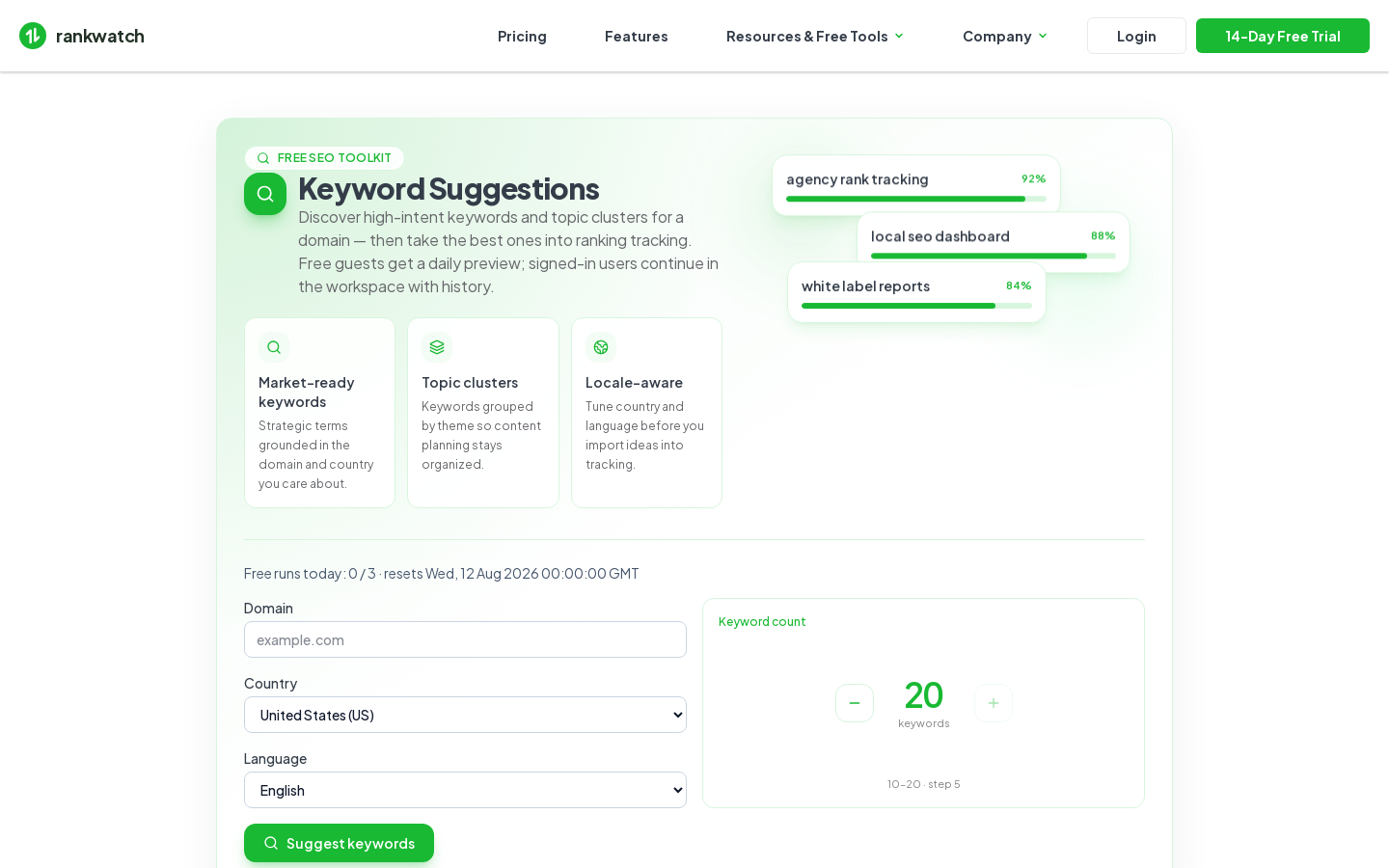
- Open the completed tool job under Workspace Tools (Keyword Suggestions or Brand Prompt Generator).
- Export or copy the rows you want to keep.
- SEO: open the project Rankings → Add keywords / bulk import and paste the terms. Tag them for later filtering.
- AI: only if AI Visibility is entitled, open the AI project → Add prompts and paste curated prompts.
- Re-check credit headroom under Billing before large imports.
- Validate first crawl/AI job results, then prune weak items.
Outcome
Tool research becomes live tracked keywords and/or AI prompts inside the correct project.