
How to build an Agency Manager role (projects and invites, no billing)
Build an Agency Manager workspace role for projects and invites without billing access (org owner).
Prerequisites
- Org owner access to Role Management
Agency Managers run client delivery: projects, invites, and broad workspace ops — still without org billing or Role Management.
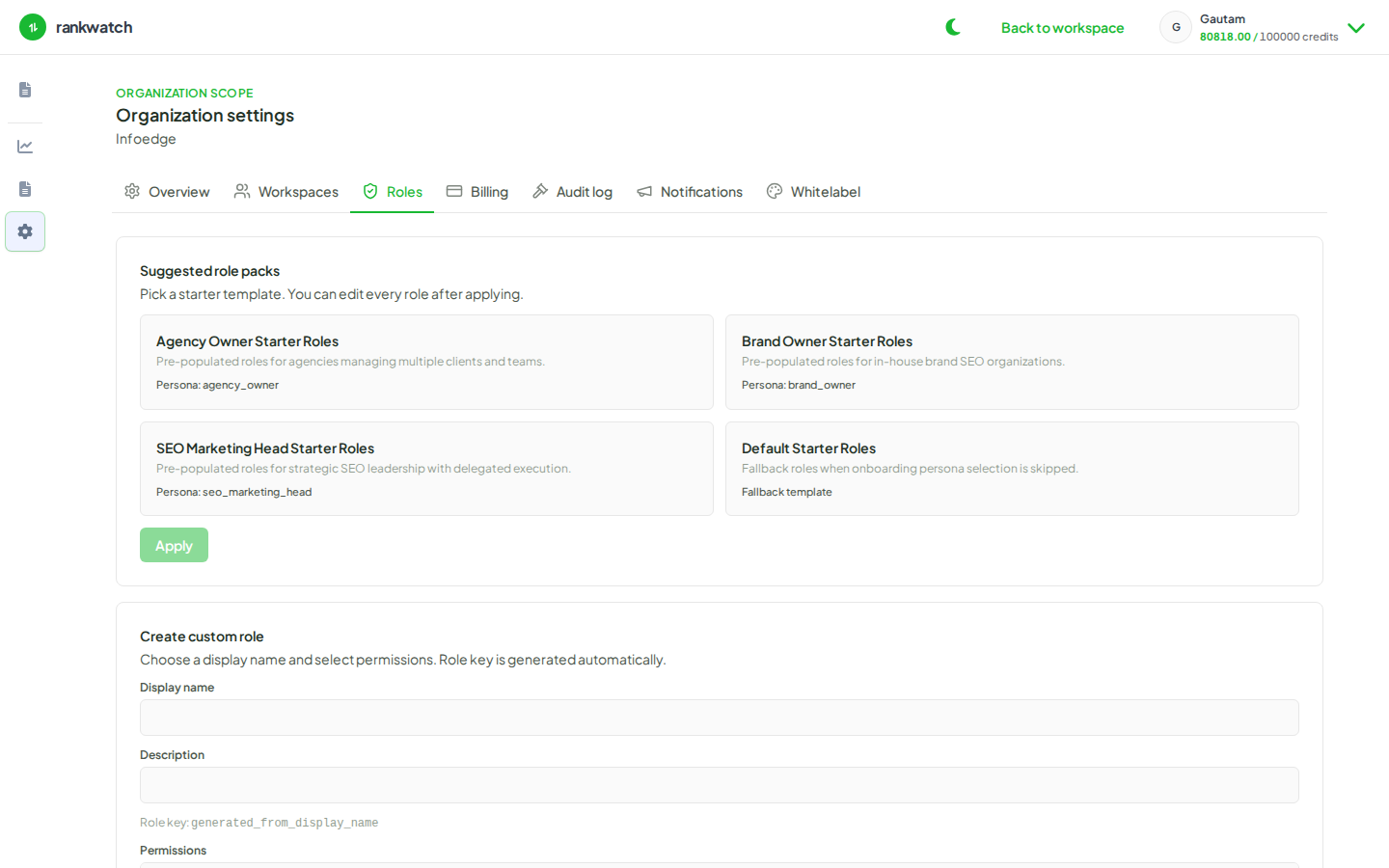
Steps
- Open Organization settings → Roles and create Agency Manager.
- Grant project create/update (and delete only if you accept that risk), member invite permissions, and read across SEO analysis surfaces.
- Include reporting schedule permissions if managers own client deliverables.
- Confirm billing / package / usage / rbac / notification admin keys are not assignable — managers must escalate package changes to the org owner.
- Save. Use this role for senior operators invited into client workspaces.
- Spot-check that Billing under Organization settings remains blocked for that user.
Outcome
Managers can onboard and staff client workspaces without accessing org billing or editing the role catalog.