
How to build an SEO Executive role (keywords, tracking, alerts)
Build an SEO Executive workspace role with keywords, tracking, and rank alert permissions (org owner).
Prerequisites
- Org owner access to Role Management
SEO Executives need day-to-day ranking ops: keywords, tags, rechecks, and alert rules — usually without billing or Role Management.
Steps
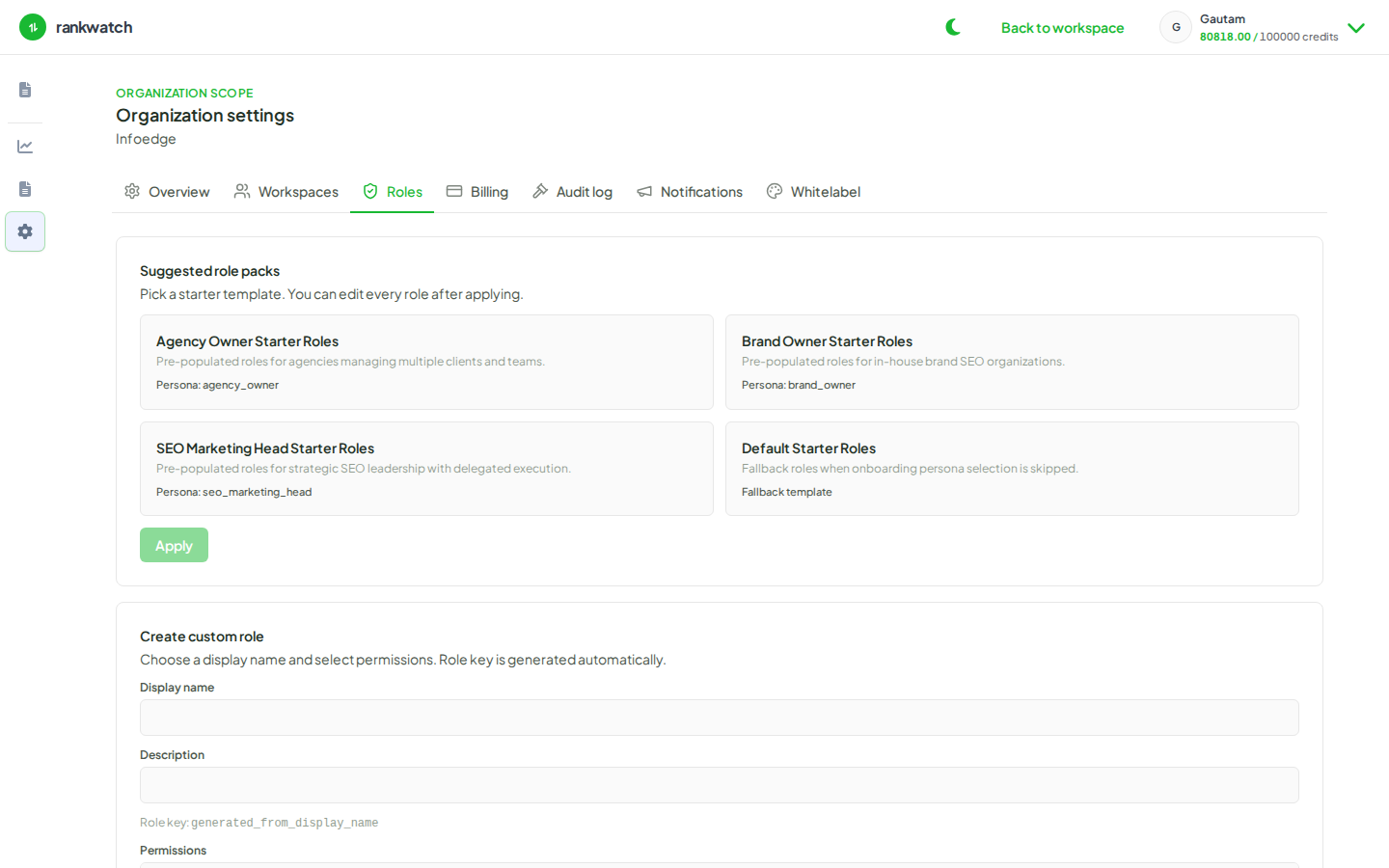
- Open Organization settings → Roles.
- Create a role named SEO Executive (or edit an existing pack-like custom role).
- Grant project/keyword read + update style permissions needed for Rankings ops (add/import keywords, tags, topics, recheck, crawl frequency as your catalog names them).
- Grant rank alert read/write permissions so they can create and review alert rules.
- Include competitor/analysis read (and manage only if you want them to add competitors).
- Omit org billing, rbac, notification admin, and delete-everything powers. Save, then assign on invites.
Outcome
SEO operators can run tracking workflows in client workspaces without becoming org owners.