
How to open prompt detail and interpret results
Open prompt detail to interpret model answers, brand presence, citations, and competitor mentions for one prompt.
Prerequisites
- AI Visibility on your package enabled for your organization
Prompt detail is where you inspect a single question’s answers across engines — presence, citations, and rival brands. Available when AI Visibility is included on your package. If AI nav is missing, confirm package access under Organization settings → Billing / Package.
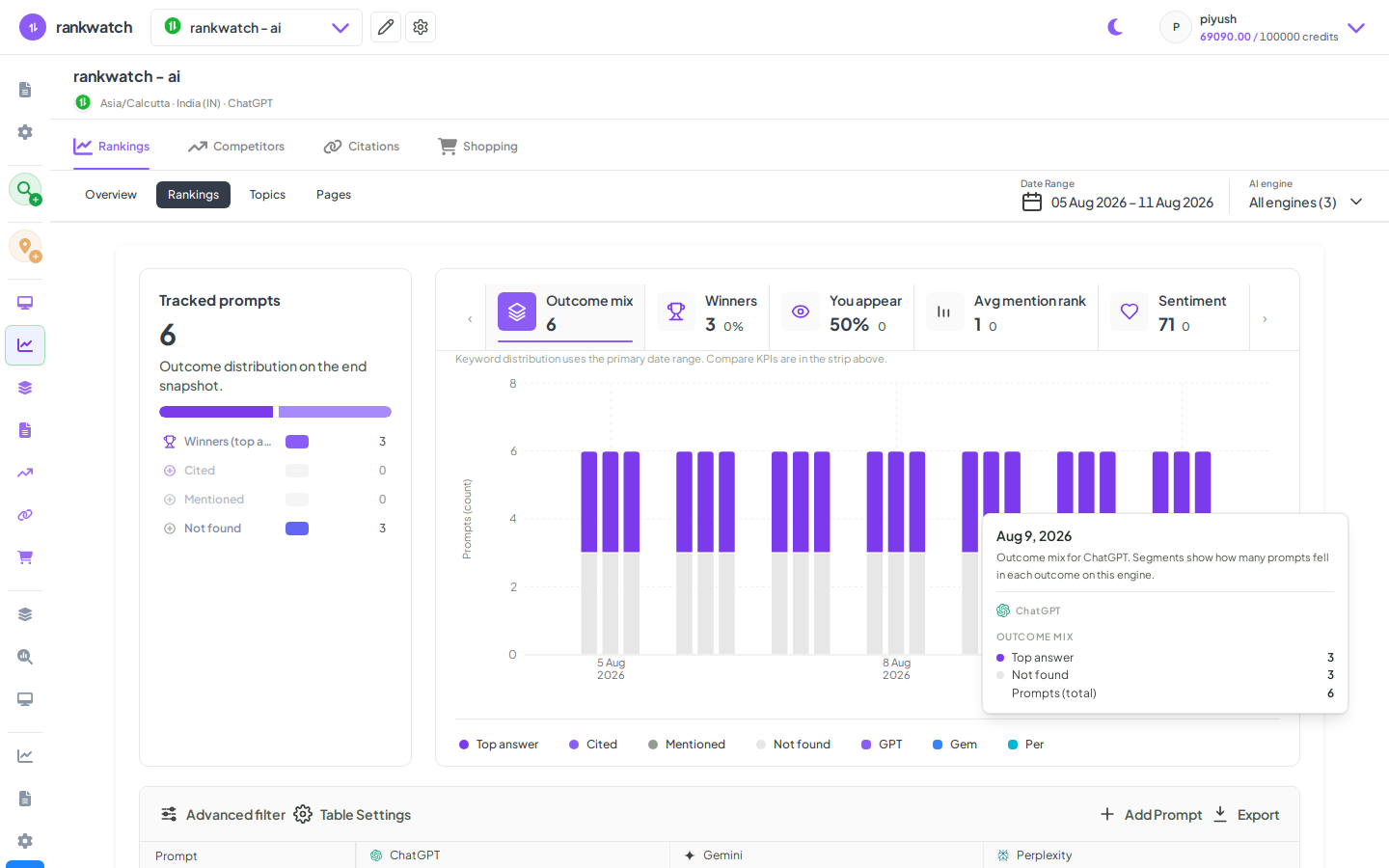
Steps
- Open Projects → AI project → Rankings (prompts).
- Click a prompt to open Prompt detail.
- Review per-engine results: whether your brand is mentioned, citation URLs, and competitor brands detected.
- Open citation destinations that matter; note engines where you are absent on an important prompt.
- Return to Rankings with filters to find similar gaps at scale.
Outcome
You understand why a prompt scores the way it does. Reference: Prompt detail explained.