
How to monitor brand presence across ChatGPT, Perplexity, Gemini, Claude, and Google AI Mode
Monitor brand presence across entitled AI engines (ChatGPT, Perplexity, Gemini, Claude, Google AI Mode) from AI Overview and Rankings.
Prerequisites
- AI Visibility on your package enabled for your organization
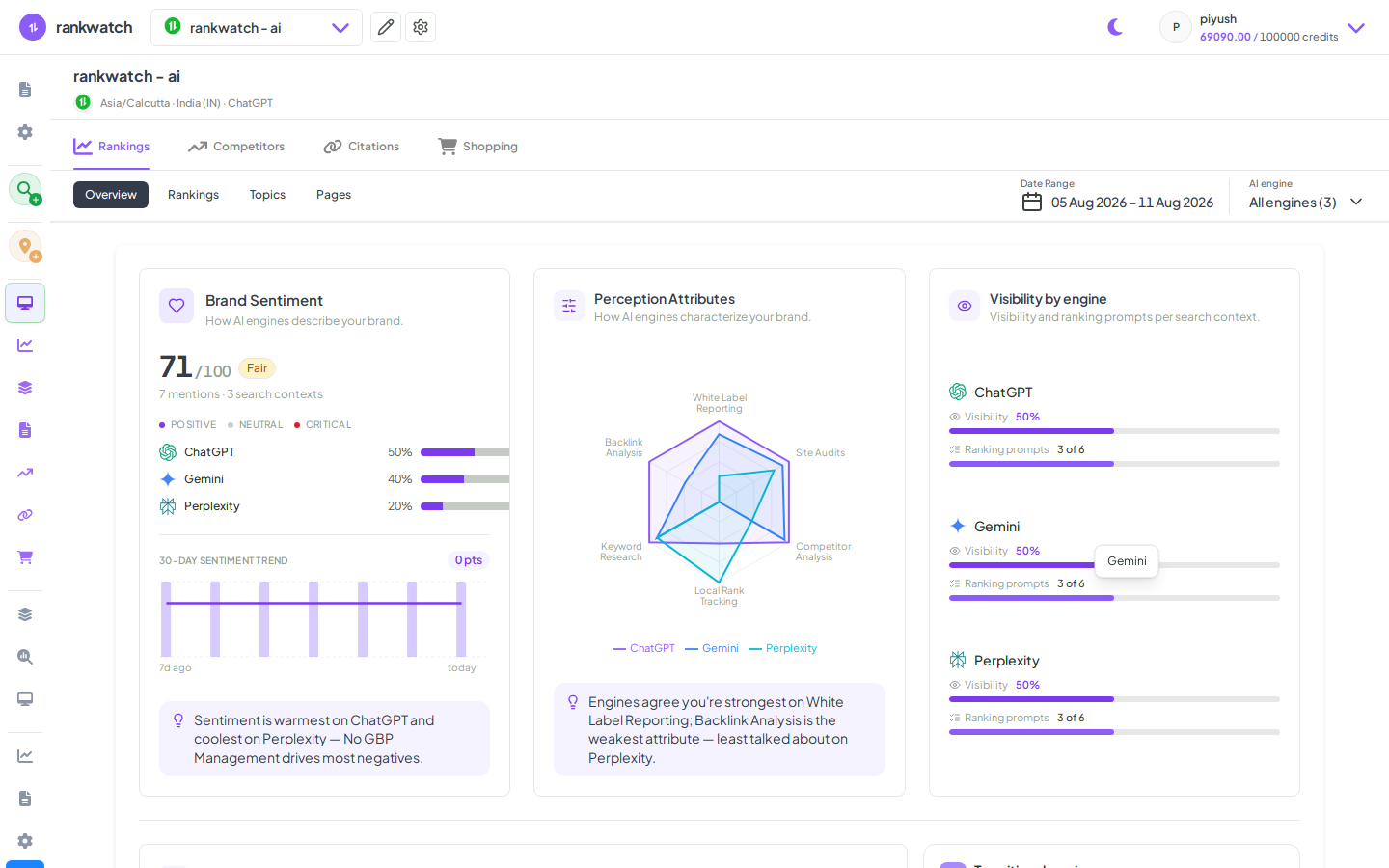
Cross-engine monitoring is the core GEO ops loop: Overview for the story, Rankings for the prompt list, prompt detail for proof. Available when AI Visibility is included on your package. If AI nav is missing, confirm package access under Organization settings → Billing / Package.
Steps
- Confirm the engines you care about are enabled in Manage AI engines.
- Open AI Overview and compare presence by engine for the period.
- On Rankings, filter to one engine at a time for engines that lag.
- Sample prompt details where you are missing on ChatGPT vs present on Perplexity (or similar splits).
- Brief stakeholders with engine-level gaps, not a single blended score only.
Outcome
Engine-specific presence trends you can act on. Supported engines: Supported AI engines explained.