
How to read AI Overview and Rankings
Read AI Overview scorecards and the prompts Rankings table to brief GEO visibility when AI Visibility is enabled.
Prerequisites
- AI Visibility on your package enabled for your organization
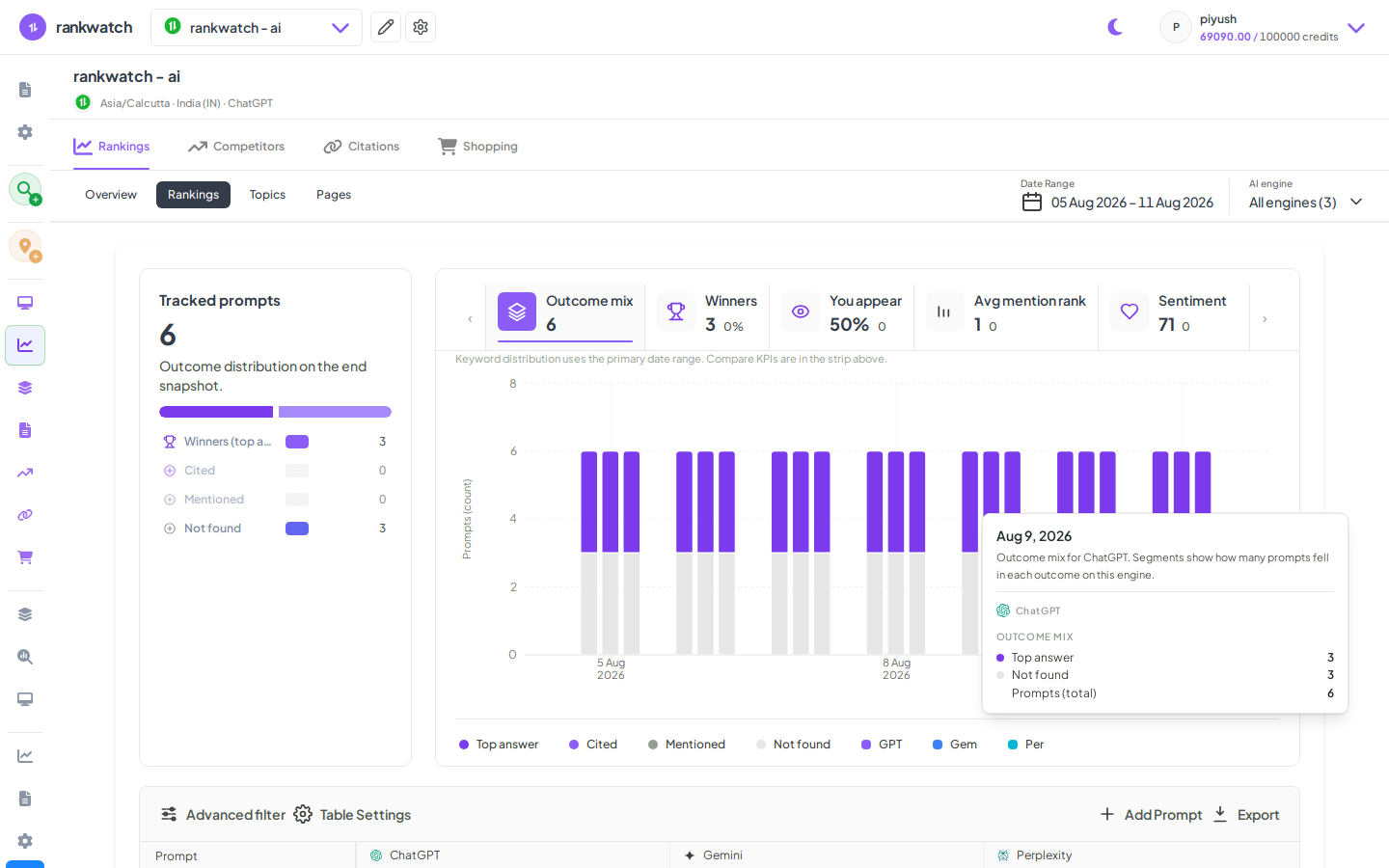
AI Overview summarizes brand presence across engines; Rankings (prompts) is the prompt-level table. Available when AI Visibility is included on your package. If AI nav is missing, confirm package access under Organization settings → Billing / Package.
Steps
- Open Projects → AI project → Overview for the AI search context.
- Set the date range; review visibility / mention scorecards and engine breakdowns.
- Open Rankings (prompts table). Filter by engine, topic, or presence/absence of your brand.
- Sort by opportunity (for example missing mentions on high-intent prompts) and open prompt detail for examples.
- Capture two wins and two gaps for the stakeholder brief.
Outcome
You can brief AI/GEO performance without exporting raw prompt dumps. See AI Overview and Rankings explained.