
How to add and manage AI prompts
Add, edit, or remove AI prompts so RankWatch tracks the questions buyers ask assistants. Requires AI Visibility.
Prerequisites
- AI Visibility on your package enabled for your organization
Prompts are the AI equivalent of keywords: each prompt is checked on selected engines. Manage them carefully — prompt volume drives AI credits and package limits. Available when AI Visibility is included on your package. If AI nav is missing, confirm package access under Organization settings → Billing / Package.
Steps
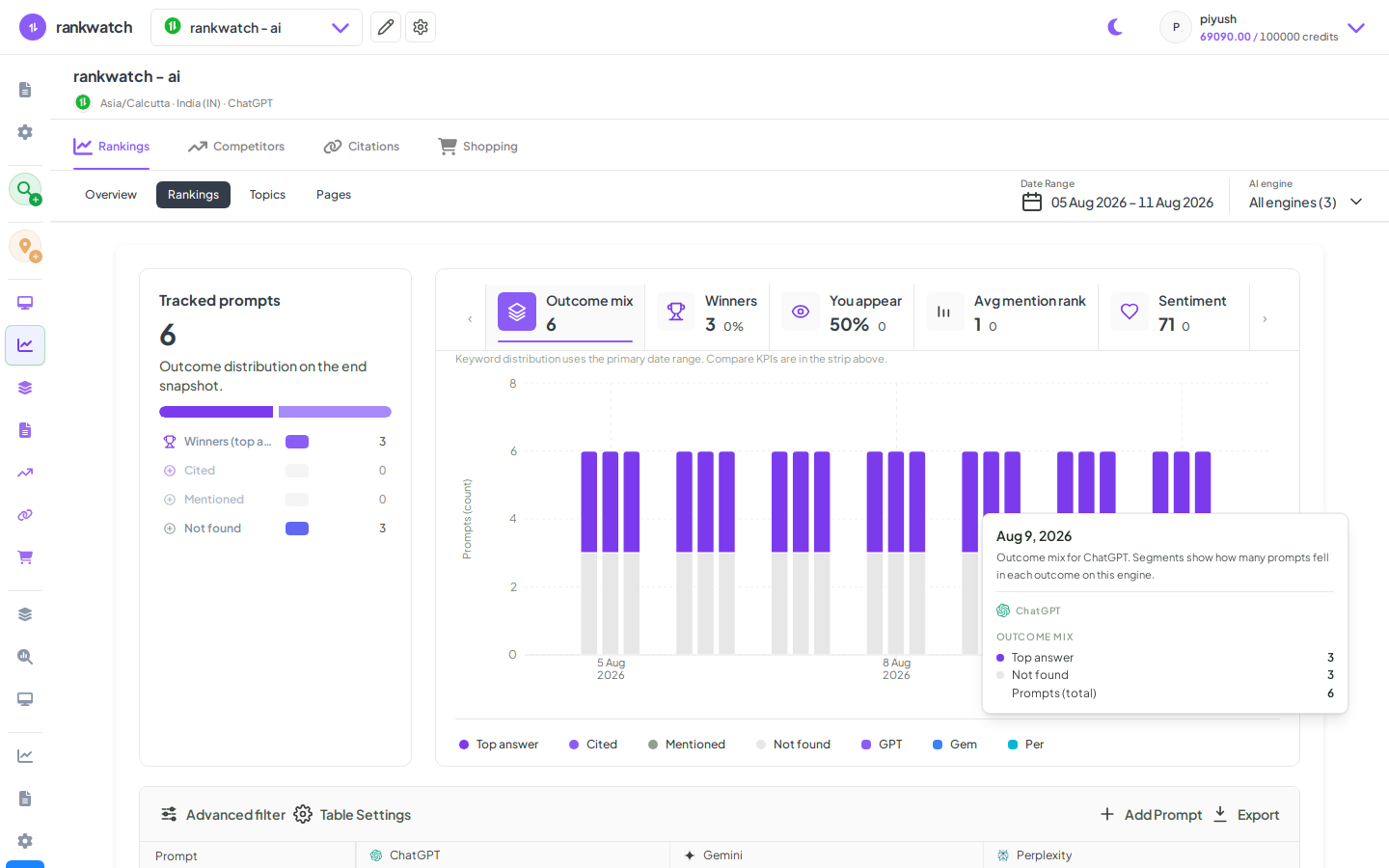
- Open Projects → AI project → Rankings (prompts) or the Add prompts flow.
- Choose Add prompts. Enter natural-language questions buyers would ask (not keyword stuffing).
- Assign topics/tags if available; confirm engines/locations that will run them.
- Submit. Duplicates in the same AI context are rejected or merged per product rules.
- Edit or delete prompts you no longer need to free limit slots; use recheck when you need an immediate refresh after content changes.
Outcome
New prompts join AI jobs for selected engines. Plan volume per client workspace so you do not burn the org AI allotment.