
How to choose Track subdomains when creating an AI project
Decide Track subdomains at AI project create time so citations and owned pages on subdomains count toward your brand. Requires AI Visibility.
Prerequisites
- AI Visibility on your package enabled for your organization
- Creating a new AI visibility project (or AI brand identity step still open)
Track subdomains for AI controls whether citations and owned pages on hosts like shop.example.com count when you track example.com. It is chosen on the AI brand identity step when the project is created (stored per AI search context). Available when AI Visibility is included on your package.
Steps
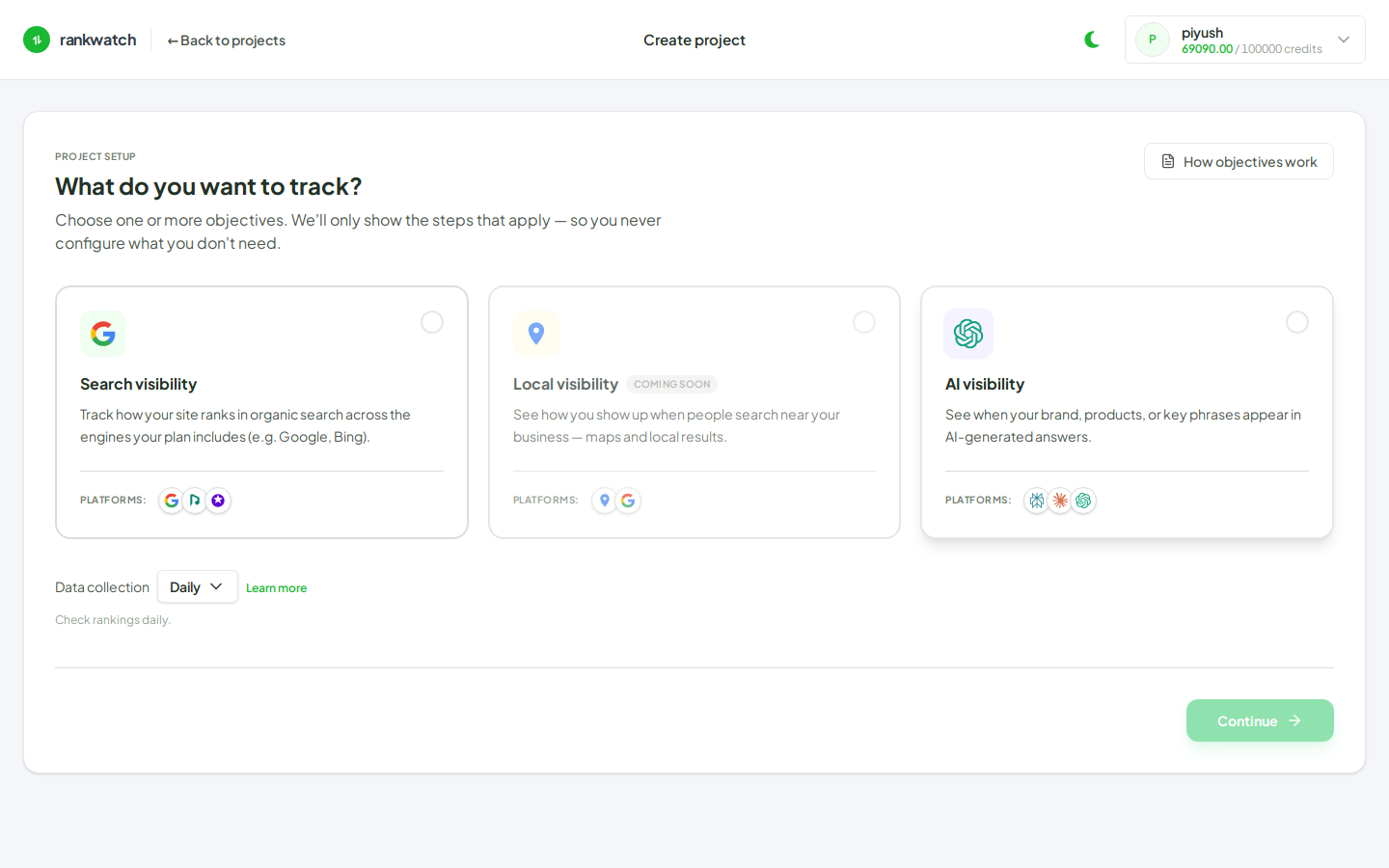
- Confirm AI is available (AI Visibility). Start Projects → New project with the AI mentions objective (or the AI brand step on an entitled create flow).
- On the AI brand / domain step, find Track subdomains (enabled by default).
- Leave on when blogs, shops, docs, or other subdomains should count as your brand (and likewise for competitor domains you track).
wwwis always treated as the same host. - Turn off only when you must match the exact host — for example you track example.com and must ignore shop.example.com, or you intentionally track a single subdomain as its own brand.
- Complete brand name, variations, engines, and prompts, then finish create. Plan this carefully: the create-time choice is the setting stored on the AI contexts.
Outcome
Citation and owned-page attribution follow your subdomain rule for this project’s AI contexts. Review Citations Explore / Opportunity after the first jobs to validate that subdomain URLs attribute the way you expect.