
How to analyze referring domains
Analyze Referring domains to see which sites send the most (and strongest) links, not just individual URLs.
Referring domains rolls links up by linking site — better for outreach prioritization than row-level backlinks alone.
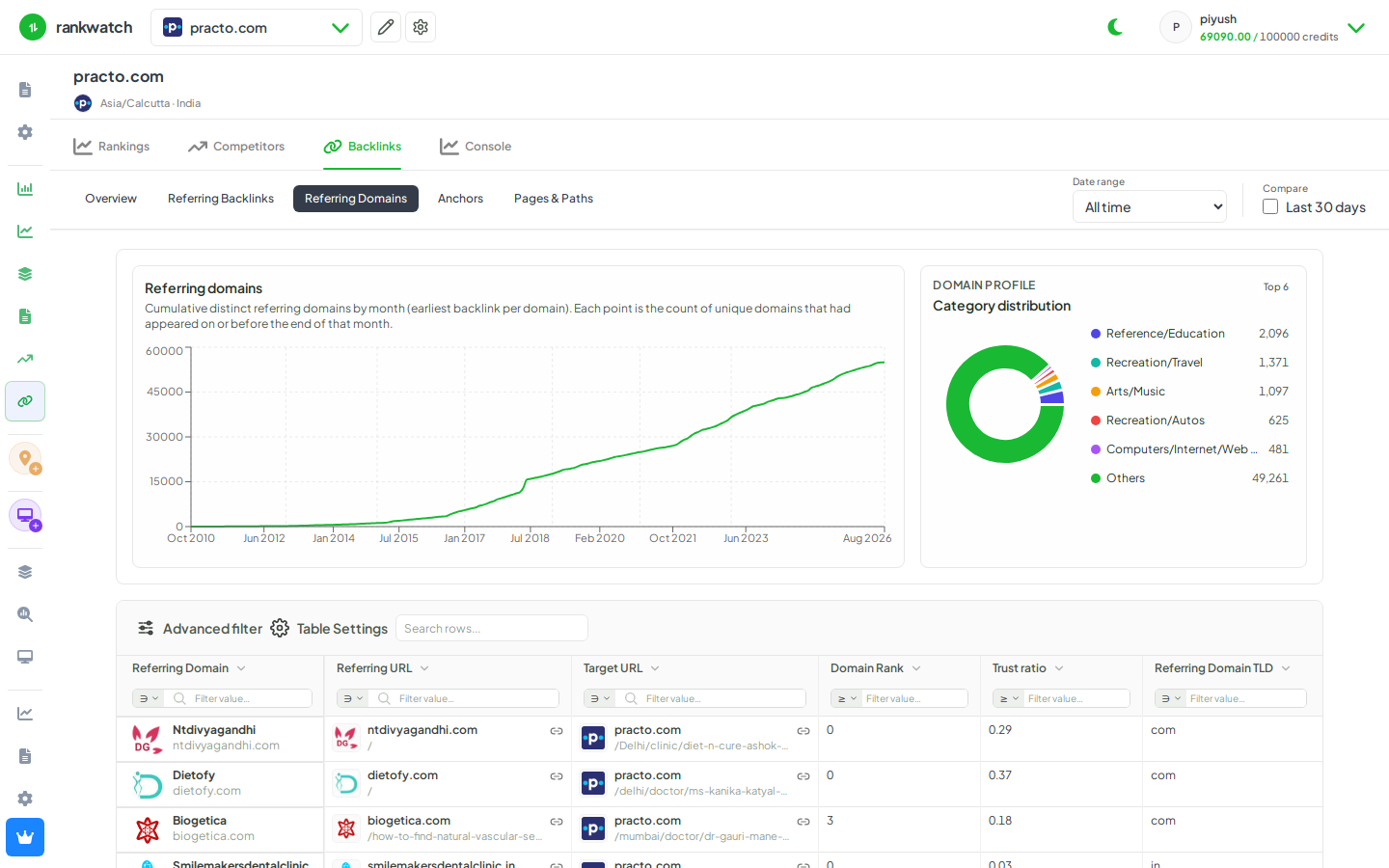
Steps
- Open Projects → project → Backlinks → Referring domains.
- Sort by link count, domain rank, or Trust Flow-style signals.
- Open a domain to see its linking URLs into your site.
- Flag high-authority domains that only link once (expansion opportunities) vs low-quality domains with many links (risk).
- Cross-check Anchors / Pages tabs when the same domain dominates one URL or one anchor phrase.
Outcome
A domain-level view of your link profile for prioritization. See Referring backlinks vs referring domains.