
How to use the network (IP / subnet) report
Use the Backlinks Network (IP / subnet) report to spot concentrated link neighborhoods.
Network groups referring links by IP / subnet so you can spot footprints (many domains on one host) that may indicate networks or low-quality clusters.
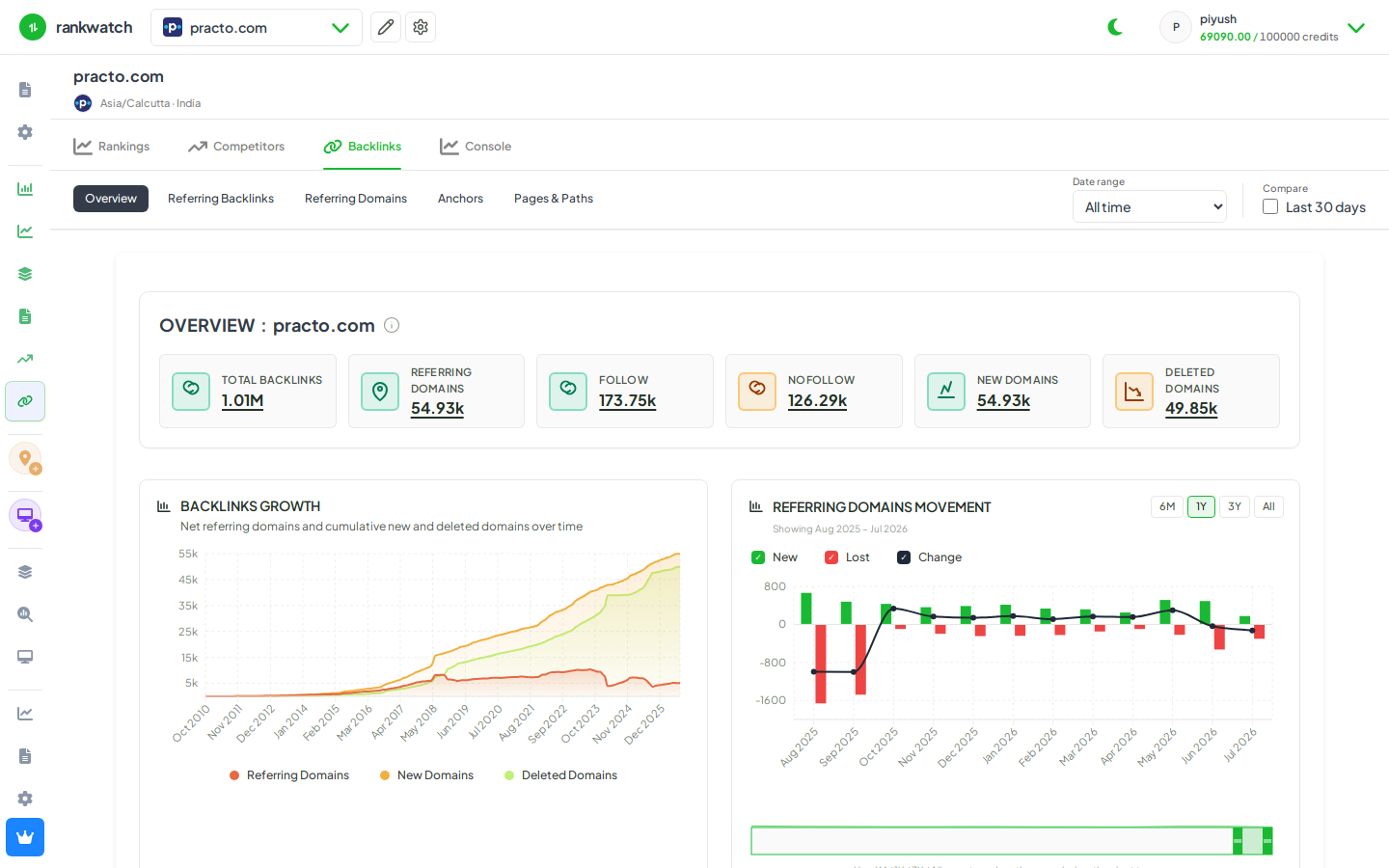
Steps
- Open Projects → project → Backlinks → Network.
- Sort by link or domain concentration per IP/subnet.
- Investigate dense neighborhoods that also look low quality in Referring domains.
- Export suspects if you maintain a disavow or monitoring process.
- Revisit after major link campaigns to ensure you are not inventing new footprints.
Outcome
Visibility into IP/subnet concentration in the link profile. See Network report explained.