
How to inspect pages and paths in backlinks
Inspect Backlinks Pages and Paths to see which of your URLs attract the most links.
Backlinks Pages / Paths show which of your URLs (and directories) earn links — the flip side of referring domains.
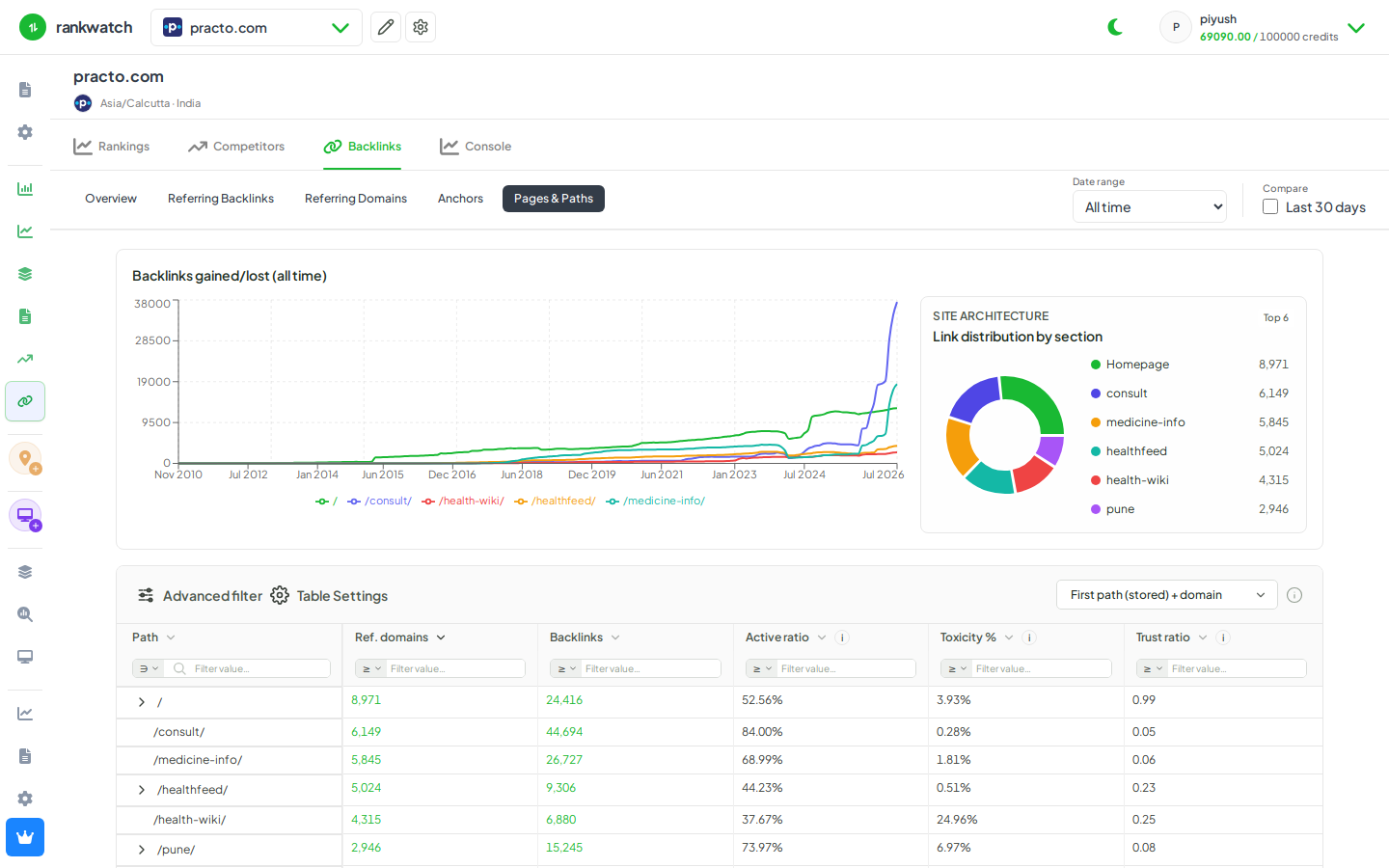
Steps
- Open Projects → project → Backlinks → Pages (and Paths for directory rollups).
- Sort by referring domains or links to find your strongest assets.
- Open a top page to see who links to it.
- Note orphaned money pages with few links vs blog posts that attract most links.
- Feed underlinked money pages into your link-building plan.
Outcome
A map of which owned URLs attract links. Reference: Pages and paths in backlinks.