
How to explore referring backlinks
Explore the Referring backlinks table to inspect individual source URLs, anchors, and target pages linking to your site.
Referring backlinks lists individual links (source URL → target URL) with quality signals such as Trust Flow / Citation Flow, first/last seen, and active/lost state.
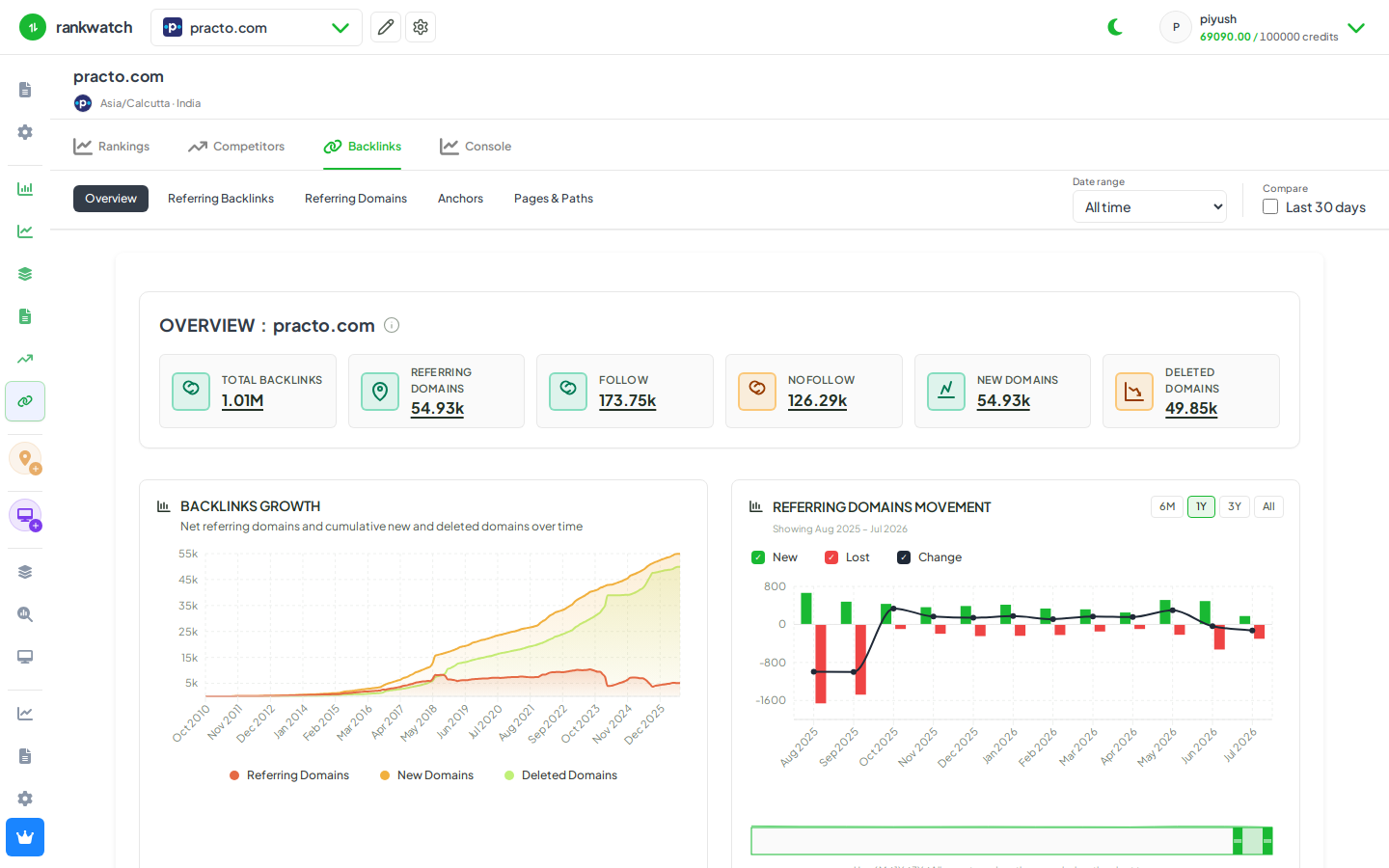
Steps
- Open Projects → project → Backlinks → Referring backlinks.
- Set filters (active vs lost, toxic flags, target path, date seen) to focus the table.
- Open a row to inspect source URL, anchor text, and target URL.
- Sort by Trust Flow / Citation Flow or last seen when prioritizing outreach or cleanup.
- Export if you need an offline list for link building or disavow review.
Outcome
You can audit individual backlinks for the project. Columns: Referring backlinks table metrics.