
How to review anchors
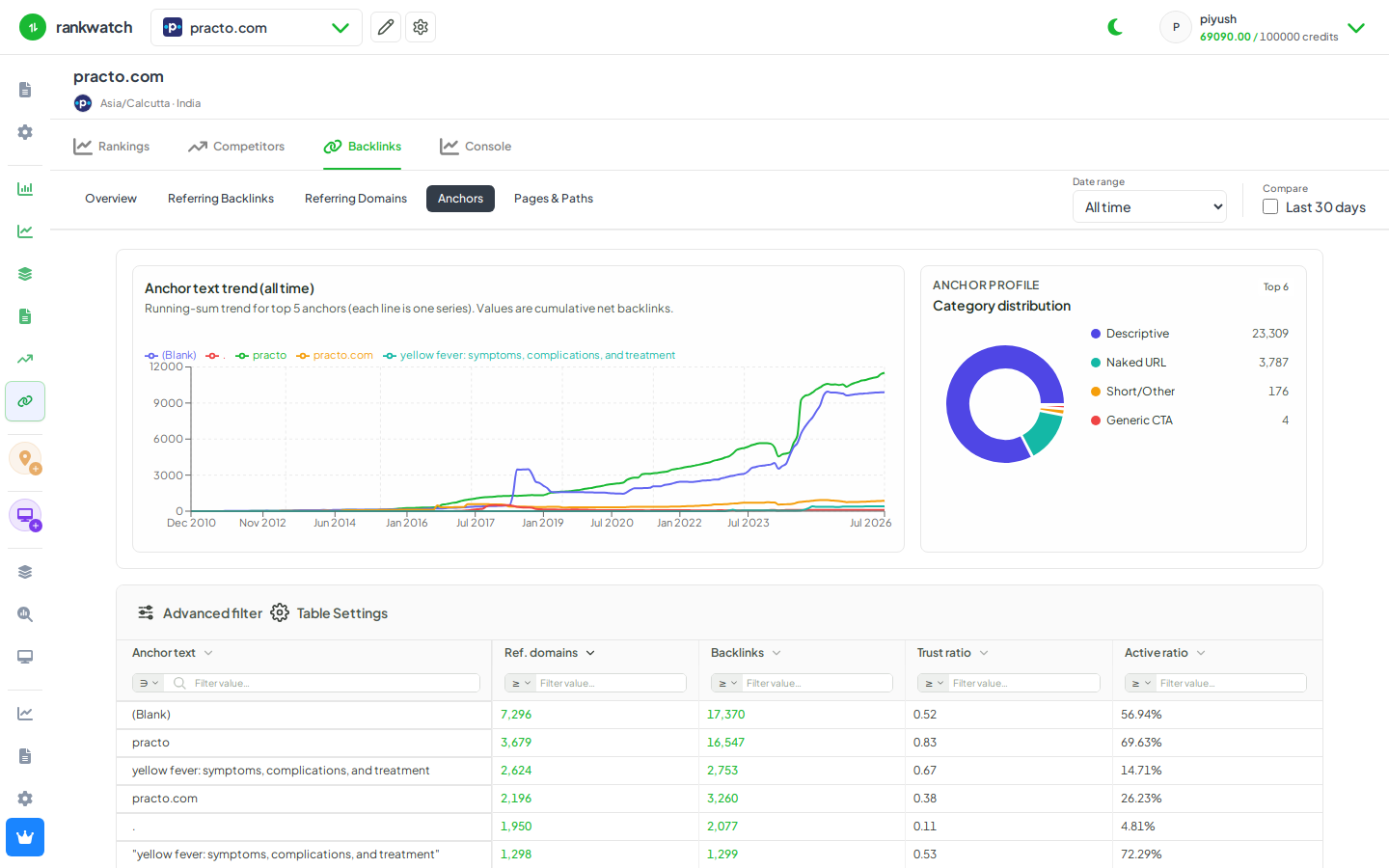
Review the Anchors report to see which anchor phrases appear most often in your backlink profile.
Anchors aggregates anchor text across referring links — useful for brand vs exact-match balance and spammy anchor detection.
Steps
- Open Projects → project → Backlinks → Anchors.
- Sort by link or domain count to see dominant phrases.
- Flag over-optimized exact-match anchors or nonsense spam anchors.
- Cross-open Referring backlinks filtered to a suspicious anchor when the UI allows.
- Decide brand-anchor targets for future outreach.
Outcome
You understand anchor distribution for the project. See Anchors report explained.