
How to compare competitors with benchmark
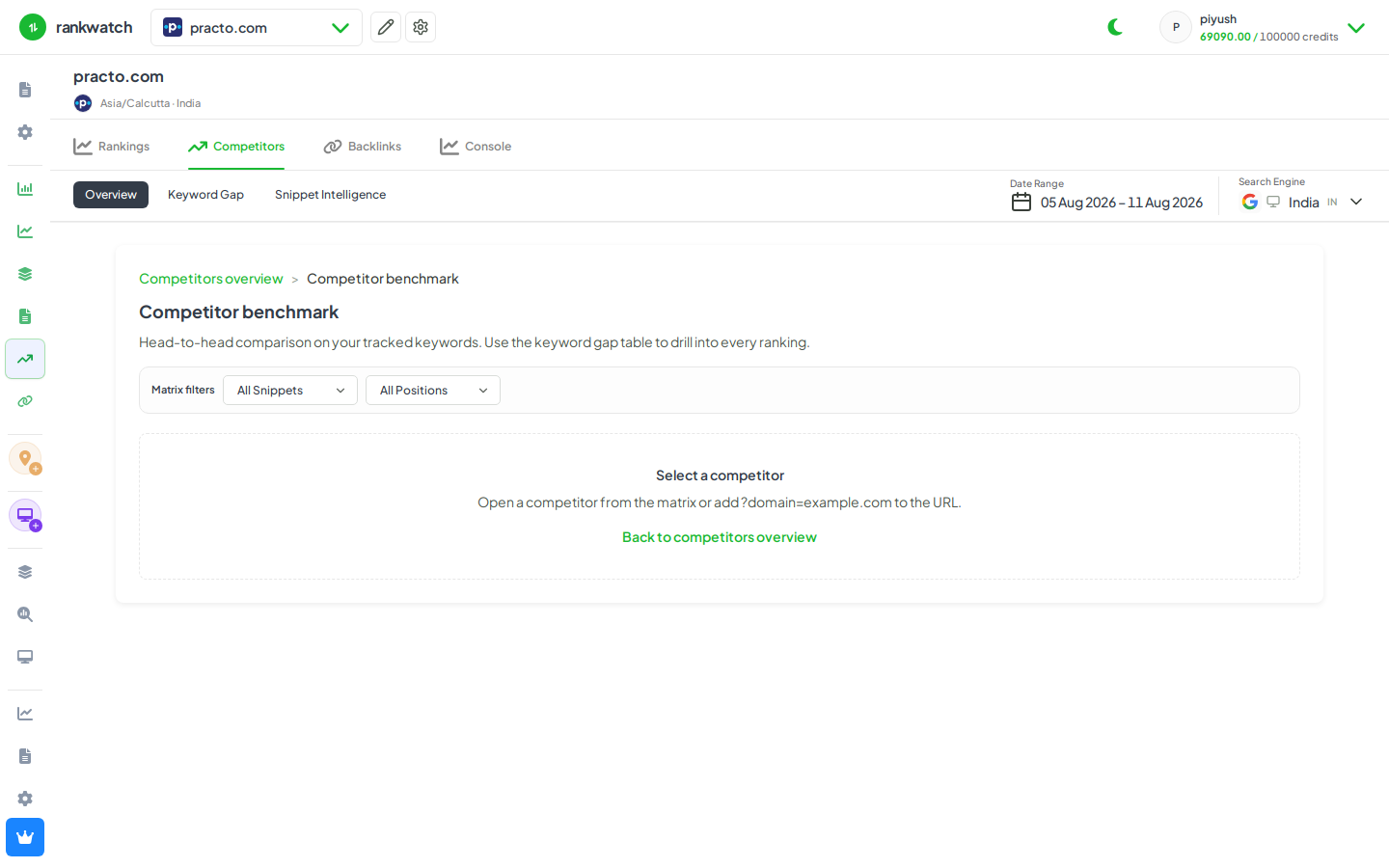
Use Competitor Benchmark to compare share of voice and ranking distribution against selected rival domains.
Benchmark summarizes how you stack against selected competitors on the tracked keyword set — SOV-style comparison and distribution, not a full site crawl of the rival.
Steps
- Open Projects → project → Competitors → Benchmark.
- Choose the search context, date range, and competitor domains.
- Compare scorecards (visibility / SOV-style metrics and rank distribution) across your domain and rivals.
- Drill into keywords where a competitor leads when the UI offers row or chart drill-down.
- Capture two or three talking points for the client brief (gains, losses, one competitor threat).
Outcome
You have a side-by-side competitive snapshot for the tracked set. See Competitor Benchmark explained.