
How to read and act on keyword gap
Use Keyword Gap to find terms competitors rank for that you do not (or rank worse) and turn them into content or tracking actions.
Keyword Gap compares your tracked rankings against selected competitor domains. Use it to build a content or tracking backlog — not as a raw dump of every competitor keyword.
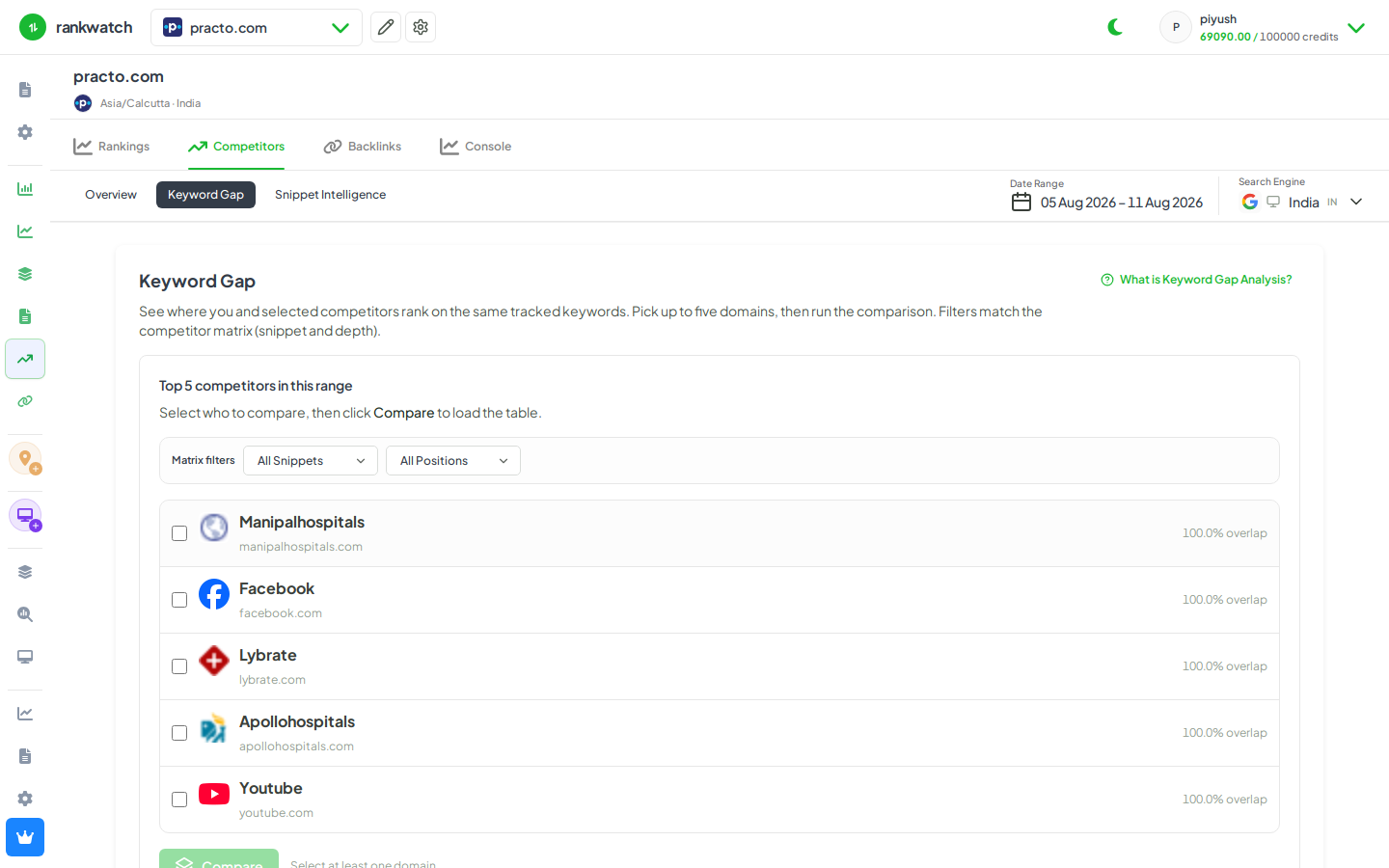
Steps
- Open Projects → project → Competitors → Keyword Gap.
- Select the search context and the competitor domains to compare (must already be on the project competitor list).
- Filter for opportunities: competitors ranking while you are unranked / lower, high volume, or relevant tags/topics.
- Export or note the top opportunities; add high-intent terms to Rankings if they are not tracked yet (Add keywords).
- Assign content or page fixes outside RankWatch; re-check gap after the next crawl cycle.
Outcome
You have a prioritized gap list tied to live tracked SERPs. Concepts: Keyword Gap explained.