
How to use snippet intelligence
Review Snippet Intelligence to see which SERP features and snippet types competitors win on your tracked keywords.
Snippet Intelligence highlights SERP feature / snippet-type presence across you and competitors on tracked keywords — useful when rivals win featured snippets, FAQs, or other rich results.
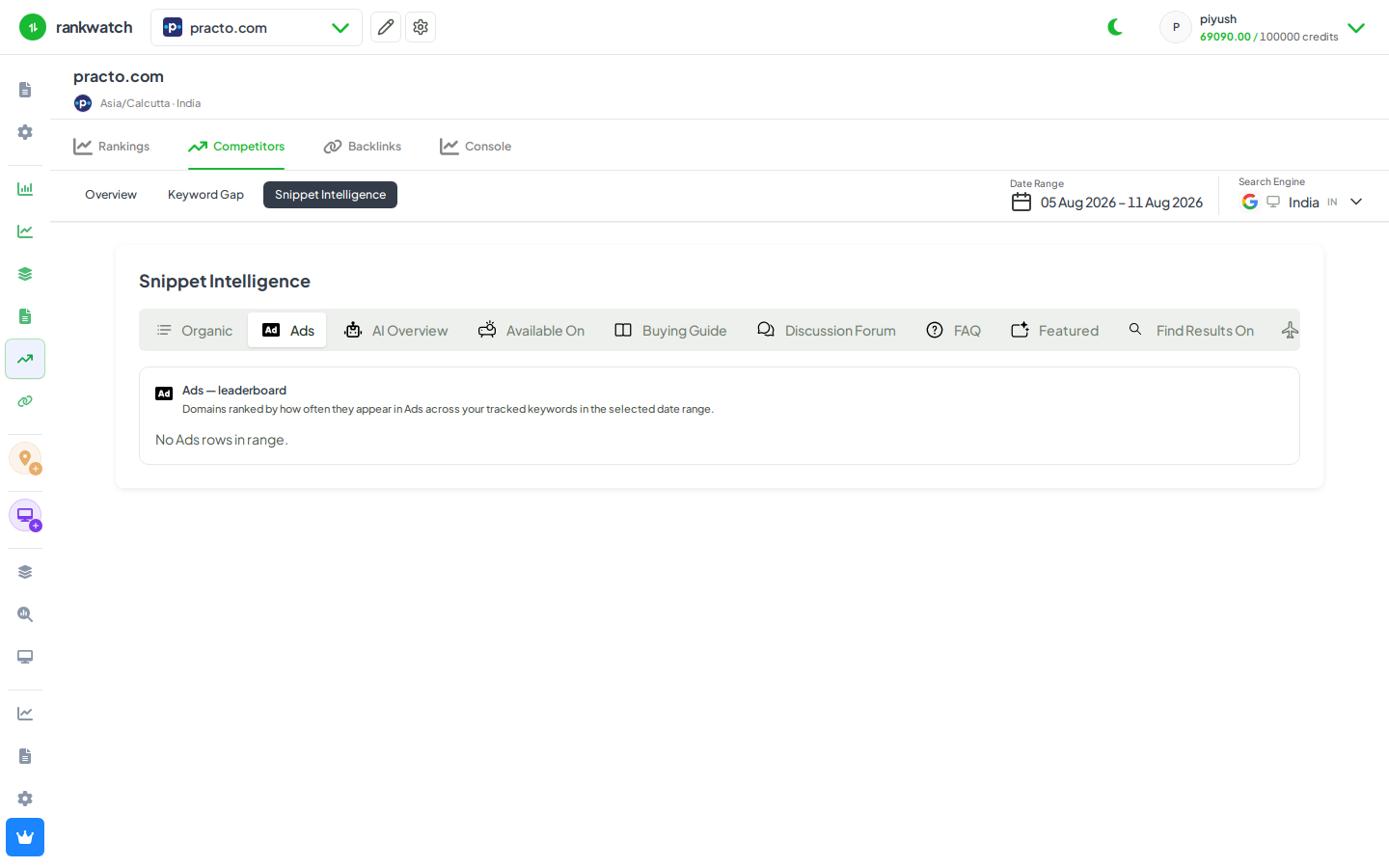
Steps
- Open Projects → project → Competitors → Snippet Intelligence (or the snippets competitive view in Competitors).
- Select context, date range, and competitors.
- Identify snippet types where competitors appear more often than you.
- Open example keywords from those rows and inspect Keyword detail / SERP snapshot for the winning format.
- Plan content or structured-data changes outside RankWatch; recheck after publish.
Outcome
You know which snippet types to chase on high-value keywords. Reference: Snippet Intelligence explained.