
How to set organization agency colors, logos, and site title
Set organization agency colors, logos, and site title for RankWatch whitelabel branding (org owner).
Prerequisites
- Organization owner; whitelabel package feature when gated
Whitelabel branding is org-owner and may be package-included. Configure colors, logos, and site title so client portals feel like your agency.
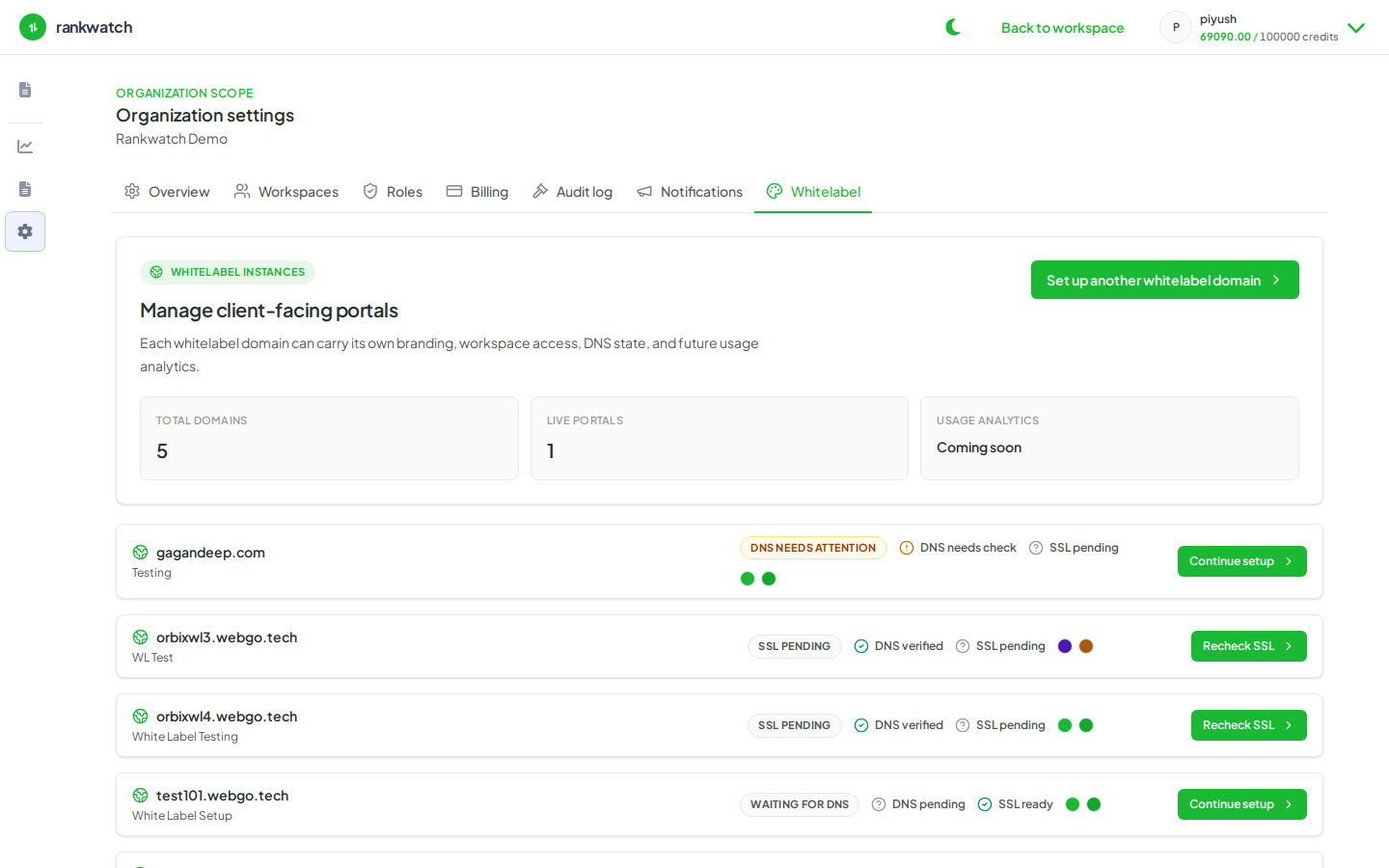
Steps
- If the Whitelabel tab is missing — check Billing.
- Open Organization settings → Whitelabel.
- Upload logos and set primary colors / site title for the agency portal experience.
- Save and preview on a whitelabel hostname if one is already mapped.
- Align PDF report branding presets so downloads match the portal (align report branding).
Outcome
Client-facing app chrome uses your agency brand. DNS/SSL mapping is a separate step if you use custom domains.