
How to use Overview to brief a stakeholder in five minutes
Use the SEO Overview period dashboard — visibility, movement, movers, and what changed — to brief a stakeholder without dumping the Rankings table.
Prerequisites
- Project with SEO tracking and keyword read access
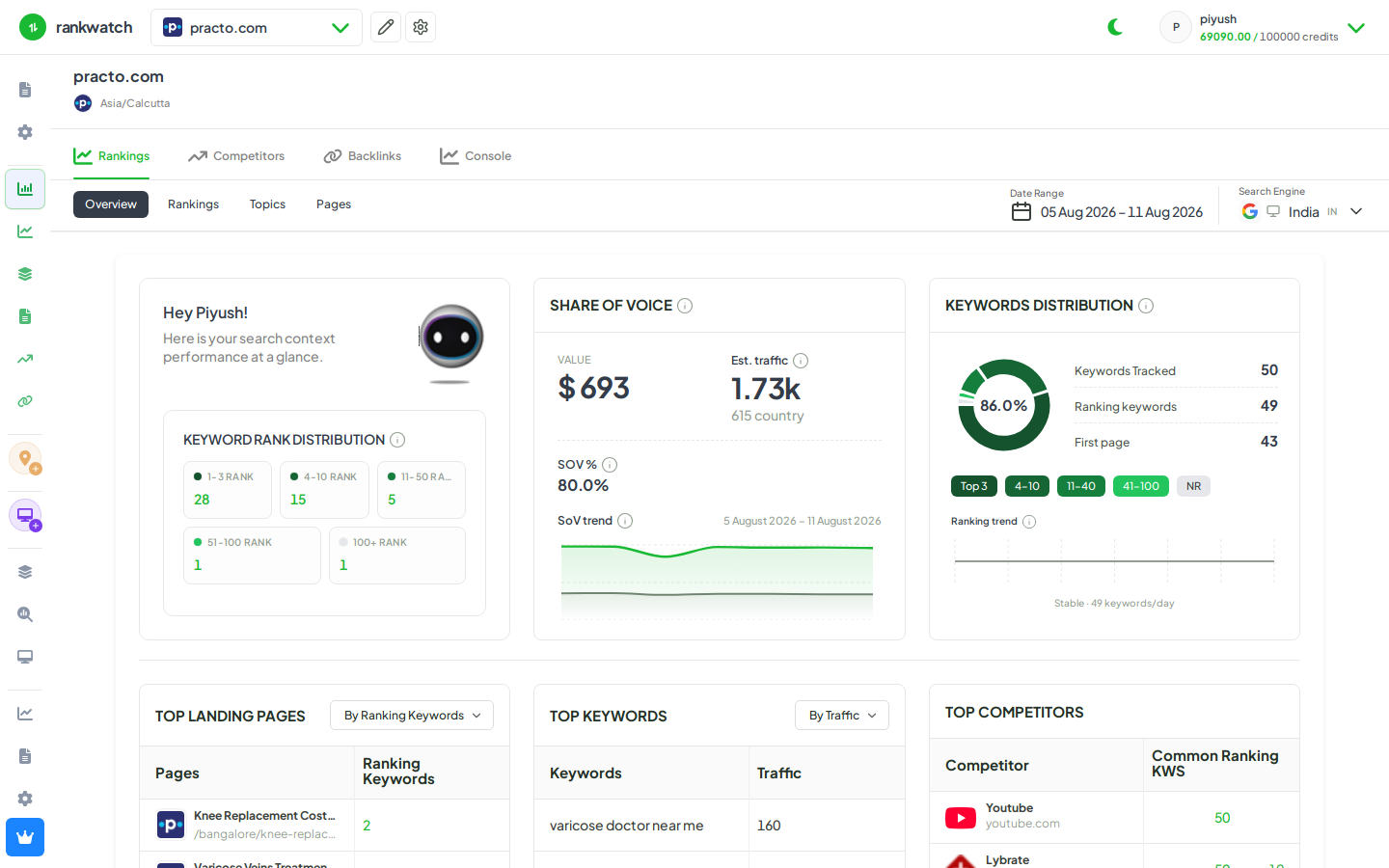
SEO Overview is the fastest stakeholder brief for a date range: share of voice, who moved, and which keywords carried the period — then Rankings only for the stories that need proof.
Steps
- Open Projects → project → Overview for the search context (or the multi-engine overview if several contexts are selected).
- Set a range of at least four days (for example last 7 or last 28). Shorter ranges hide movement, net change, and movers and show only the latest snapshot.
- Start with Visibility: end share of voice, the point change versus the start, and whether peak or low sits on a date the stakeholder will ask about.
- Read Keyword movement: Improved, Declined, Started ranking, and Lost. These compare the first check with the last check. Click a tile to open Rankings with that filter when you need examples.
- Skim What changed (Look into, Declined, Improved) and Movers by cumulative impact. Switch Declines and Gains. Movers rank by volume-weighted position-days across the whole range, so a keyword that dipped and recovered can still appear.
- Use View all on movers when the table sample is not enough. Rankings opens in aggregated mode for that direction.
- Optionally name one landing page, competitor, or snippet from the cards below the fold before you leave Overview.
Outcome
You can brief with period-level movement in minutes. Definitions: SEO Overview metrics.