
How to find keywords that dropped out of the top 10 this week
Filter Rankings for keywords that left positions 1–10 in the selected week so you can triage recoveries fast.
Prerequisites
- Project with SEO tracking and keyword.read / keyword.update as needed
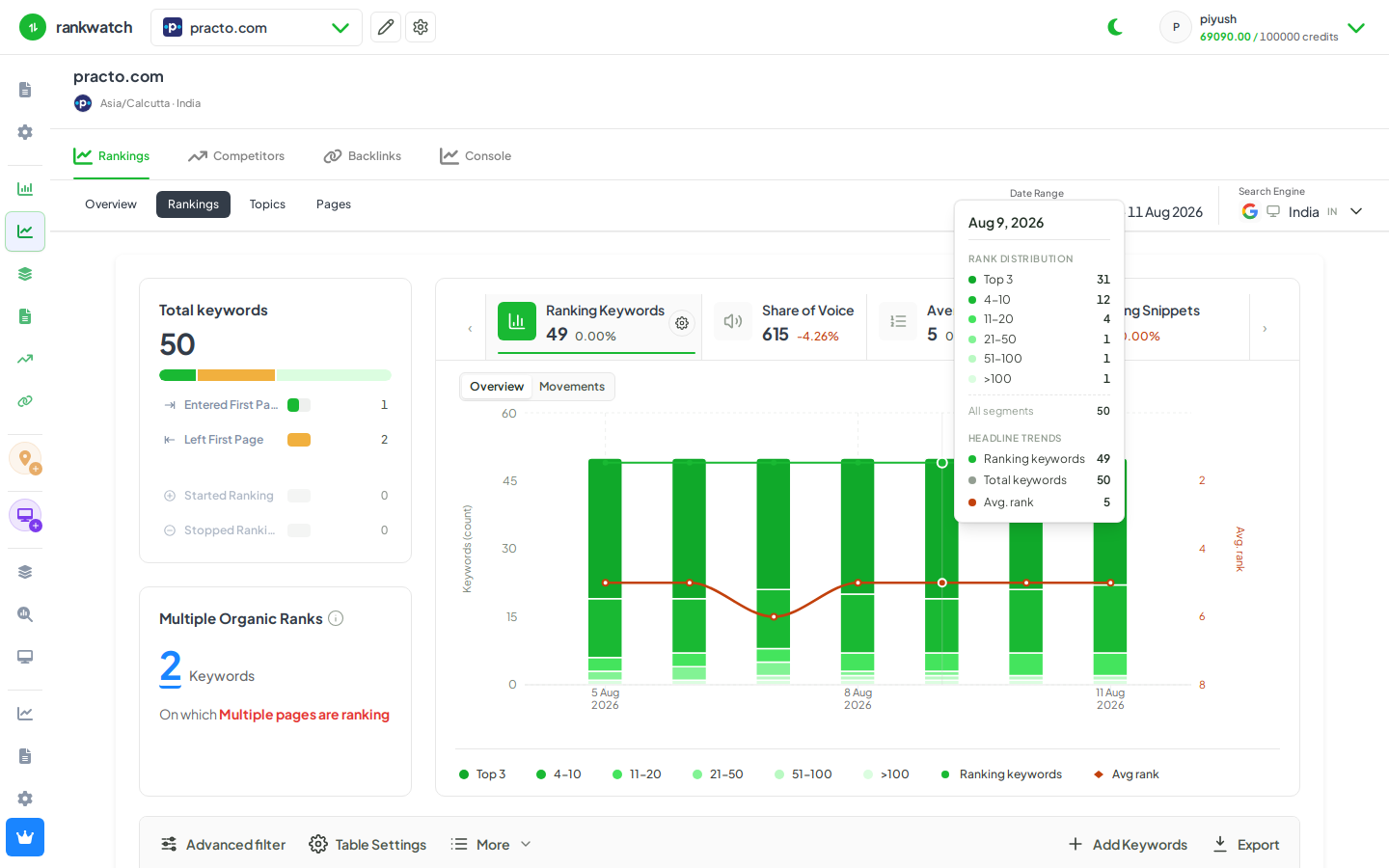
Use Rankings filters (and Overview movement) to isolate keywords that fell out of the first page in the last week — the highest-signal weekly ops pass.
Steps
- Open Projects → project → Overview. Note Declined / first-page movement for the last 7 days, or go straight to Rankings.
- On Rankings, set the date range to the past week (or your compare window).
- Open Advanced filter (or rank-band / movement filters): target keywords that were in 1–10 and are now 11+ (or use the declined-from-top-10 preset if present).
- Sort by position change or search volume so high-value losses float up.
- Open keyword detail for the top losses, then tag or assign owners outside RankWatch as needed.
Outcome
A filtered list of first-page losses for the week. Pair with Overview scorecards for the stakeholder summary.