
How to use Pages rankings to spot landing-page cannibalization
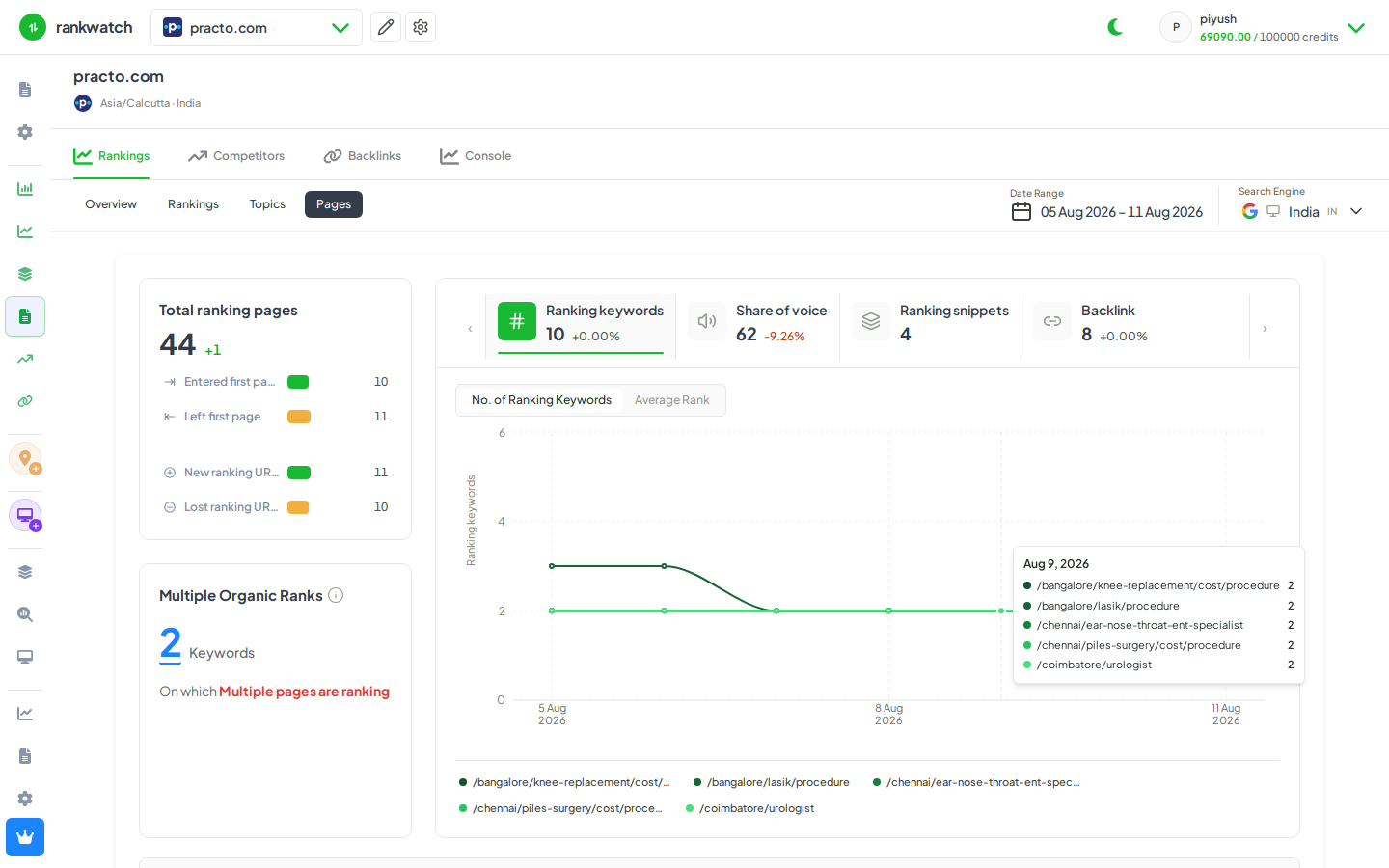
Use the Pages rankings view to find URLs competing for the same keywords or unstable ranking URLs.
Prerequisites
- Project with SEO tracking and keyword.read / keyword.update as needed
Pages aggregates rankings by landing URL. Use it when multiple URLs rank for related terms, or when Keyword detail shows the ranking URL flipping between pages.
Steps
- Open Projects → project → Pages for the search context.
- Sort or filter by keyword count, estimated traffic, or unstable movement.
- Open a page that ranks for many keywords or that recently lost share; review which keywords land on that URL.
- Cross-check suspicious keywords in Rankings / Keyword detail — look for ranking URL changes day to day.
- Decide consolidations (canonical, redirects, content merge) outside RankWatch; keep tracking both URLs until the SERP settles.
Outcome
You have candidate cannibalization pairs (URL ↔ keywords). Metric meanings: Pages and landing URL rankings.