
How to use advanced filters on rankings tables
Build and apply advanced filter rule groups on RankWatch Rankings (and related SEO tables) for precise keyword slices.
Prerequisites
- Project with SEO Rankings data
- keyword.read (or analysis read) on the workspace
Use Advanced filter when column quick filters are not enough — for example rank bands, movement, snippet presence, or multi-condition AND/OR groups. Server-backed Rankings tables apply the committed rule group as table_filter.
Steps
- Open Projects → project → Rankings.
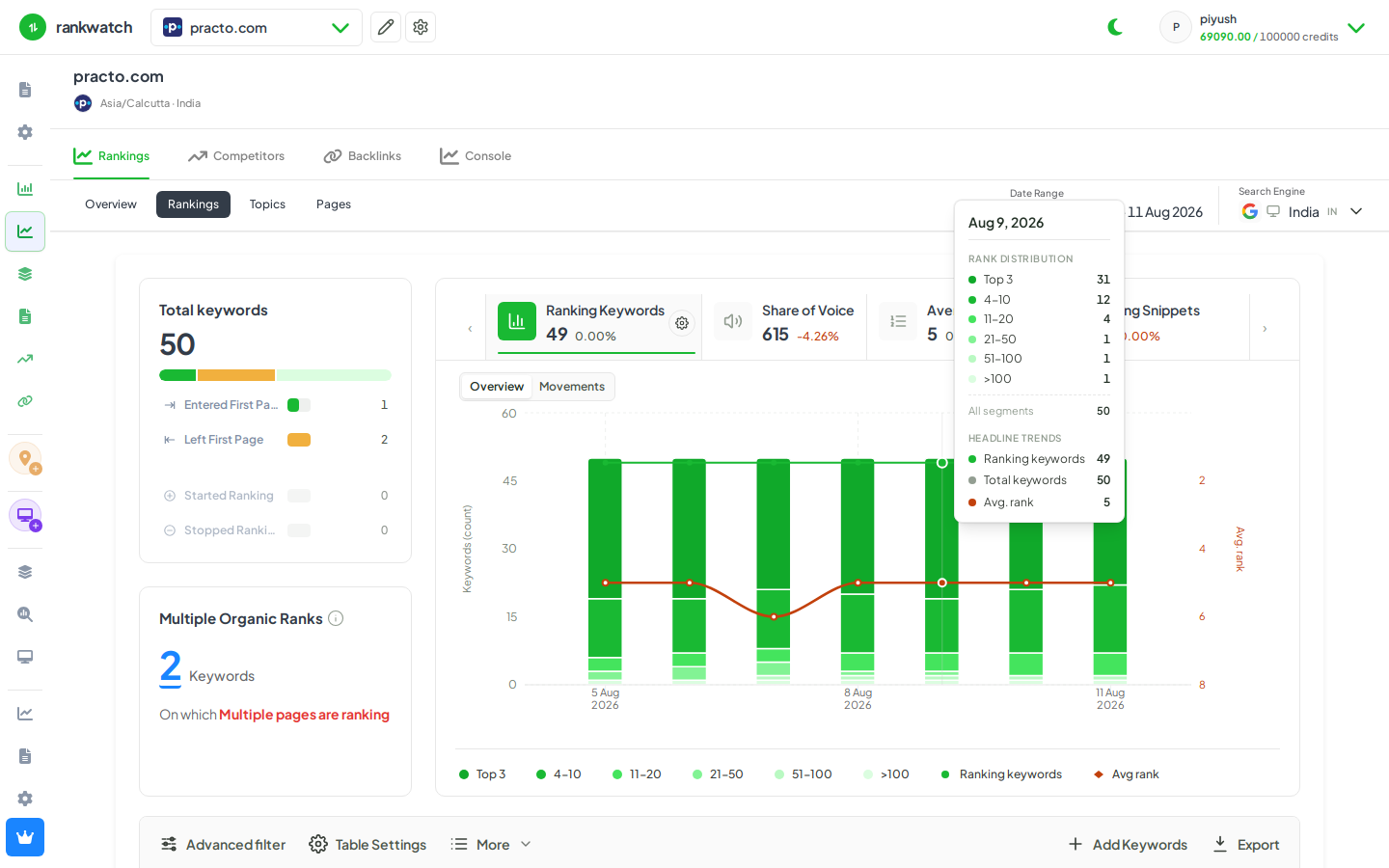
- On the table toolbar, open Advanced filter (leading control, before Table Settings).
- Build a rule group: pick fields (rank, keyword, tags, snippets, etc.), operators, and values. Nest AND/OR groups when you need compound logic.
- Apply / commit the filter. The table refetches with the server filter; pagination totals reflect the filtered set.
- Adjust Table Settings for column visibility if a field you need is hidden, then refine the filter.
- Clear the advanced filter when you are done, or keep the URL so teammates open the same filtered view.
Outcome
You see only keywords that match the rule group — useful for “top 10 losses,” unranked opportunities, or tagged campaign slices. Overview scorecard drills often land here with a pre-built filter; do not clear it until you understand the drill intent.