
Projects, search engines, and trackings explained
How RankWatch projects, search-engine contexts, and keyword trackings relate — and where credits are charged.
RankWatch organizes work as organization → workspace → project → search engine (context) → tracking. Understanding this hierarchy makes Overview, Rankings, and credit usage easier to read.
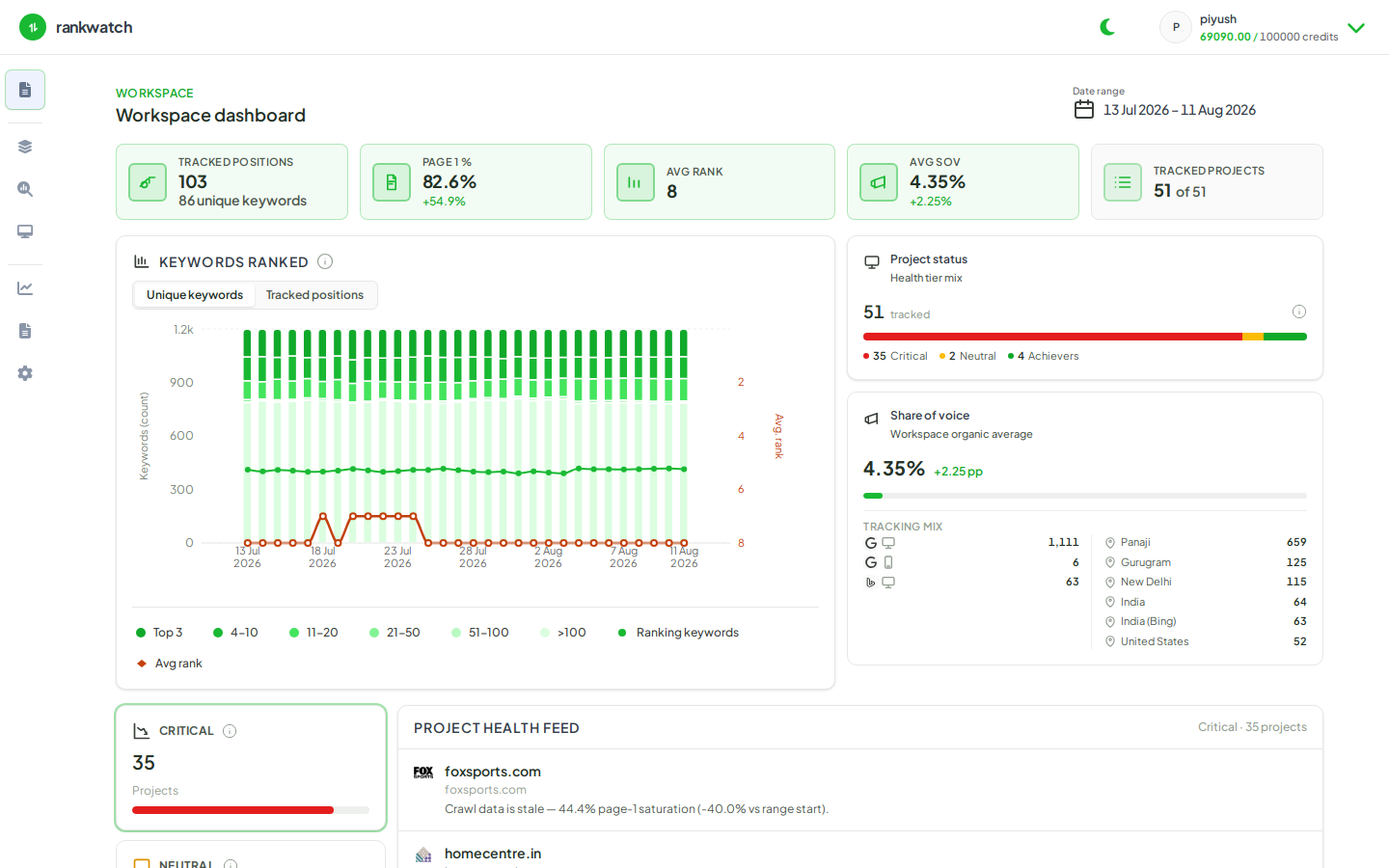
Project
A project is the domain or brand you manage day to day inside a workspace. You create it from New project (/projects/new), choose objectives (SEO search visibility; AI visibility when your package includes it), then configure engines, locations, and keywords.
Local visibility is not available yet in the customer product.
Search engine (search context)
A search context is one tracked combination of search engine, device, and location (and related settings such as schedule, result depth, and whether subdomains count). Product routes look like:
/projects/:id/search/:contextId/...
Examples: Google desktop in London; Bing country-level desktop. Google supports city/region; Bing and Yahoo are typically country-scoped. You can attach multiple contexts to one project and switch them from the project nav.
Tracking
A tracking is one keyword (SEO) or prompt (AI) scheduled under a search context. Each completed rank run consumes credits based on that context’s unit cost. Schedules include daily, weekly, monthly, or single run.
How they connect
| Layer | What you configure | What you read |
|---|---|---|
| Project | Domain, name, competitors, alerts | Workspace dashboard row |
| Search context | Engine, location, device, cadence | Overview / Rankings / Pages for that context |
| Tracking | Keyword or AI prompt | One table row + credit ledger line on completed runs |