
Credits, packages, and usage at a glance
How RankWatch packages, credits, and feature limits work together — and where to check org vs project usage.
Your plan sets which products are on and the numeric limits. Monthly credits and one-time packs pay for completed tracking runs and some workspace tools. Either a missing product or an empty balance can block an action.
Packages
The plan defines what the organization can use: SEO trackings, optional AI Visibility, tool features, seats, max projects, max active trackings, max AI prompts, competitor limits, and more. Owners review it under Organization Settings → Billing → Overview, and change monthly credits or add-ons under Plan.
See Plans, products, and feature limits explained.
Credits
Each search or AI context has a unit cost (pricing × crawl/result depth). Credits are charged when a scheduled run completes. Workspace tools such as Brand Prompt Generator also consume configured credit amounts when run from the signed-in app.
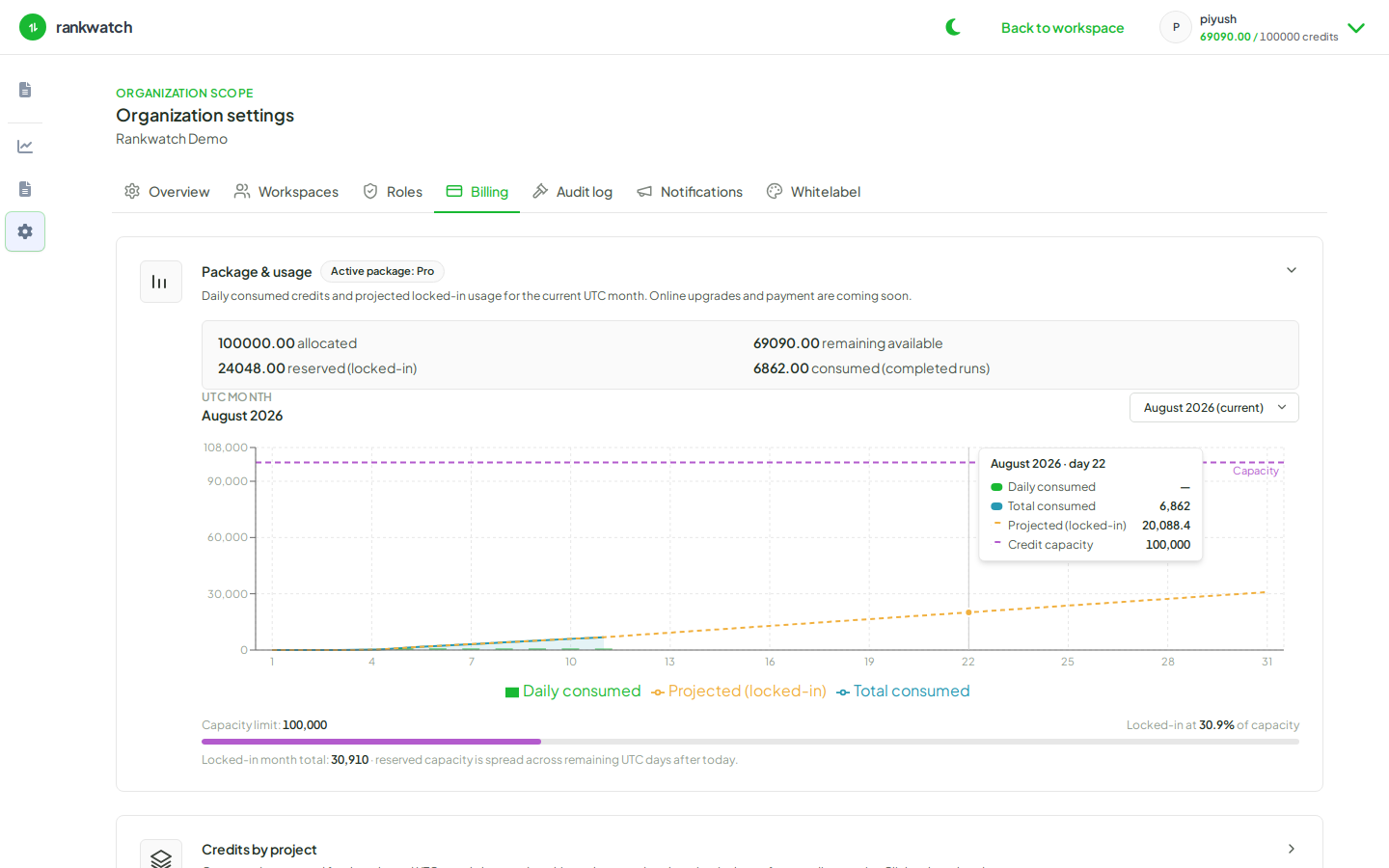
Credits this period is the monthly allowance (the line under it is what remains). Pack balance is a one-time reserve and is used after included credits. Hitting zero available credits stops new chargeable runs even if the product is still on the plan. Owners raise the monthly amount with Change plan, or buy a pack on Buy credits.
Where to check usage
| View | Path | Shows |
|---|---|---|
| Organization | Org Settings → Billing → Overview and Usage | Credits this period, pack balance, credits by project, credits by activity |
| Project | Project Settings → Credit usage | Reserved, consumed, and run ledger for that project |
Guest freemium runs on the marketing site do not use customer org credits.