
How to invite your internal team into a client workspace
Invite internal SEO operators into a specific client workspace with the right workspace role.
Prerequisites
- Permission to invite members into the workspace; suitable custom or pack roles
Internal teammates should join only the client workspaces they staff. Assign a workspace role that matches their job — not org-owner powers.
Steps
- Switch to the client workspace in the header.
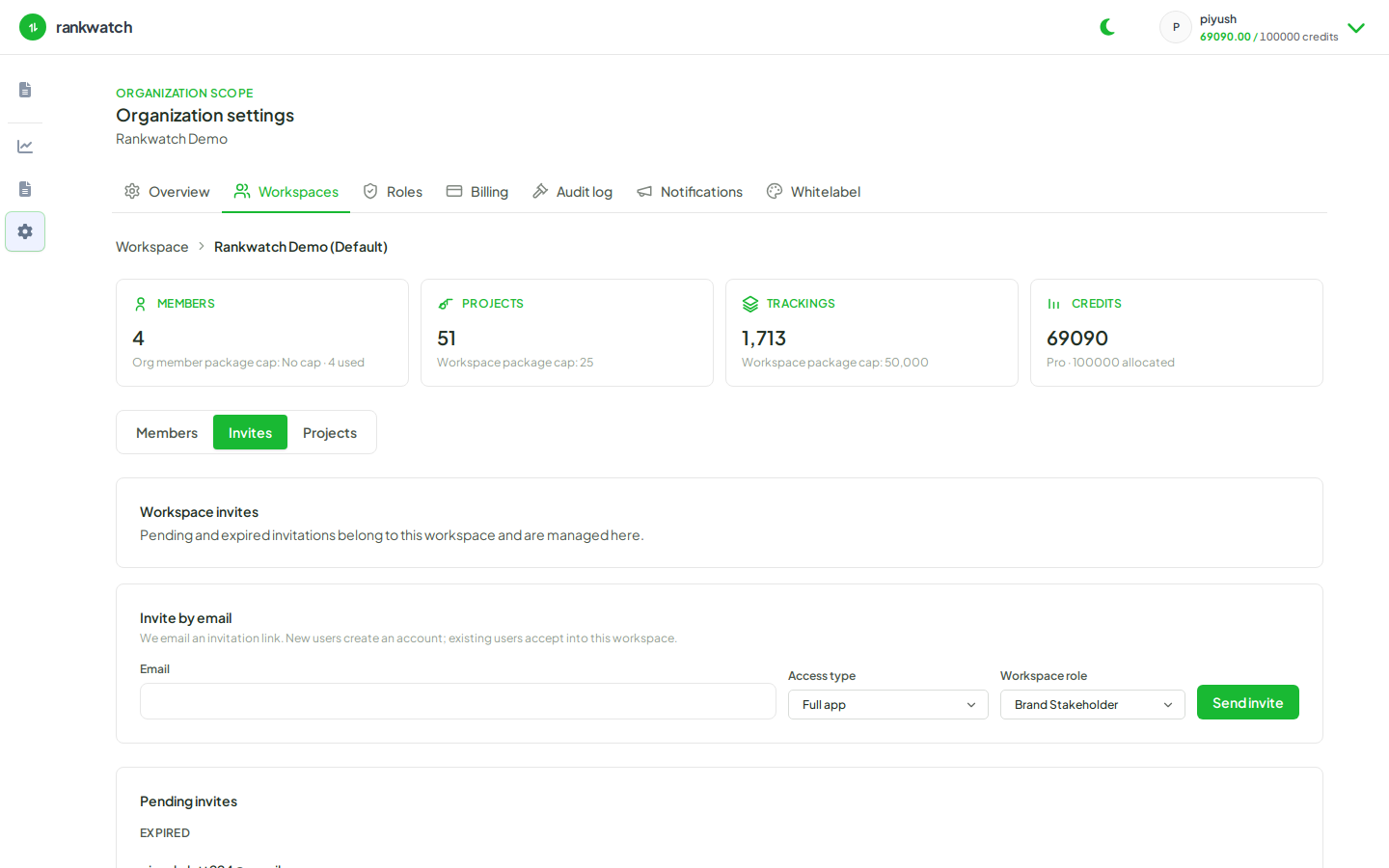
- Open Workspace team (or the invite flow from Organization → Workspaces for that team).
- Invite each operator’s work email and select a workspace role (for example SEO Executive or Agency Manager — not Client Viewer unless they should be read-only).
- Do not grant organization-owner access via workspace roles — billing, Role Management, and org notifications remain org-owner only.
- Ask invitees to accept from their email (accept a workspace invite), then confirm they see the correct projects under Projects.
- Optional: keep the end client off the invite list until dashboards have data, then use a read-only role.
Outcome
Internal operators can work in the client workspace with the permissions of their assigned role, without seeing other clients’ workspaces they were not invited to.