
How to build a Reporting Specialist role (schedules and downloads)
Build a Reporting Specialist workspace role focused on schedules and report downloads (org owner).
Prerequisites
- Org owner access to Role Management
Reporting specialists should generate, schedule, and download reports without deleting history or touching billing.
Steps
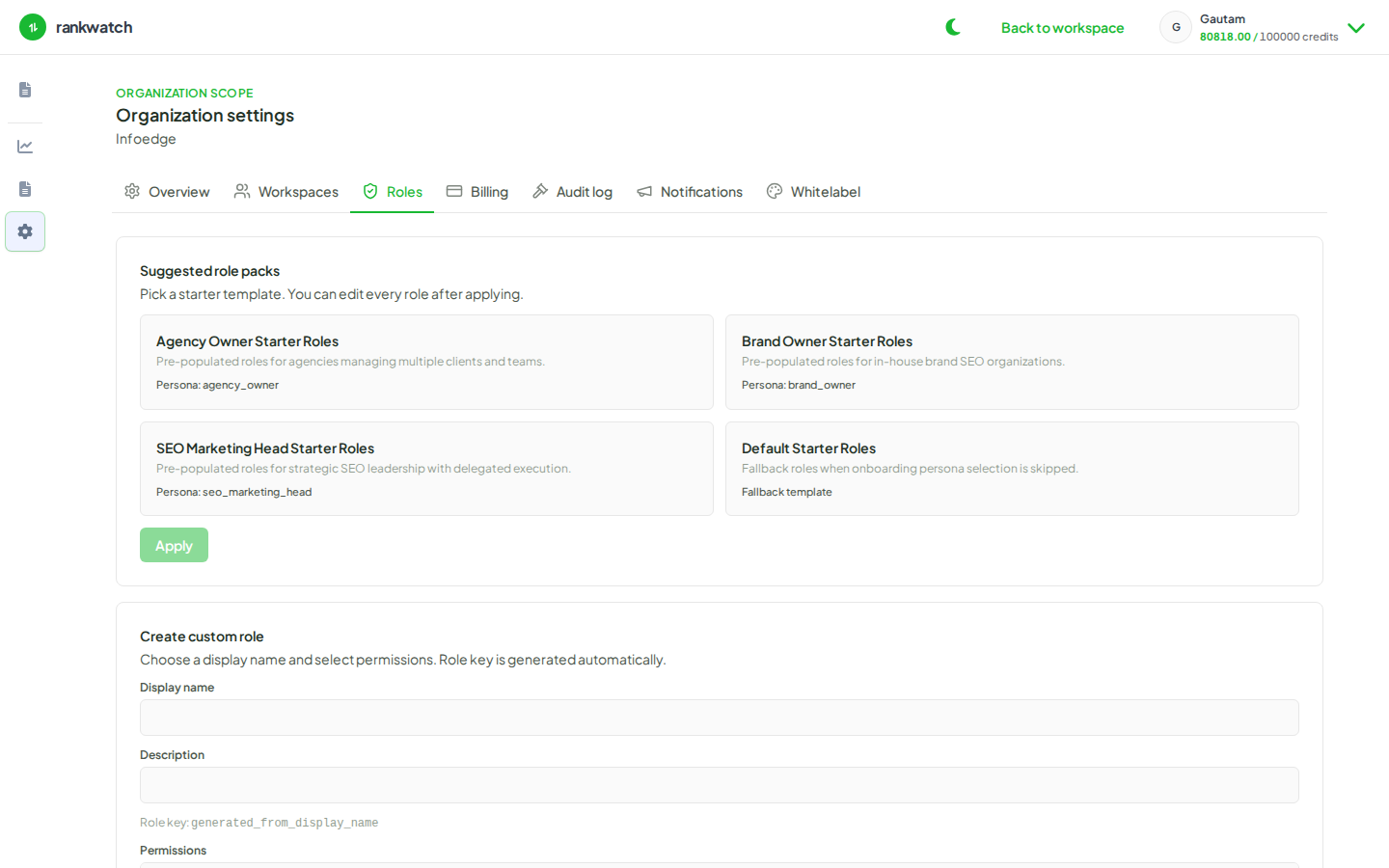
- Open Organization settings → Roles and create Reporting Specialist.
- Grant report read, generate/schedule permissions your catalog exposes for ready templates.
- Intentionally omit report delete (and other destructive keys) unless you truly want cleanup rights — see schedule without delete.
- Add enough project read so they can scope reports to the right projects.
- Omit keyword write, GSC configure, and organization-owner controls.
- Save and assign when inviting or changing members.
Outcome
Specialists can deliver client PDFs and schedules without broad destructive or billing access.