
How to review organization and workspace audit logs for access changes
Review organization audit logs for role, invite, and access changes (org owner).
Prerequisites
- Organization owner
Use the org Audit log after access incidents or during periodic reviews of invites and role edits.
Steps
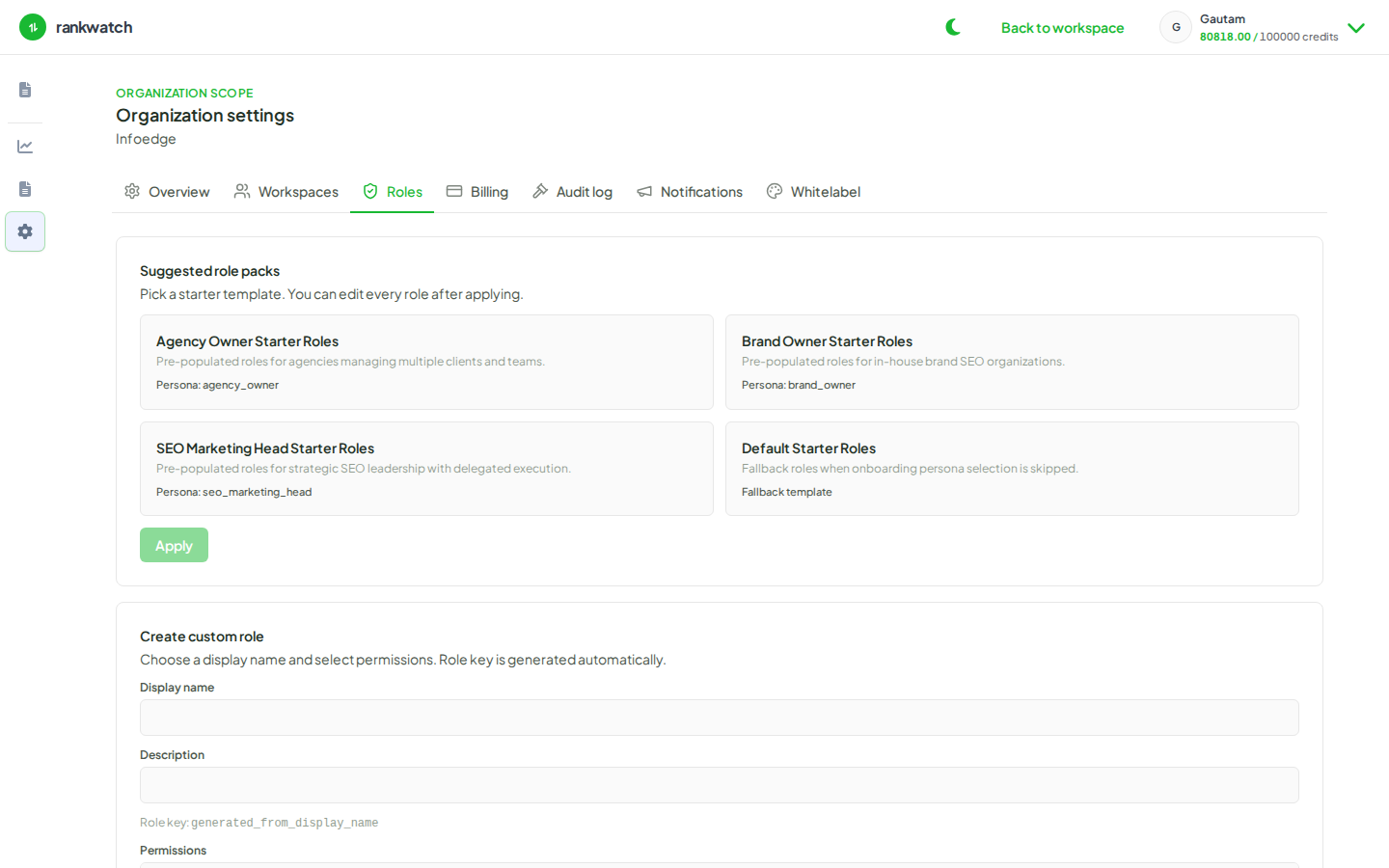
- Sign in as org owner and open Organization settings → Audit log.
- Filter or scan for role changes, invites, membership updates, and other access events in the relevant time range.
- Cross-check suspicious events against Roles and each workspace’s Team list.
- Revoke or correct access that should not exist; document the incident for your agency process.
- Optional: confirm notification/email delivery was not involved in a phishing-looking invite by checking Notifications → Sent log.
Outcome
You have an evidence trail for who changed access and can remediate quickly.