
How to change a member’s role after they join
Change an existing workspace member’s role after they have accepted an invite.
Prerequisites
- Permission to manage workspace members; org owner for role catalog changes
Use this when someone’s job changes — for example promoting a viewer to SEO Executive — without sending a new invite.
Steps
- Switch to the correct workspace and open Workspace team.
- Find the member in the list.
- Change their workspace role to the new role and save.
- Ask them to refresh or re-open the app, then verify newly granted or revoked actions.
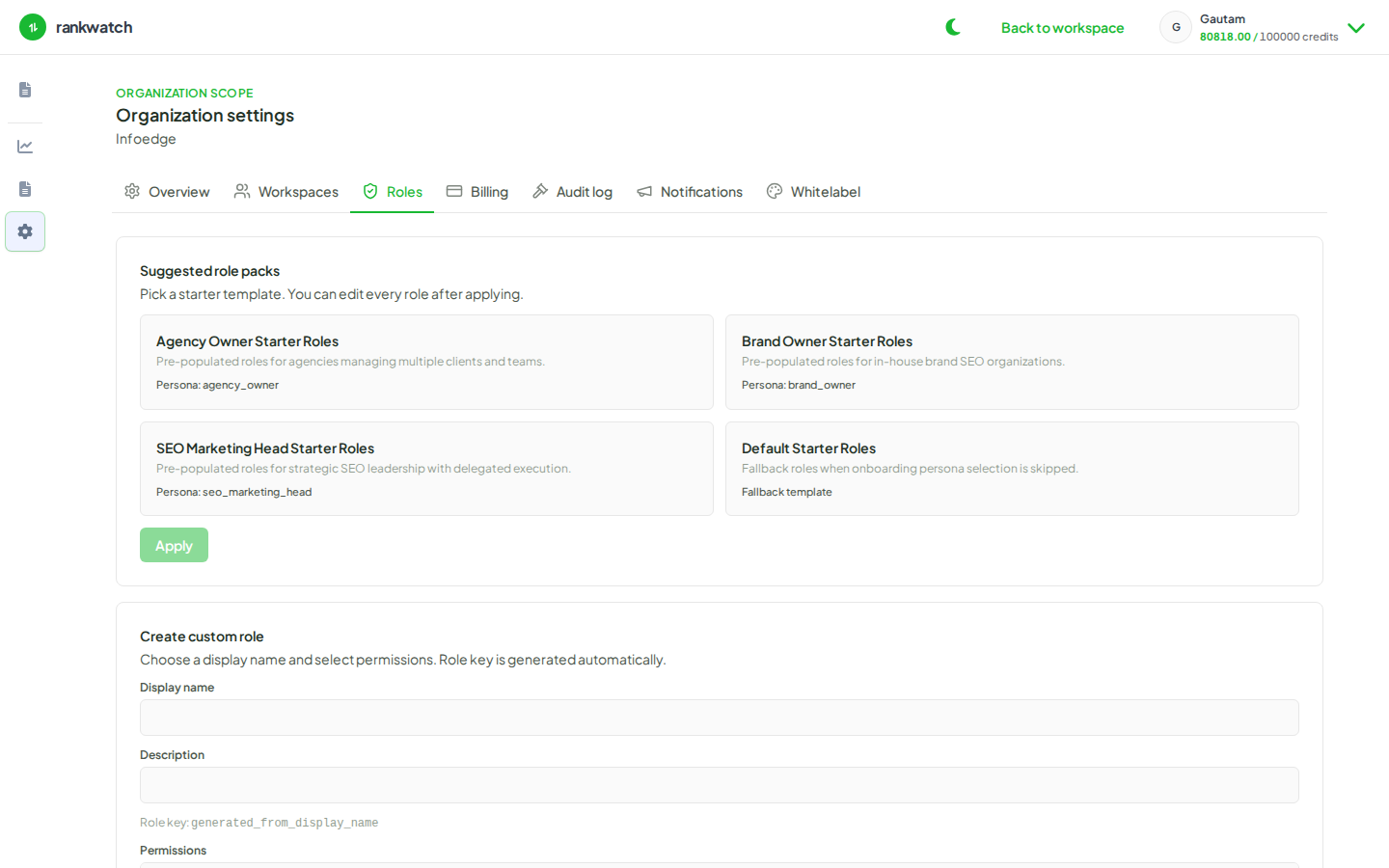
- If the role they need does not exist yet, create or edit it under Roles first (org owner).
- Document the change for your agency ops log if you track access reviews.
Outcome
The member’s effective permissions match the new role immediately for subsequent API checks.