
How to keep client data isolated across workspaces
Keep each client’s projects, members, and reporting isolated by using separate workspaces and careful invites.
Prerequisites
- Organization owner or workspace admins who control invites
Isolation is a membership and workspace design problem: projects never cross workspaces, but people will if you invite them to the wrong team.
Steps
- Use one workspace per client (agency pattern). Do not co-mingle unrelated brands in one project list.
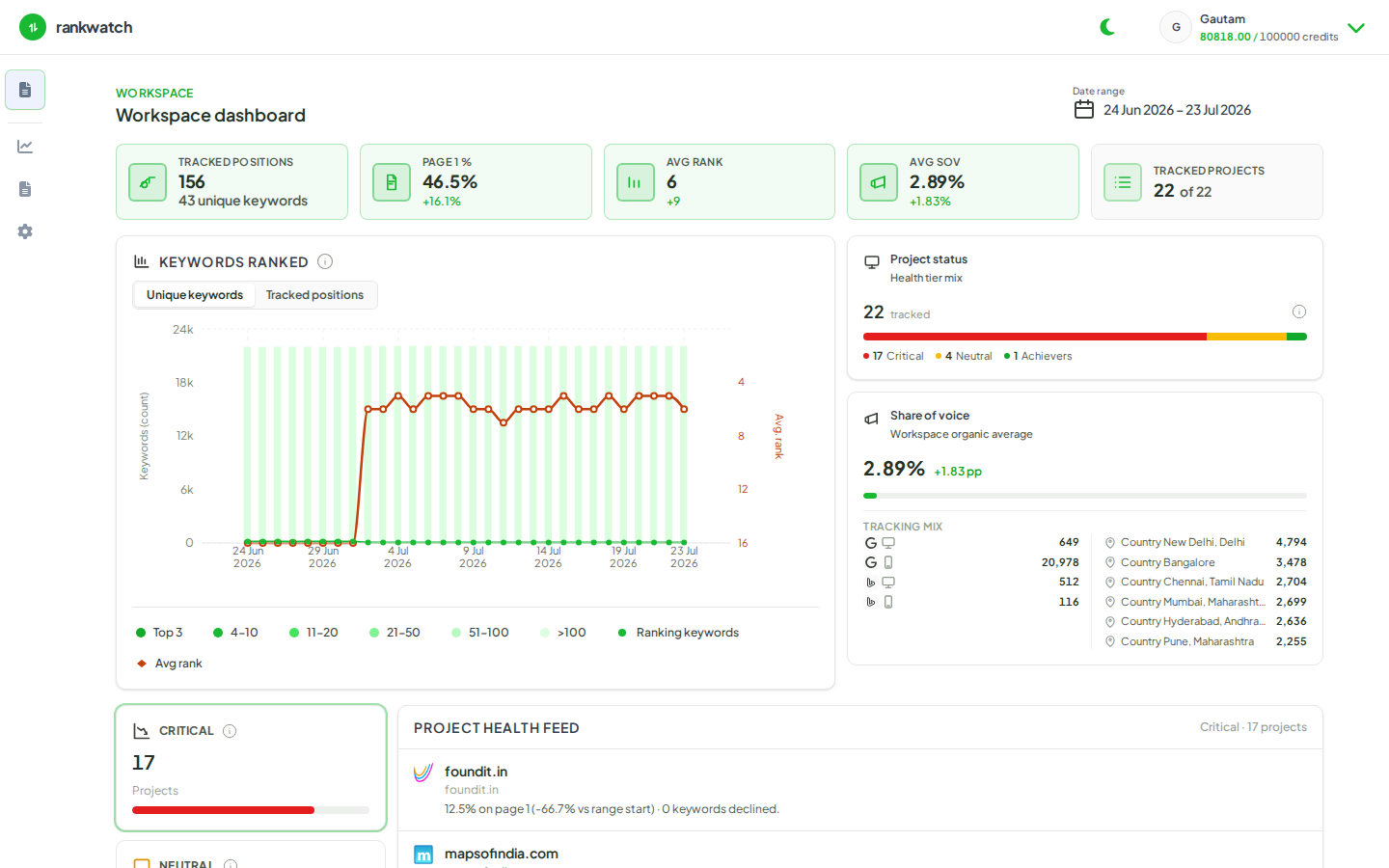
- Before inviting anyone, switch to the target workspace and confirm the header shows the correct client name.
- Invite internal staff only to workspaces they support; invite clients only to their own workspace with a read-only role.
- Never share org-owner credentials with clients. Billing, roles, audit, and notification admin stay org-owner only.
- When generating reports or schedules, confirm the report is created from the correct workspace reporting area.
- Periodically review Organization settings → Workspaces and each workspace’s Team membership for stale invites.
Outcome
Client data remains separated by workspace boundaries. Cross-client leakage is prevented by invite hygiene, not by hoping operators remember which project is which.