
How to create a new workspace for a client
Create an isolated RankWatch workspace for a client under your organization (org owner).
Prerequisites
- Organization owner (Create workspace is an org-owner control)
Agencies should give each client their own workspace so projects, members, and reporting stay isolated while billing stays on one organization.
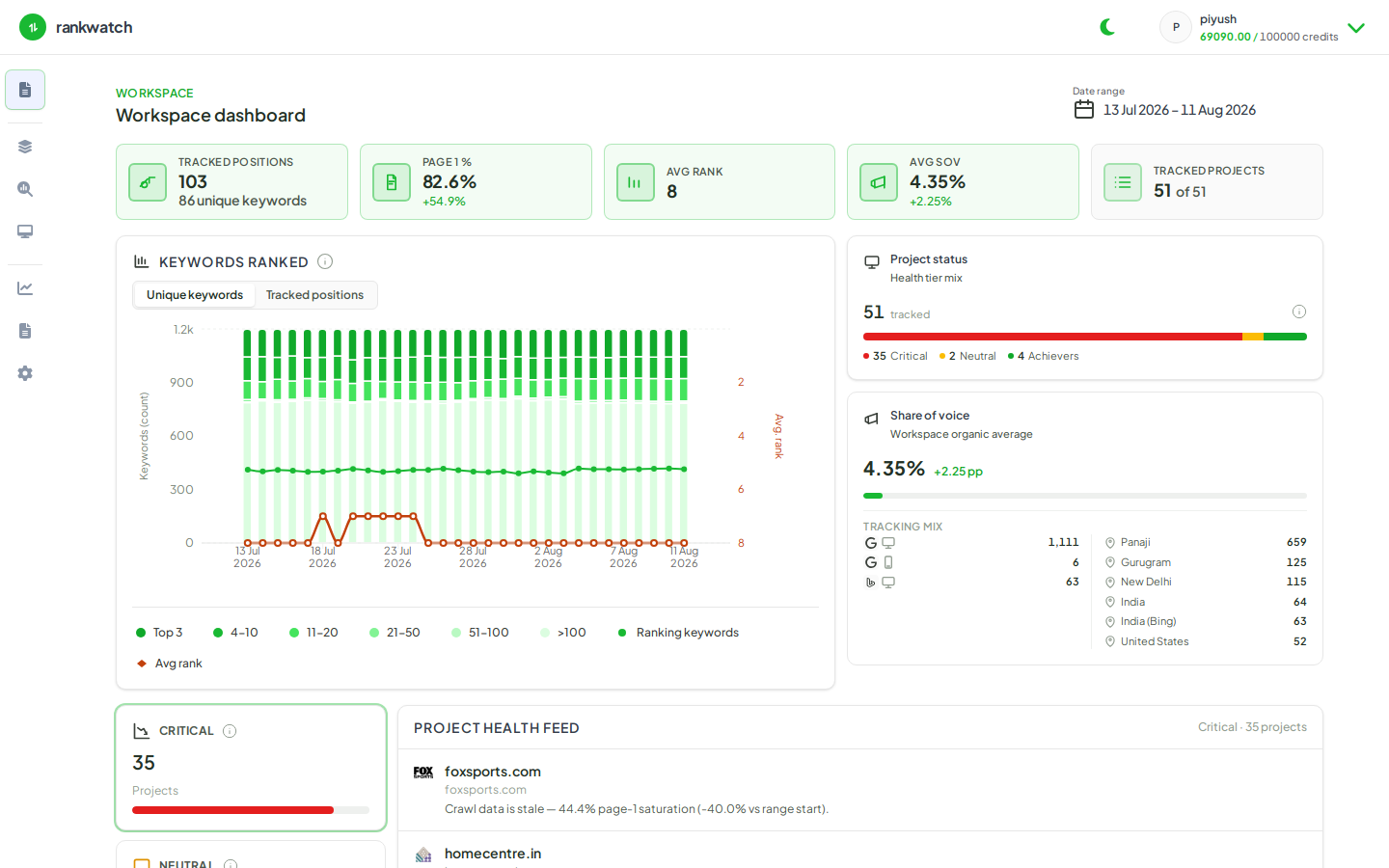
Steps
- Sign in as the organization owner.
- Open Organization settings → Workspaces.
- Under Create workspace, enter a clear client-facing name (for example the client brand), then choose Create.
- Switch to the new workspace with Switch workspace in the header.
- Open Projects and create the client’s first SEO project (create an SEO project). Local SEO create is not available yet.
- Invite internal operators (and later the client with a read-only role) from workspace team / invite flows.
Outcome
The new workspace appears under your organization with its own project list and memberships. Org billing, roles catalog, and whitelabel remain shared at the organization level.