
How to organize one workspace per client (recommended agency pattern)
Run each agency client in its own RankWatch workspace so projects, members, and reporting stay isolated.
Prerequisites
- Organization owner (Create workspace)
The recommended agency pattern is one workspace per client under a single organization. Billing, roles, and whitelabel stay org-wide; client data stays workspace-scoped.
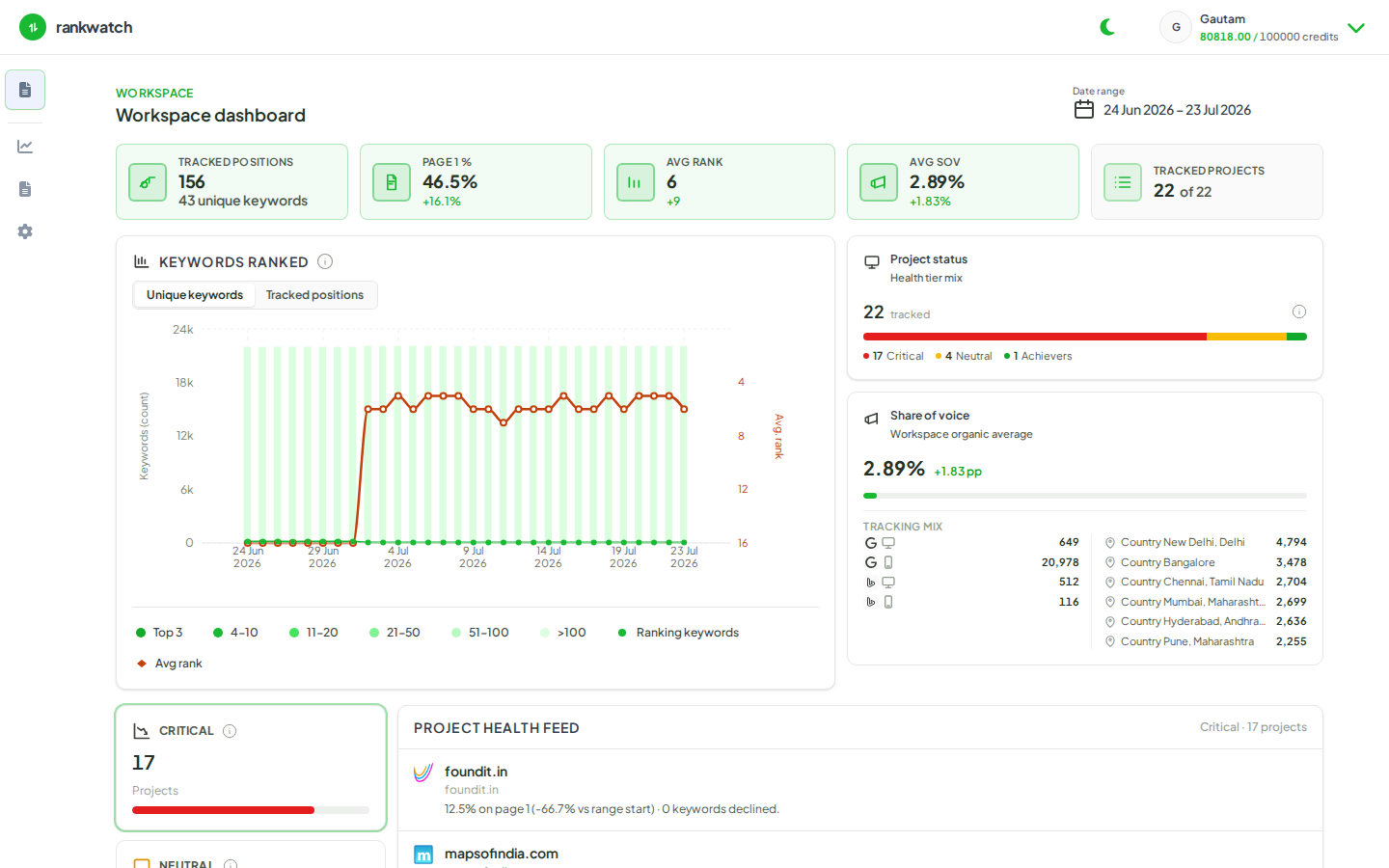
Steps
- As org owner, open Organization settings → Workspaces and list existing client workspaces.
- For each new client, create a dedicated workspace named after the client brand — avoid dumping multiple clients into one workspace.
- Switch into the client workspace and create their SEO project(s). Local SEO create is not available — use Search engine rankings (and AI only if AI Visibility is entitled).
- Invite internal operators into that workspace only. Invite the client later with a read-only Client Viewer role when dashboards are ready.
- Use the header workspace switcher day-to-day; never assume a project list mixes clients across workspaces.
- Optional: map a whitelabel hostname to the client workspace when your package includes whitelabel.
Outcome
Each client has an isolated workspace with its own projects and memberships, while seats, credits, roles, and branding remain managed once at the organization.