
How to review which workspaces exist under your organization
List and review all workspaces under your RankWatch organization as the org owner.
Prerequisites
- Organization owner
Org owners can see every workspace under the organization from Workspaces settings — useful for audits, renaming, and onboarding checks.
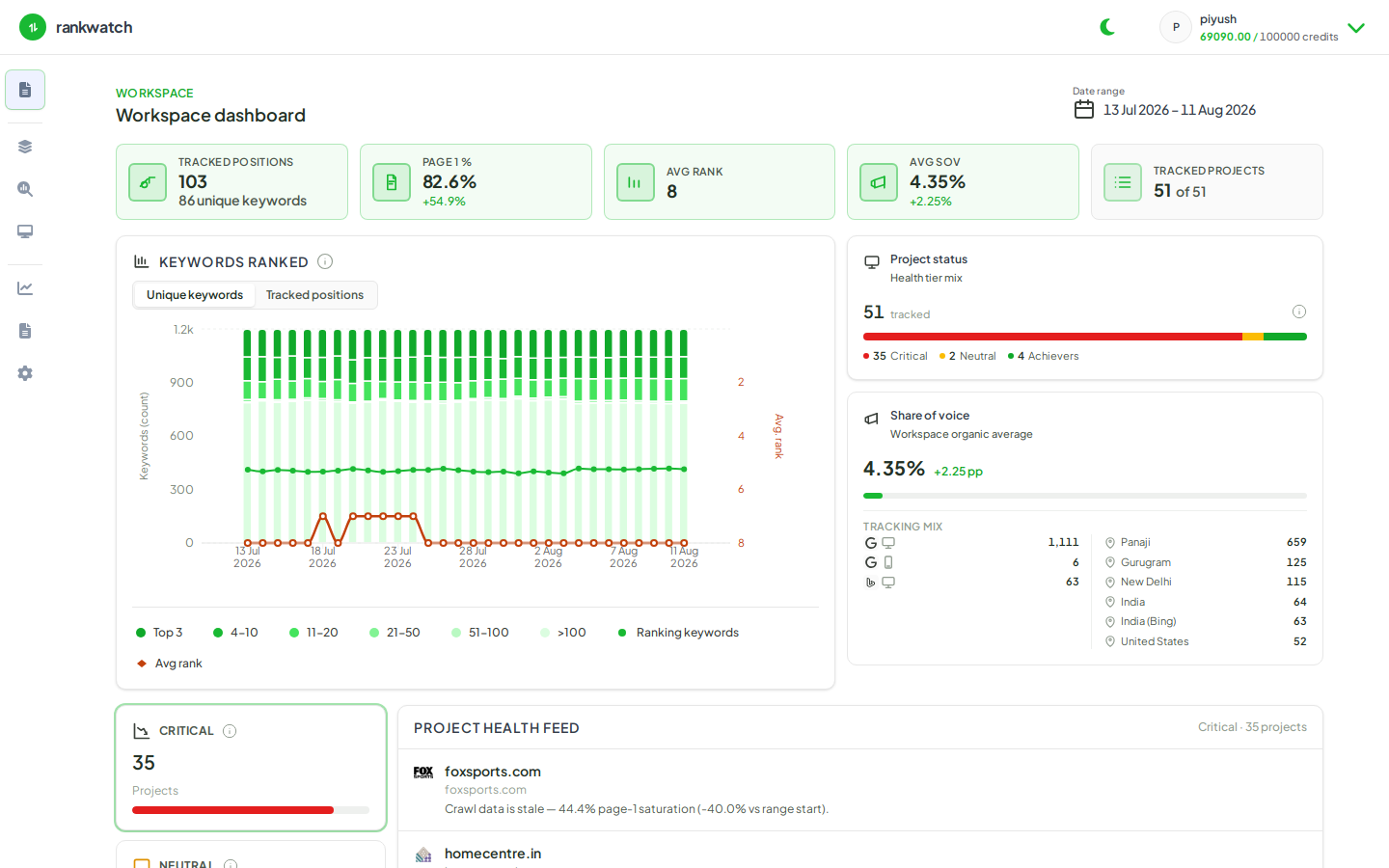
Steps
- Sign in as org owner.
- Open Organization settings → Workspaces.
- Review the full list of workspaces (active and archived if shown). Note naming consistency with client brands.
- Switch into a workspace from the list or header switcher and open Projects to sanity-check contents.
- For membership issues, open that workspace’s Team settings.
- Optional: compare seat usage under Billing if you are near member limits.
Outcome
You have an accurate inventory of client workspaces under the org and know which ones need rename, archive, or membership cleanup.