
How to edit CTR settings for a project
Edit CTR model settings for a RankWatch SEO project used in traffic estimates.
Prerequisites
- Workspace membership with project.create or project.update as required
CTR settings influence estimated traffic/click models on SEO dashboards. Adjust carefully and document agency defaults.
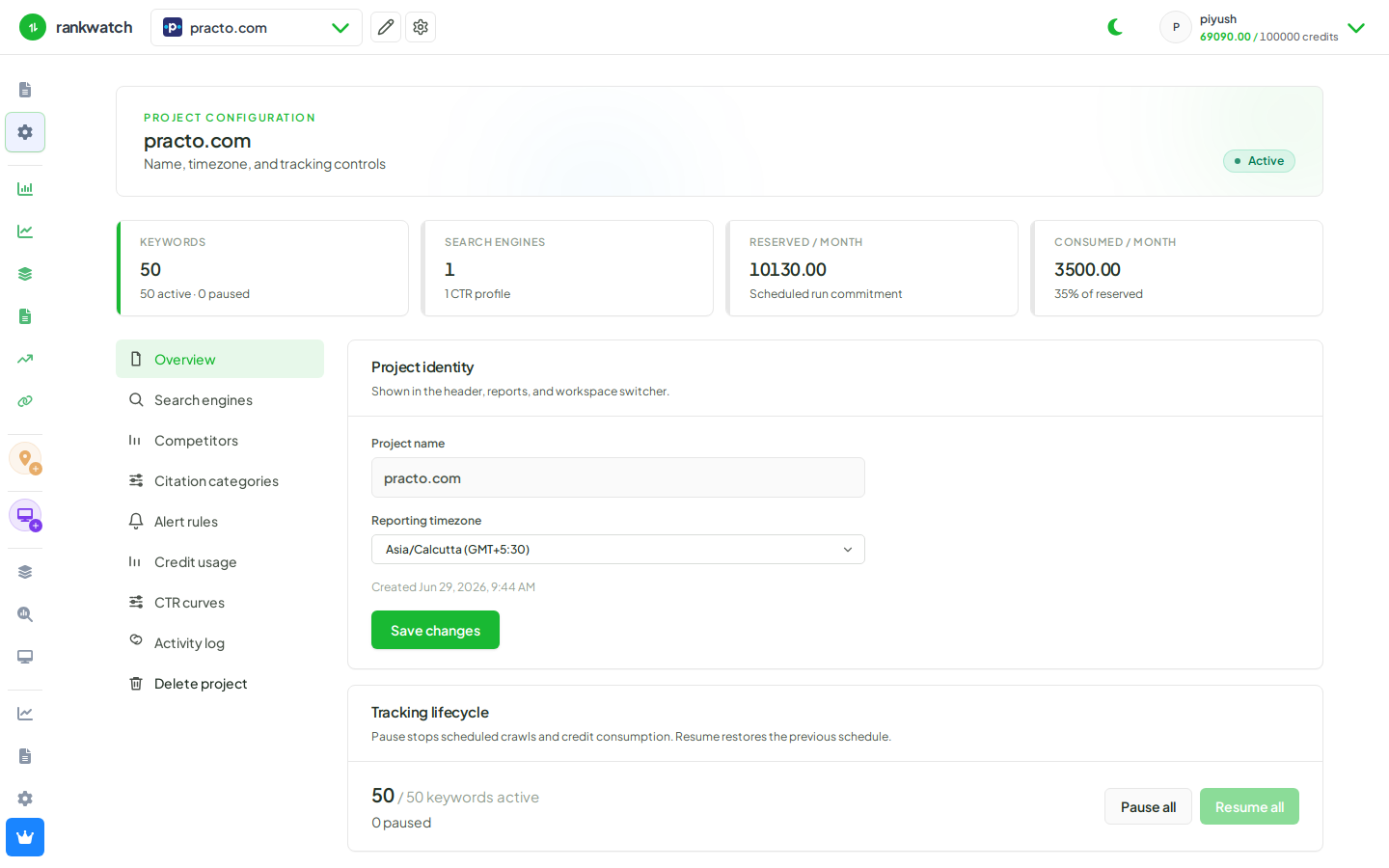
Steps
- Open Projects → project → settings → CTR (or equivalent traffic model settings).
- Review current CTR curve / position weights.
- Edit values to match your agency model or client vertical, then save.
- Refresh Overview / rankings metrics that depend on CTR estimates and confirm the change direction looks sensible.
- Tell stakeholders that CTR settings are modeled estimates — not GSC clicks.
Outcome
Project dashboards that use CTR-based estimates recalculate with the updated settings.