
How to configure project rank alert rules
Configure project rank alert rules so rank moves trigger email notifications.
Prerequisites
- Workspace membership with project.create or project.update as required
- Rank alert permissions on your workspace role
Rank alert rules watch ranking thresholds on the project. Notifications deliver by email only (org channel + personal preferences).
Steps
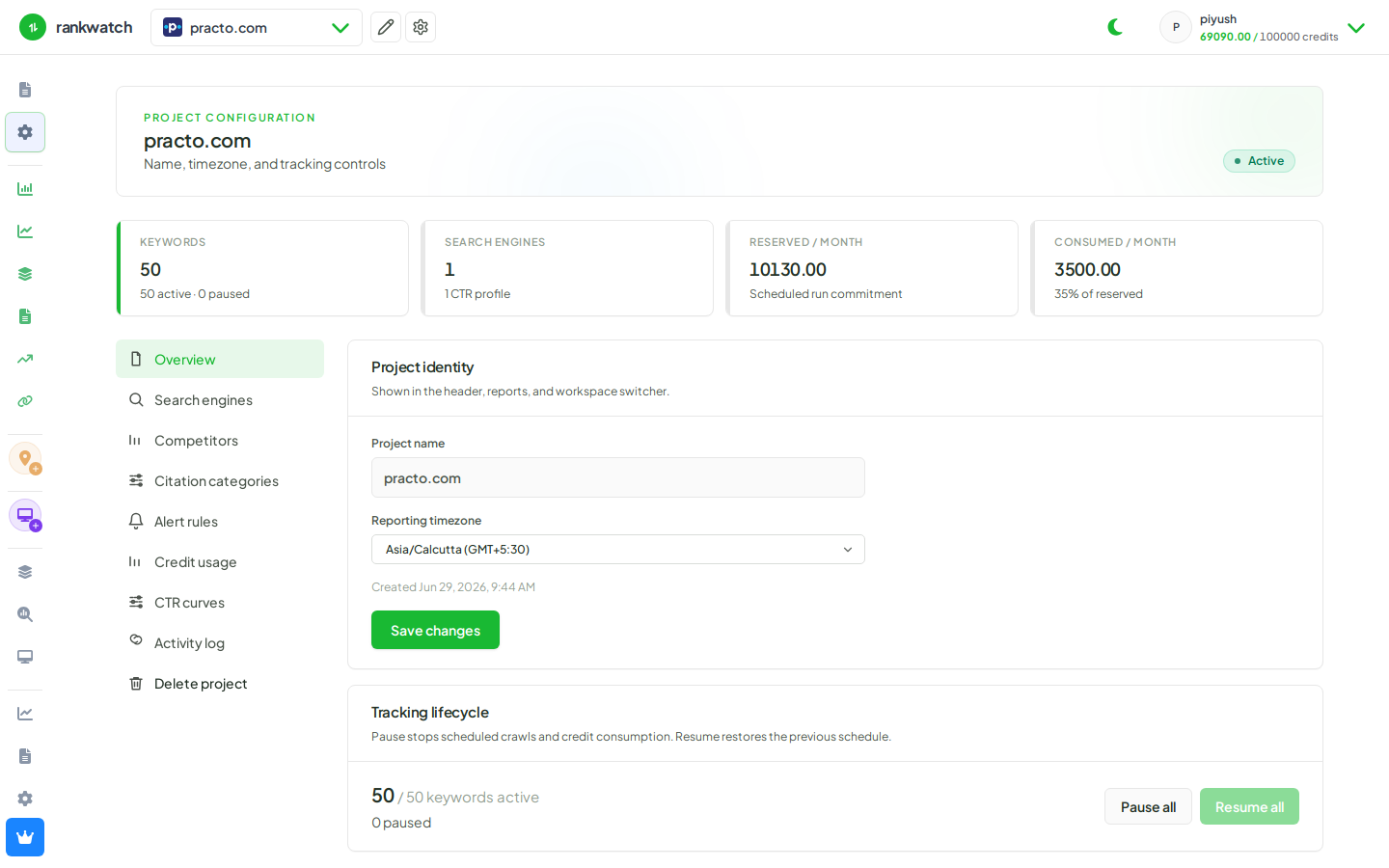
- Open Projects → project → alert / rank alert settings (or create a rule from Rankings alerts).
- Define the rule: scope (keywords/tags), threshold (for example left top 10), and direction.
- Save the rule and confirm it appears in the project’s alert list.
- Ensure org email delivery works and that recipients did not mute alerts under Profile → Notifications.
- After the next crawls, review triggered events (review alert events).
Outcome
Matching rank changes create alert events and email notifications for eligible recipients.