
How to configure a custom domain (DNS CNAME / TXT)
Configure RankWatch whitelabel custom domain DNS (CNAME and TXT) as the organization owner.
Prerequisites
- Organization owner; whitelabel package feature when gated
- Ability to edit DNS at your domain registrar
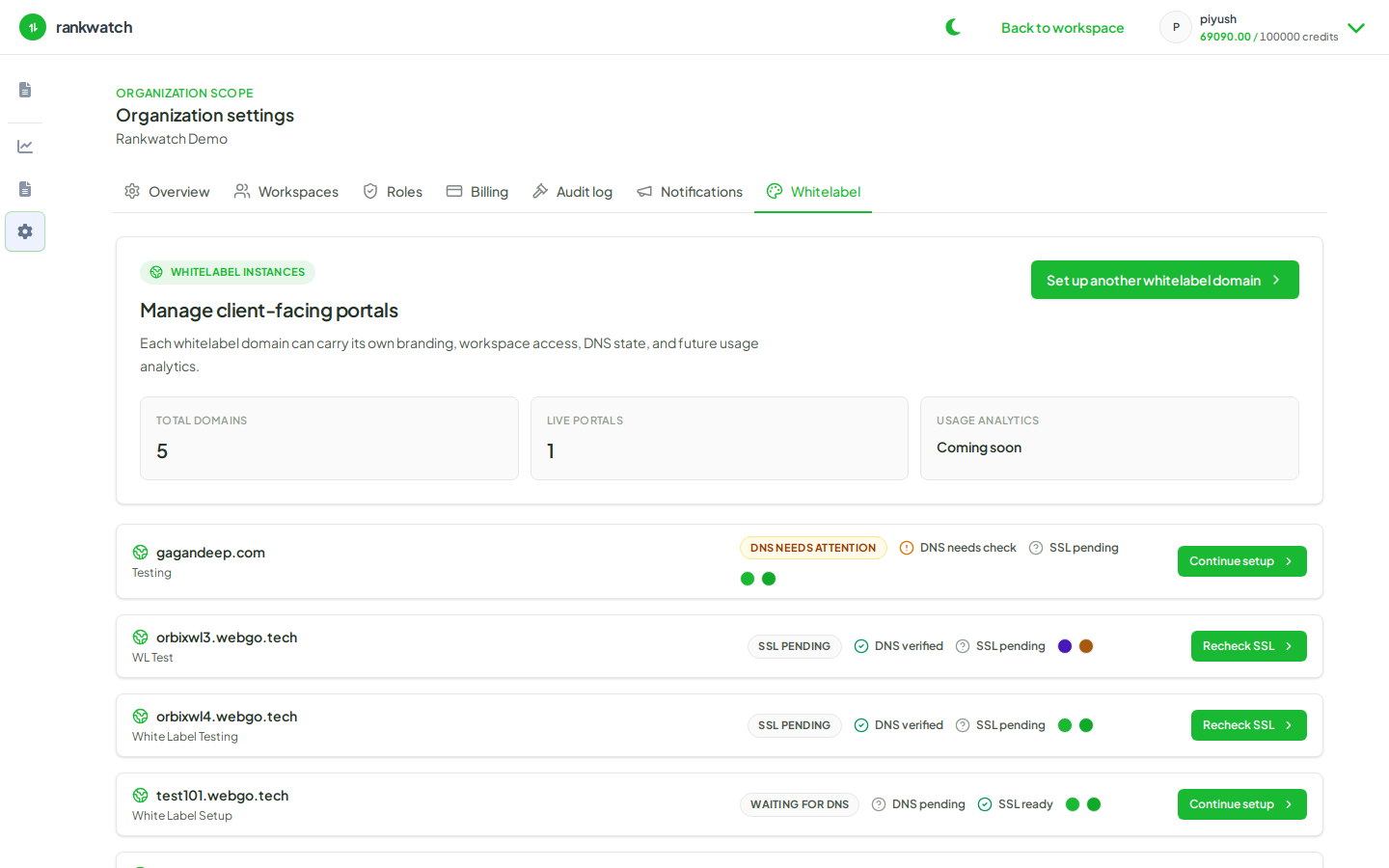
Custom domains need DNS records from the Whitelabel setup wizard. Whitelabel may be package-included.
Steps
- Open Organization settings → Whitelabel and start/continue the domain setup wizard.
- Enter the hostname clients will use (for example portal.youragency.com).
- Add the displayed CNAME records at your DNS provider exactly as shown.
- Add any TXT verification records the wizard requires.
- Return to RankWatch and run DNS verification / recheck until CNAME and TXT pass.
- Proceed to SSL verification next — do not invite clients to the hostname until SSL is issued.
Outcome
DNS points the custom hostname at RankWatch whitelabel infrastructure and verification checks pass.