
How to give each client their own branded portal experience
Give each agency client a branded portal experience via whitelabel domain mapping and Client Viewer roles.
Prerequisites
- Organization owner; whitelabel package feature when gated
- Client Viewer role; one workspace per client
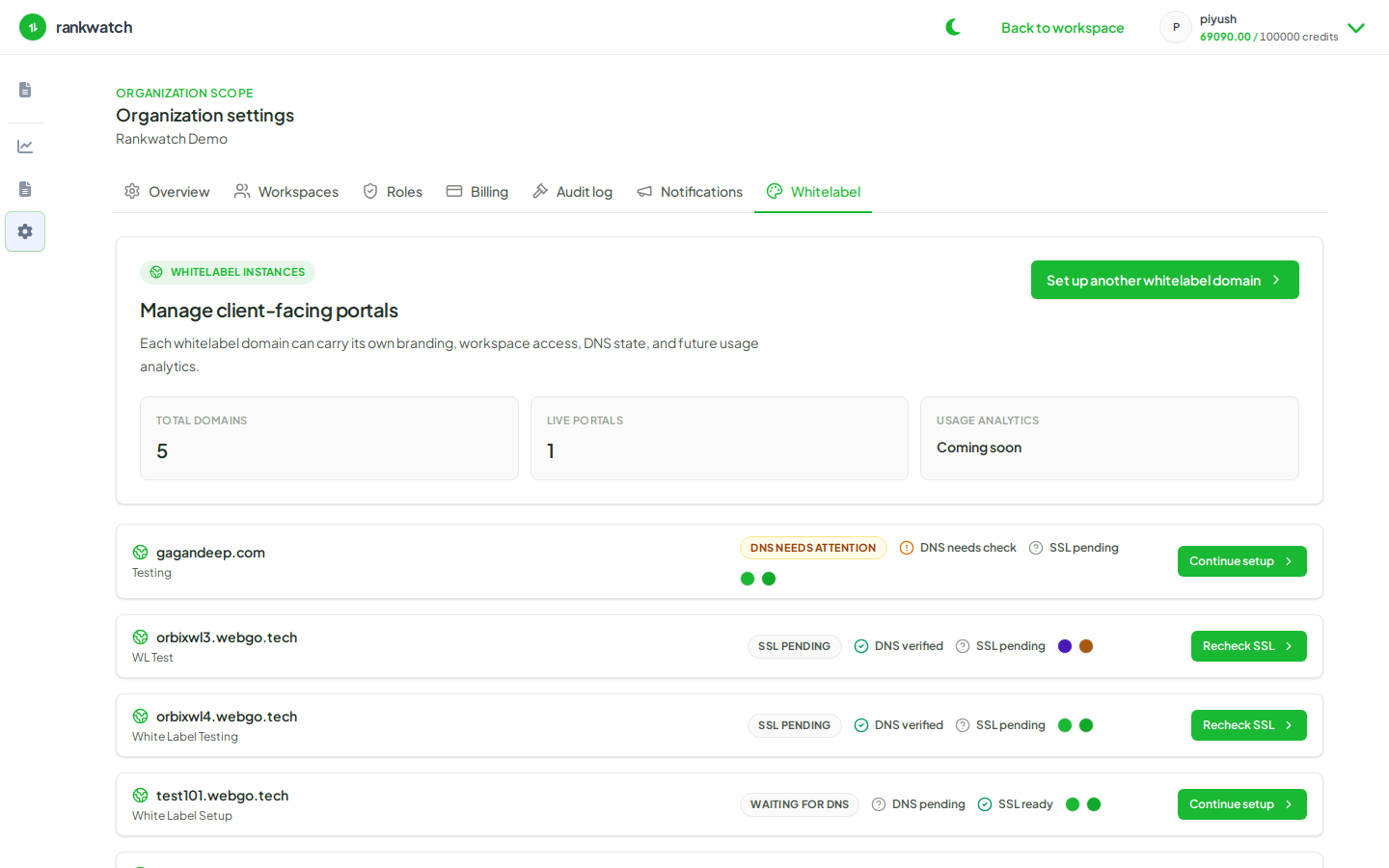
Combine workspace isolation, Client Viewer, and whitelabel hostname mapping so each client feels like they have your agency’s product.
Steps
- Create/use one workspace per client and a read-only Client Viewer role.
- Configure branding and a verified custom domain under Whitelabel.
- Map the hostname to that client workspace (or follow your multi-workspace mapping policy carefully).
- Invite the client with Client Viewer and whitelabel access mode.
- Walk them through login on the custom domain and confirm they cannot edit tracking or see other clients.
- Align report PDFs and email templates so the whole deliverable surface matches.
Outcome
Each client gets a branded, read-only portal into only their workspace.