
How to test the client login experience on your custom domain
Test the client login experience on your RankWatch whitelabel custom domain before go-live.
Prerequisites
- Organization owner; whitelabel package feature when gated
- SSL verified; Client Viewer test account
Always dogfood the branded hostname with a Client Viewer test user before sending real clients there.
Steps
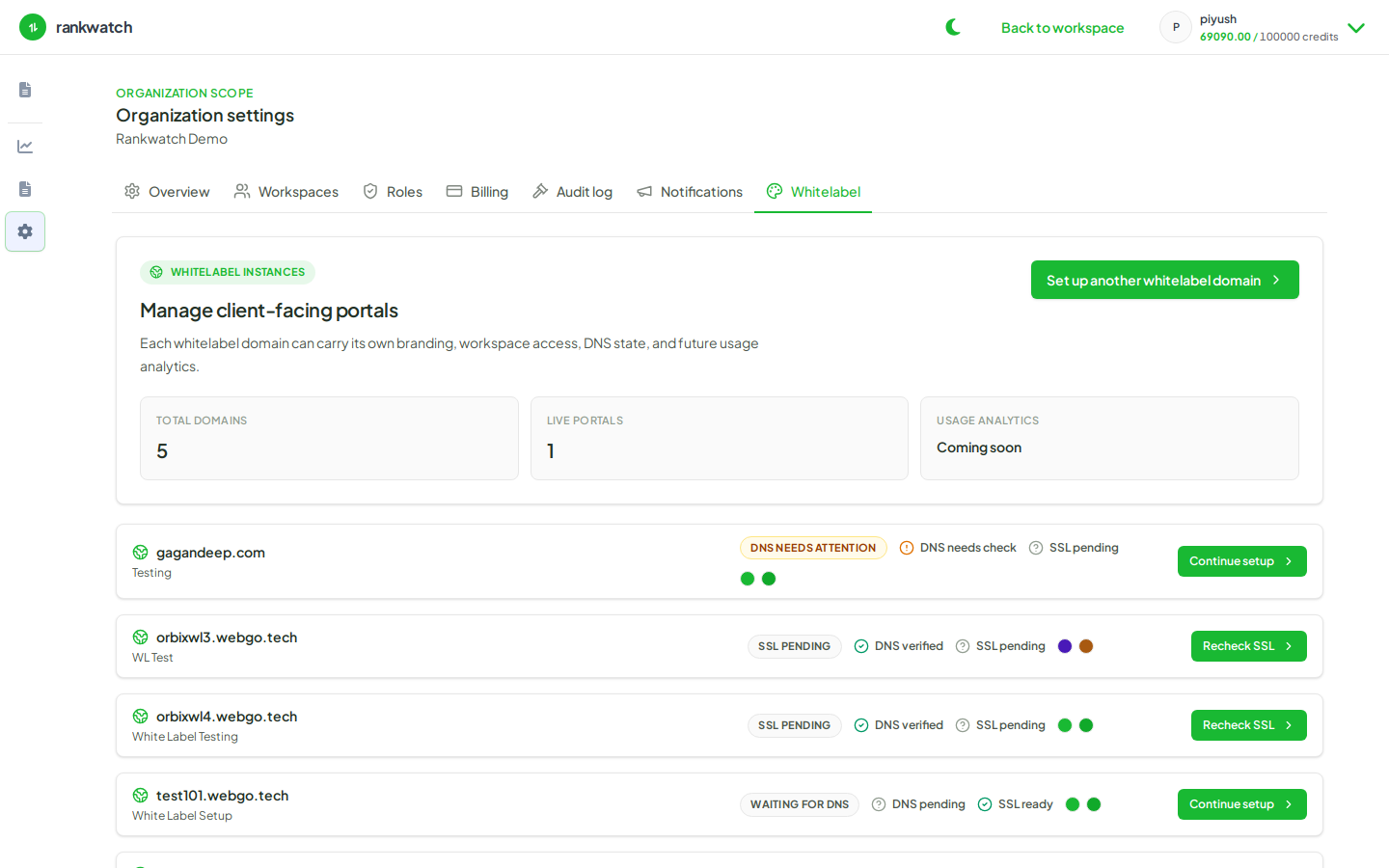
- Confirm DNS + SSL are verified for the hostname.
- Invite a test inbox as Client Viewer with whitelabel access to the mapped workspace.
- Open a private browser window and sign in via
https://your-custom-hostname(not the primary app URL). - Confirm branding, site title, correct workspace projects, and read-only restrictions.
- Attempt a forbidden action (add keywords) and confirm permission denied.
- Fix gaps, then invite the real client.
Outcome
You know the branded login path works end-to-end before client go-live.