
How to align report branding with whitelabel app branding
Align PDF report branding presets with RankWatch whitelabel app colors and logos.
Prerequisites
- Organization owner; whitelabel package feature when gated
Clients notice when the portal is branded but PDFs still look like a different product. Align both surfaces.
Steps
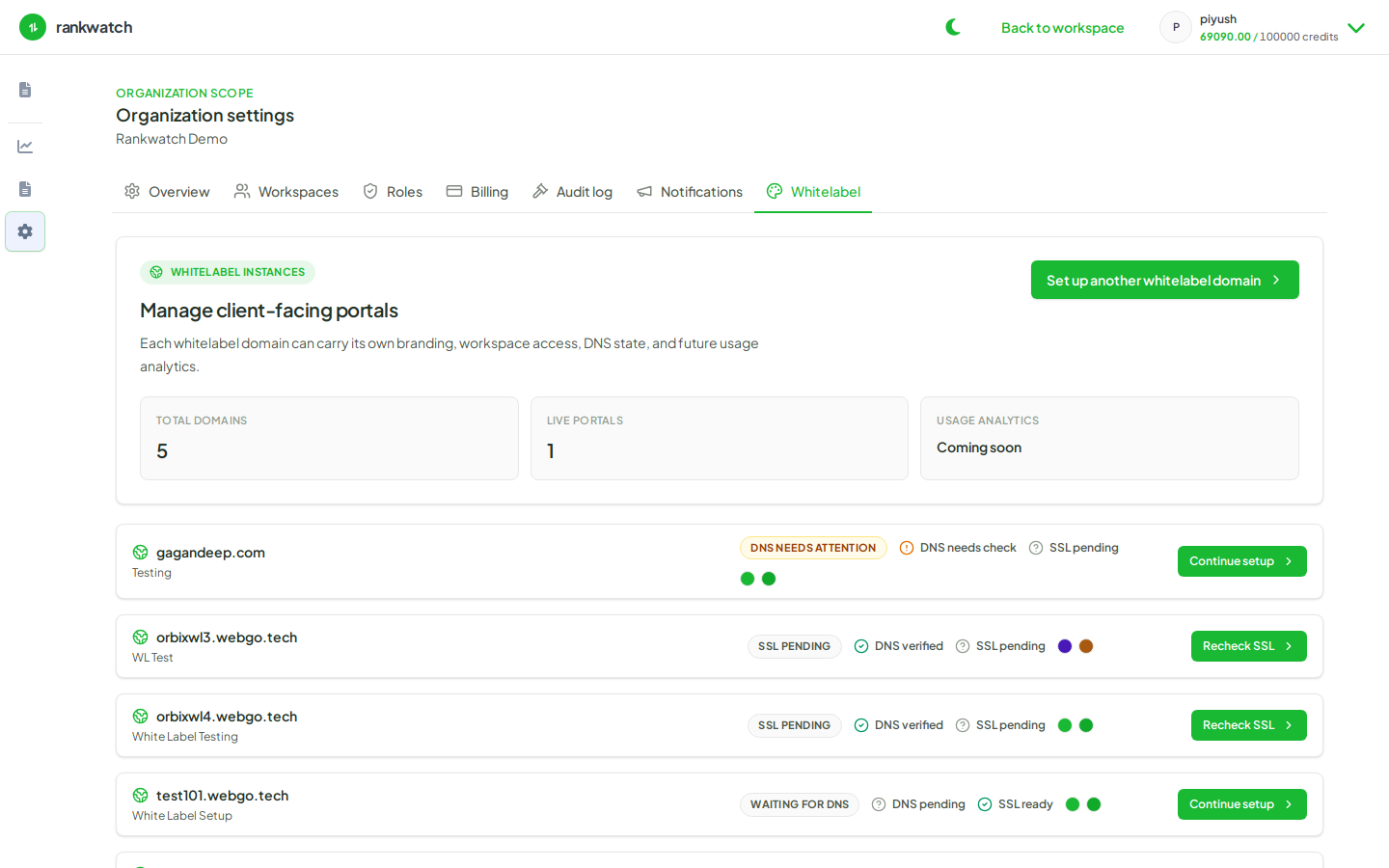
- Set org/whitelabel logos and colors under Whitelabel.
- Open Reporting branding presets and apply the same logos/colors (set report branding presets).
- Generate a sample ready-template PDF and compare side-by-side with the whitelabel login/header.
- Adjust Powered-by attribution if needed.
- Reuse the preset across client workspaces when the agency brand is shared.
Outcome
Portal chrome and PDF exports tell one consistent agency brand story.