
How to map a whitelabel domain to one or more client workspaces
Map a whitelabel domain to one or more client workspaces for branded portal access.
Prerequisites
- Organization owner; whitelabel package feature when gated
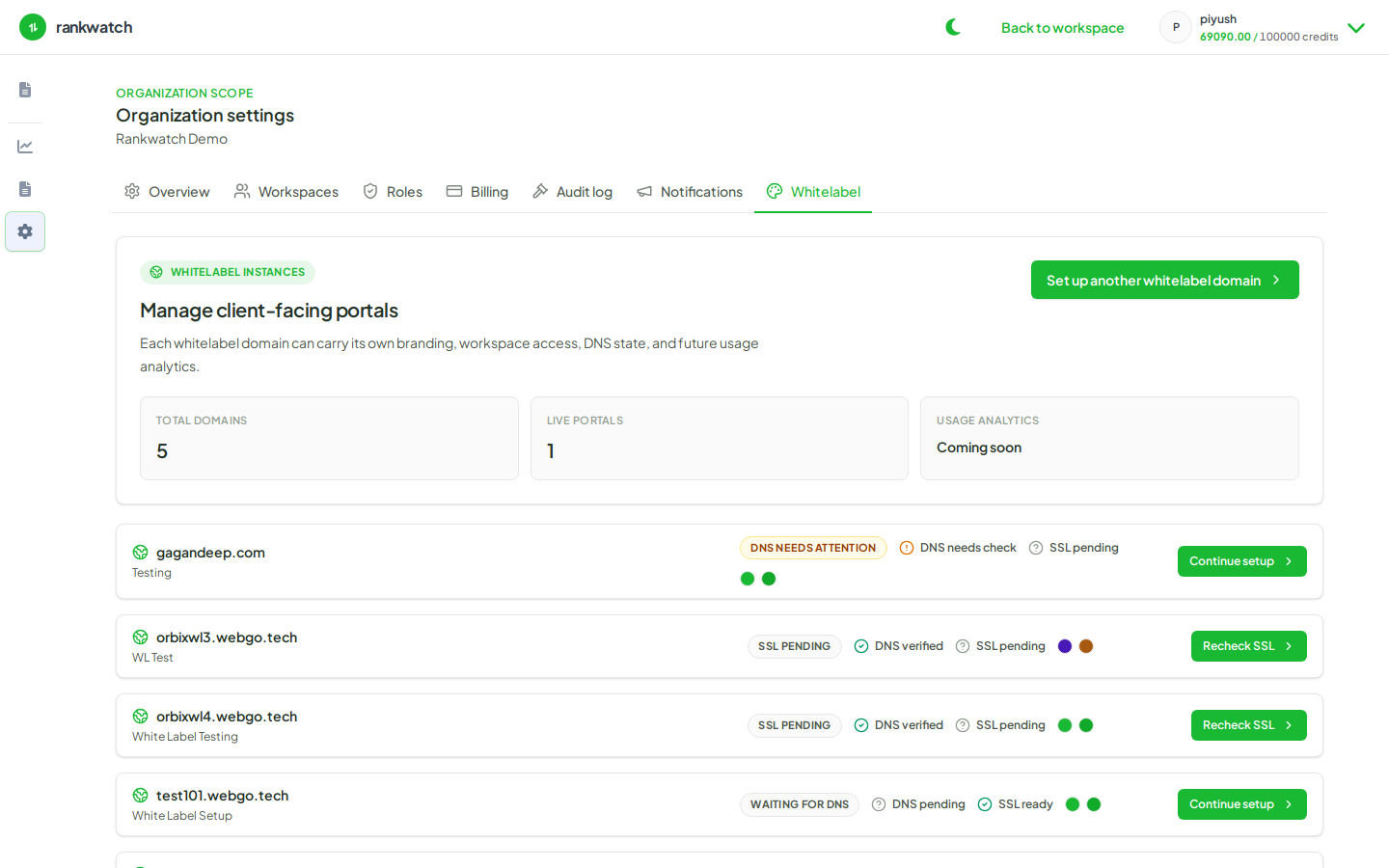
After DNS/SSL, map hostnames to the workspaces clients should enter. Keep one-workspace-per-client isolation.
Steps
- Open Whitelabel and select the verified domain.
- Map it to the intended client workspace(s) per the UI controls.
- When inviting clients, choose whitelabel access mode / hostname so they land on the branded portal.
- Confirm internal operators still know how to use the primary RankWatch app vs the client hostname.
- Test with a Client Viewer invite before announcing broadly.
Outcome
Clients using the custom domain enter the correct workspace context with your branding.