
Workspace invites and pending memberships
How workspace invites work: role assignment, pending acceptance, and what invitees can access before they join.
Invites add people to a workspace with a required workspace role. Until the invitee accepts, membership stays pending and they cannot open that workspace’s projects.
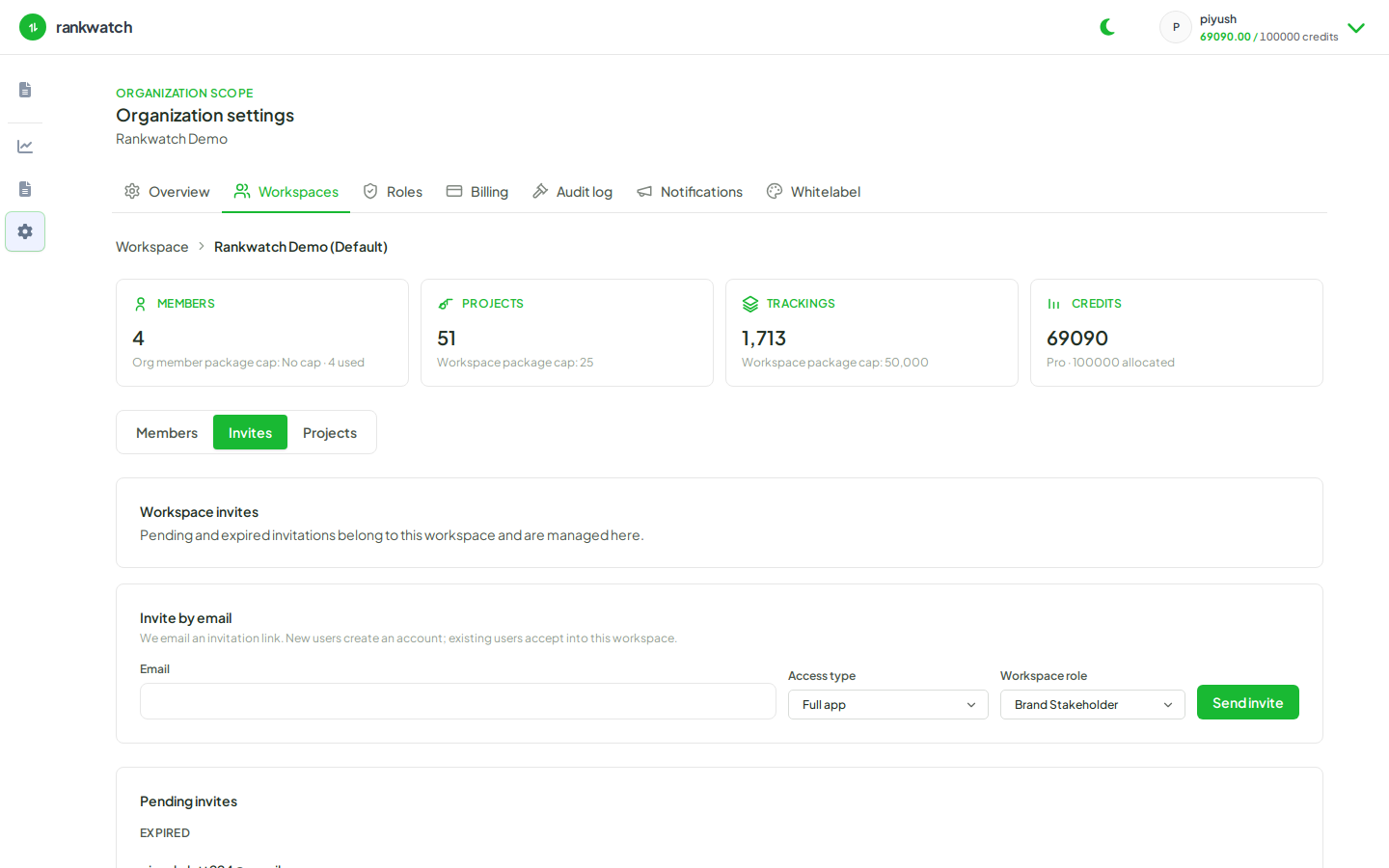
What an invite carries
- Email and workspace
- Workspace role (required) — Client Viewer, SEO Executive, custom role, etc.
- Optional org-role metadata (defaults to a zero-permission org member; does not grant billing)
Seat / member package limits can block new invites when capacity is full.
Pending vs active
Pending invites can usually be resent or revoked by someone with invite permissions. After accept, change their role later without re-inviting.