
How to accept a workspace invite
Accept a RankWatch workspace invite from email, join with the assigned role, and open the client workspace.
Prerequisites
- Invite email from a RankWatch organization owner or member with invite rights
Join a client or brand workspace when someone on the organization invites you by email. Your workspace role controls what you can see and change after you accept.
Steps
- Open the RankWatch invite email and choose Accept invite (or open the invite link directly).
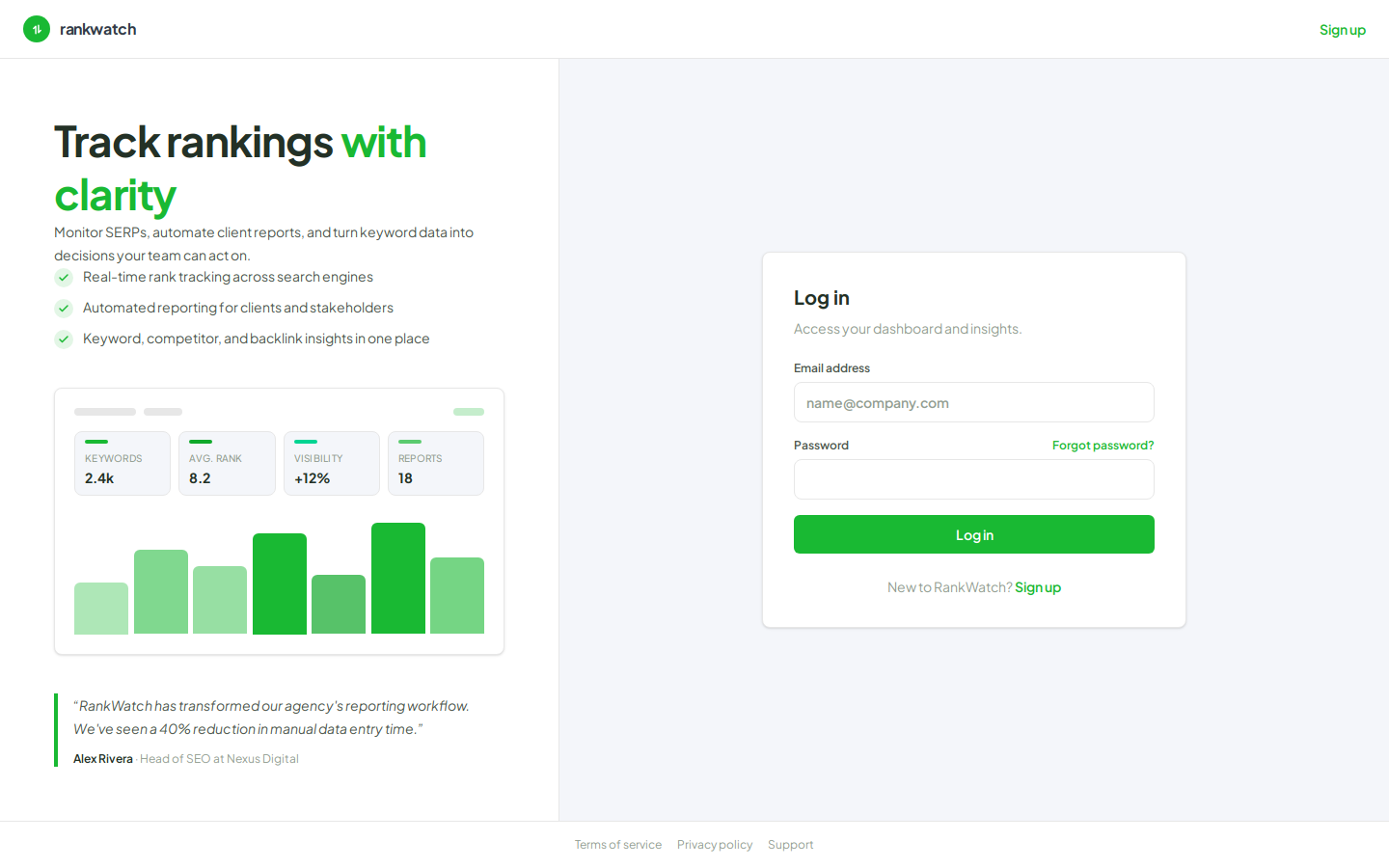
- Sign in with Sign in, or create an account on
/signupif you are new — use the invited email address. - Confirm the workspace name and the role assigned on the invite (for example a read-only Client Viewer vs an SEO operator role).
- After acceptance, open Projects in that workspace and verify the expected projects appear.
- If access looks wrong, ask the org owner to check your role under Organization settings → Roles and membership under Workspace team.
Outcome
You are a member of the invited workspace with the assigned permissions. Switching organizations or workspaces later does not remove this membership — use the header switchers when you need another client context.