
How to create an account and sign in
Create a RankWatch account with your work email, verify access, and sign in to your organization and workspace.
Prerequisites
- Valid work email (or a workspace invite to that email)
Create your RankWatch login, then sign in to the organization and workspace where your projects live.
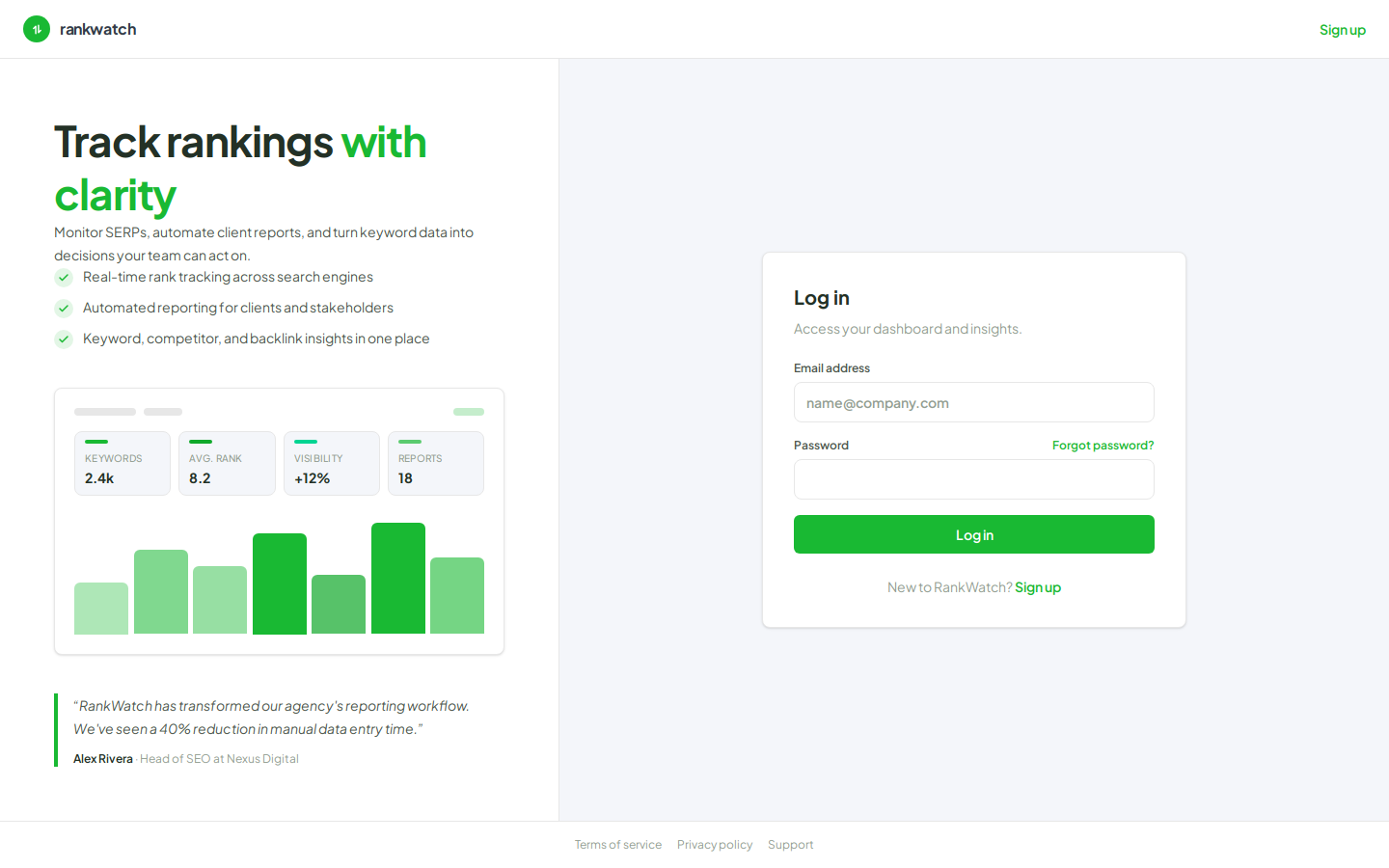
Steps
- Open the RankWatch app sign-in page (
/login), or go to Sign up (/signup) if you do not have an account yet. - Enter your work email and a password. If you received a workspace invite, use the same email that was invited (the invite link may prefill it).
- Complete email verification if prompted, then return to Sign in.
- After authentication, RankWatch loads your last-used organization and workspace. If you belong to more than one, use the switchers in the app header (see How to switch between workspaces).
- Confirm you land on Projects (or the invite’s destination workspace).
Outcome
You are signed in with an active organization and workspace context. From here you can open projects, accept additional invites, or continue from signup to your first SEO rankings.