
How to set personal notification preferences
Choose which RankWatch emails you receive personally (invites, alerts, digests). Delivery is email-only.
Prerequisites
- Signed-in RankWatch account
Personal preferences control what you receive. Organization owners separately configure how transactional emails are sent (email channels and templates only — Slack, webhook, and WhatsApp are not available).
Steps
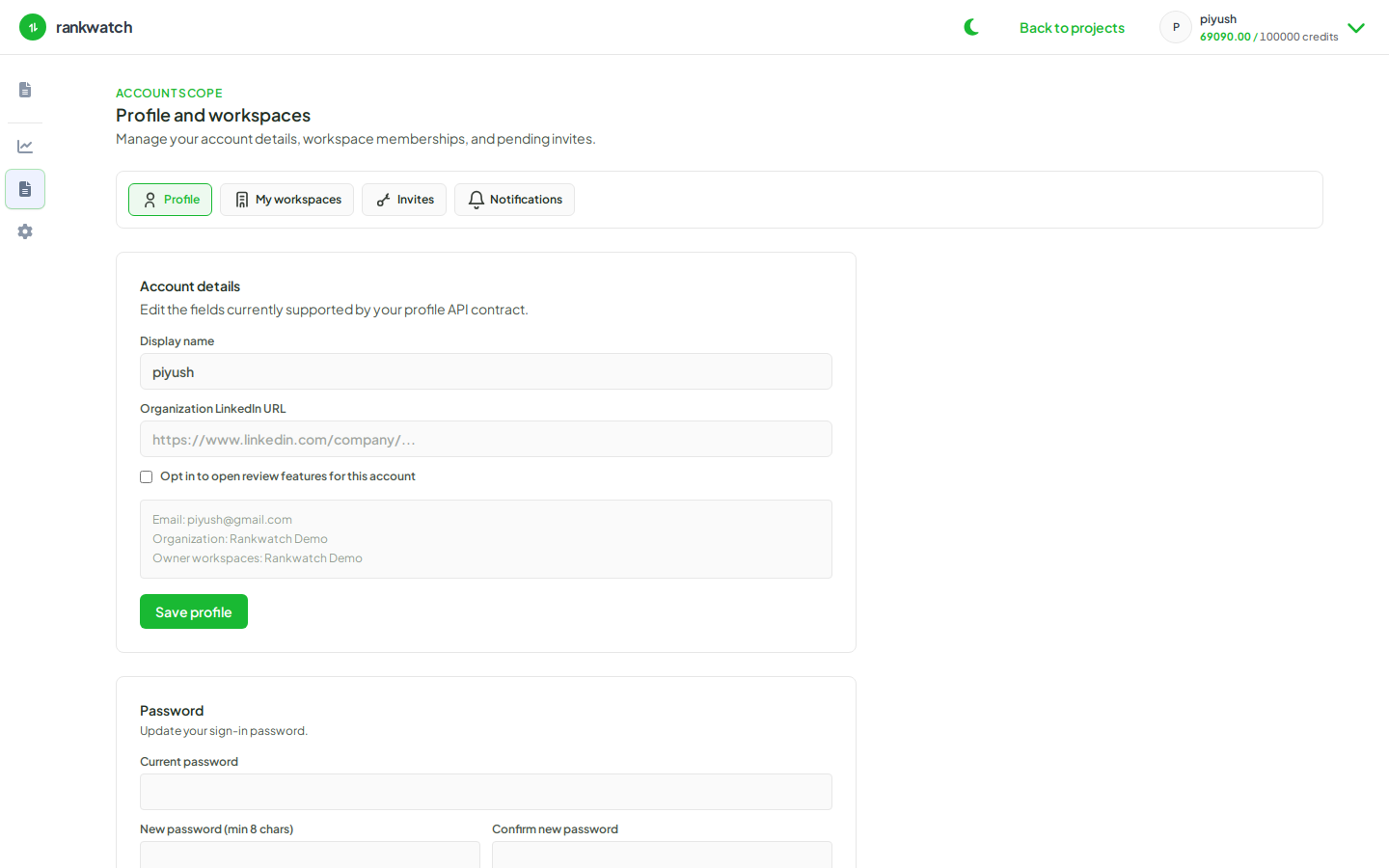
- Sign in and open Profile → Notifications.
- Review the email notification categories available for your account (for example invites, rank alerts, report deliveries — as listed in the UI).
- Enable or disable each category to match how you work. Leave critical invite and security-related mail on when possible.
- Save. Send yourself a non-destructive test when available (for example a scheduled report you own, or ask an admin to resend an invite to a test inbox).
- If org-wide templates or delivery channels look wrong, ask the org owner to review Organization settings → Notifications — those controls are owner-only.
Outcome
Your inbox only receives the email categories you opted into. Org branding and SMTP/channel setup still come from organization notification settings.