
How to reset your password
Reset your RankWatch password from the forgot-password flow or while signed in from Profile settings.
Prerequisites
- Access to the email address on your RankWatch account
Use this when you cannot sign in, or when you want to rotate your password from Profile settings.
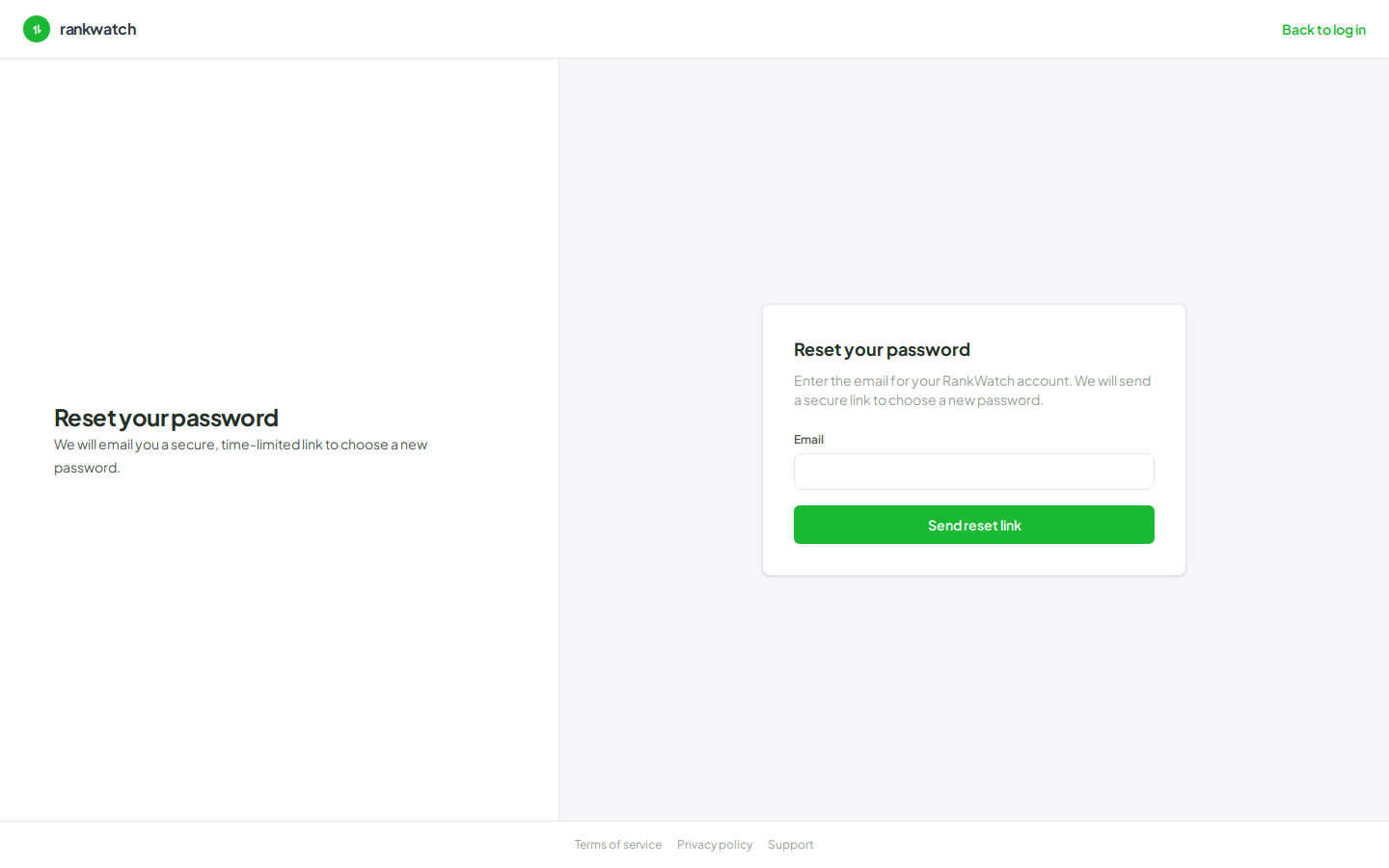
Steps
- Forgot password (signed out): open Forgot password from the sign-in page.
- Enter the email on your RankWatch account and submit. Check that inbox (and spam) for the reset email.
- Open the link in the email. It takes you to Reset password — set a new password and confirm.
- Return to Sign in with the new password.
- Already signed in: open Profile & account, use the change-password controls, then save. Confirm you can sign in again on another browser or after signing out.
Outcome
You can sign in with the new password. Existing sessions may end after a password change — sign in again if prompted.