
How to get from signup to your first SEO rankings
Go from a new RankWatch account to a live SEO project with keywords and first ranking results on Overview and Rankings.
Prerequisites
- Signed-in RankWatch user with project.create (or an invite into a workspace that already has projects)
Reach first value quickly: land in a workspace, create an SEO project, add keywords, and wait for the first ranking jobs.
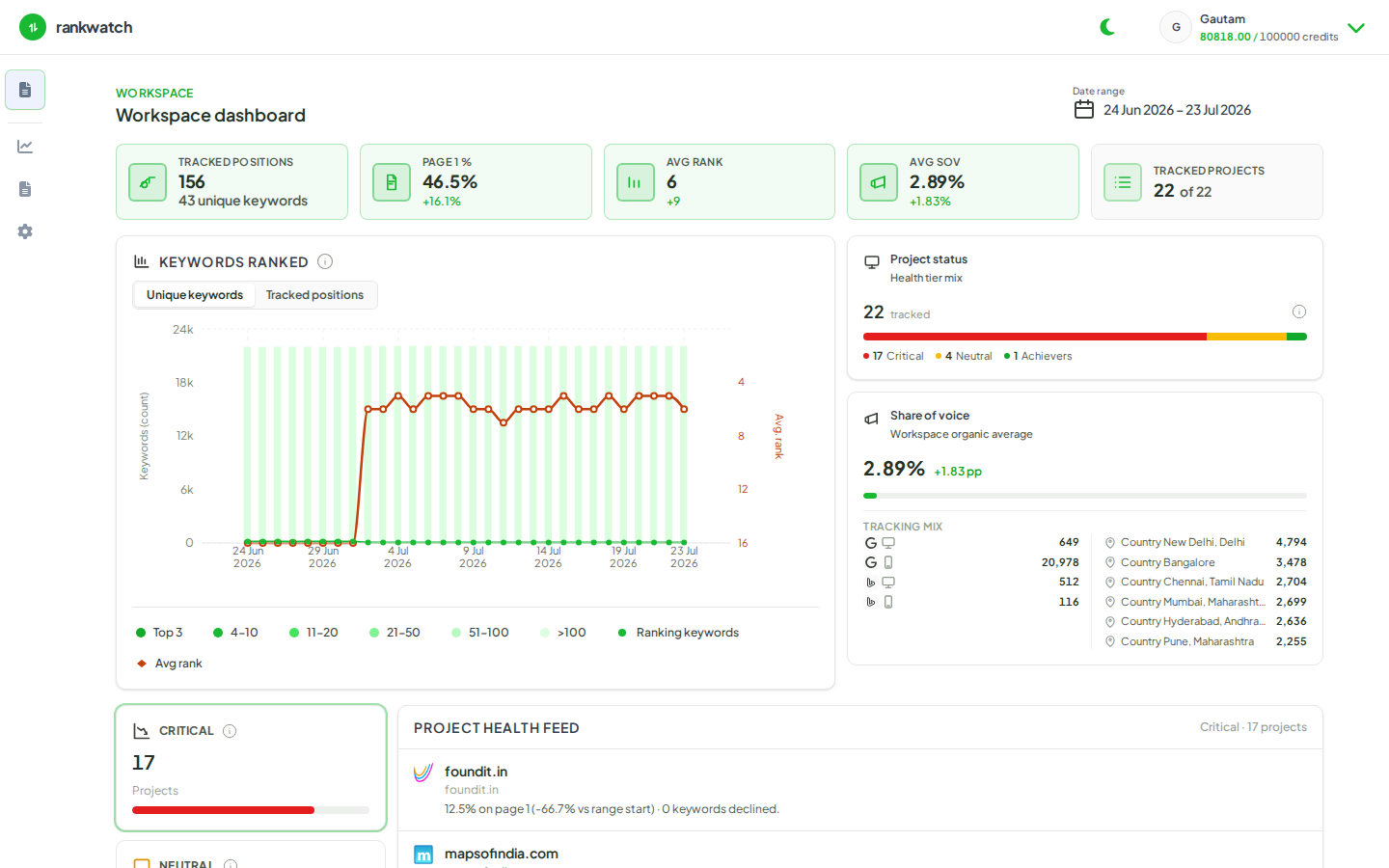
Steps
- Create an account and sign in, or accept a workspace invite.
- Confirm you are in the correct workspace (header Switch workspace if you belong to more than one).
- Open Projects → New project and create an SEO project with Search engine rankings (Local SEO create is not available yet). See How to create an SEO project.
- Add at least one search engine (typically Google), a location/locale, and an initial keyword set. Finish the wizard.
- Wait for the first scheduled ranking jobs to complete (Overview may show a computing / data-ready state while jobs run).
- Open the project Overview, then Rankings, to review positions, movement, and keyword rows.
Outcome
You have a live SEO project with rankings populating after the first successful checks. Next, tag keywords, connect Google Search Console, or invite teammates into the workspace.