
How to change crawl frequency for keywords
Change how often selected keywords are rank-checked to balance freshness against credit spend.
Prerequisites
- Project with SEO tracking and keyword.read / keyword.update as needed
Crawl frequency controls how often RankWatch schedules rank checks for a keyword. Higher frequency means fresher data and more credit use; lower frequency stretches the balance across more keywords.
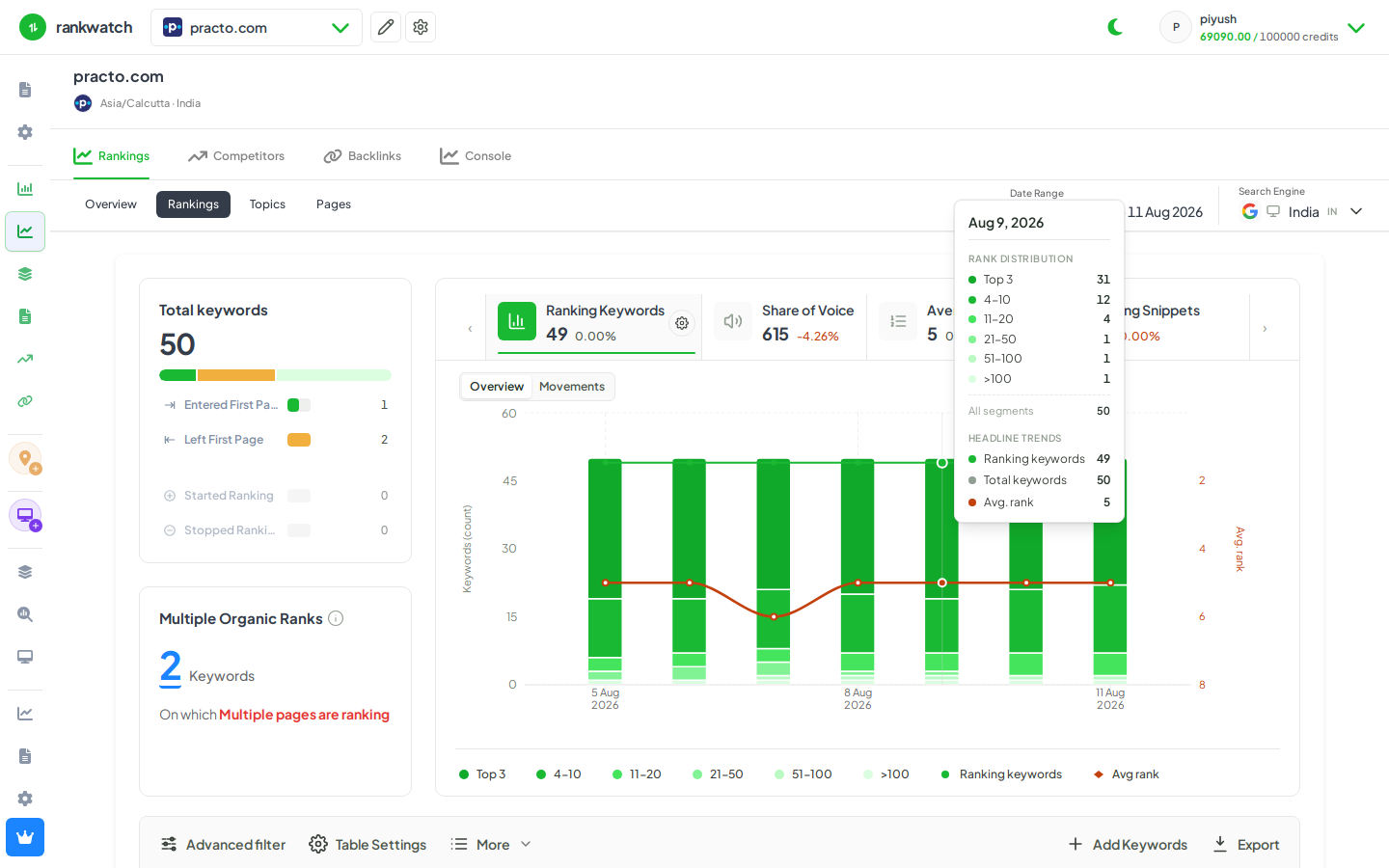
Steps
- Open Projects → project → Rankings.
- Select the keywords (or filter a tag/topic group) whose schedule you want to change.
- Open toolbar More → Crawl frequency (or Configure tracking frequency).
- Choose the new frequency and confirm. Changes apply to upcoming scheduled jobs, not to in-flight checks.
- Spot-check a few rows so the frequency label matches what you set.
Outcome
Selected keywords follow the new schedule. On-demand recheck still works when you need an immediate refresh. Details: Crawl frequency and recheck behavior.