
How to pause or adjust tracking when credits are tight
Pause keywords or reduce crawl frequency when credits are low so critical trackings keep updating within package limits.
Prerequisites
- Project with SEO tracking and keyword.read / keyword.update as needed
When credits or tracking limits are tight, pause low-priority keywords or lower crawl frequency so remaining credits cover branded and revenue terms. Pausing stops scheduled checks for those jobs until you resume.
Steps
- Check remaining credits under Organization settings → Billing / Package (org owner) or your workspace usage views.
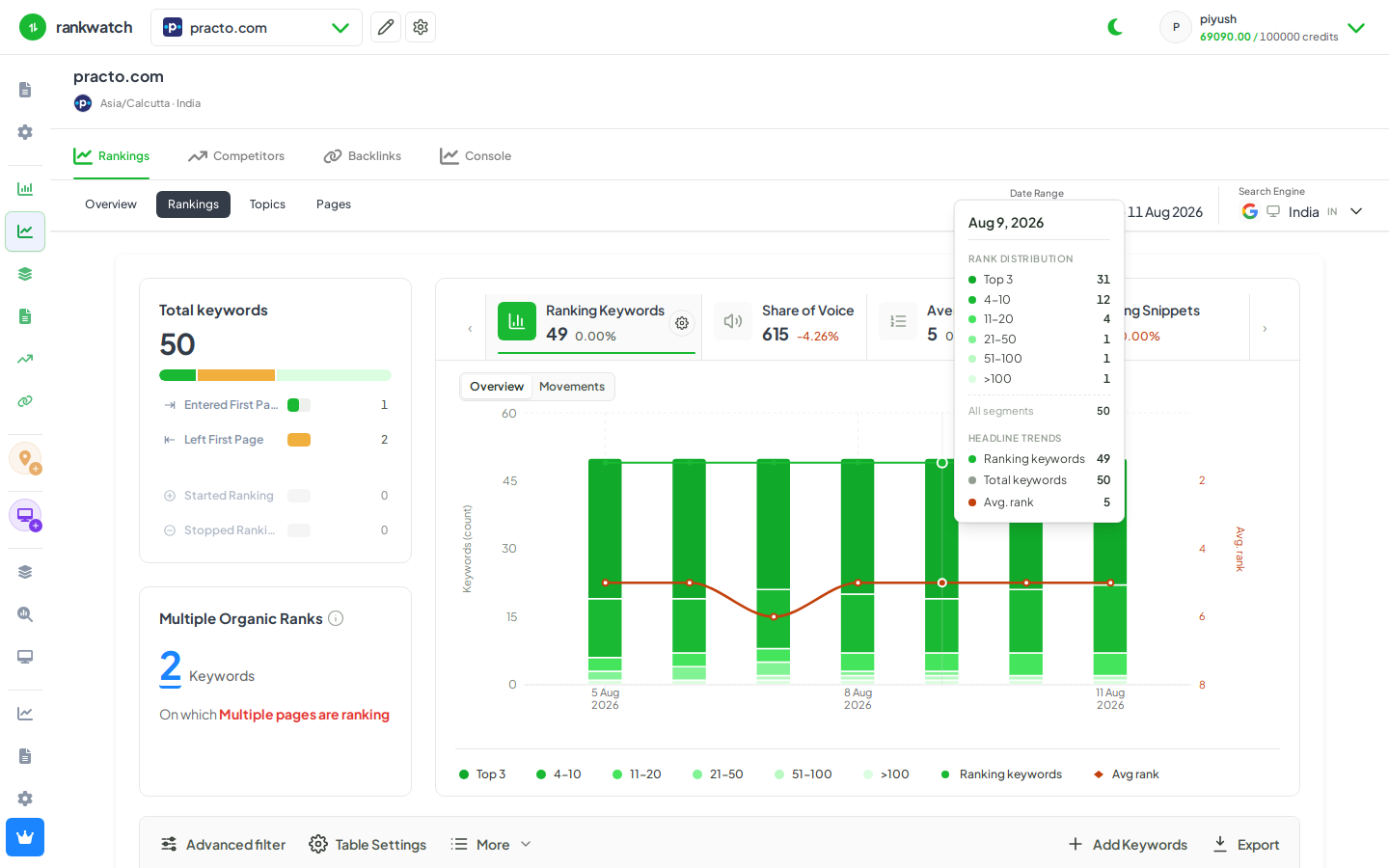
- Open Projects → project → Rankings. Filter to low-priority tags/topics (or long-tail sets you can pause safely).
- Select keywords → toolbar More → Pause (or equivalent pause tracking action). Confirm.
- Optionally lower crawl frequency on keywords you keep active so they check less often — see change crawl frequency.
- Verify paused jobs show as paused on Rankings / workspace dashboard; resume later when credits replenish.
Outcome
Paused keywords stop consuming scheduled crawl credits. Active keywords continue on their schedule. Plan credit use across client workspaces before month-end.