
How to recheck keyword rankings on demand
Queue an on-demand recheck for selected keywords so RankWatch fetches fresh ranks outside the regular crawl schedule (uses credits).
Prerequisites
- Project with SEO tracking and keyword.read / keyword.update as needed
On-demand Recheck runs rank checks immediately for selected keywords instead of waiting for the next scheduled crawl. Use it after a deploy, a SERP shake-up, or when a stakeholder needs today’s positions. Rechecks consume credits.
Steps
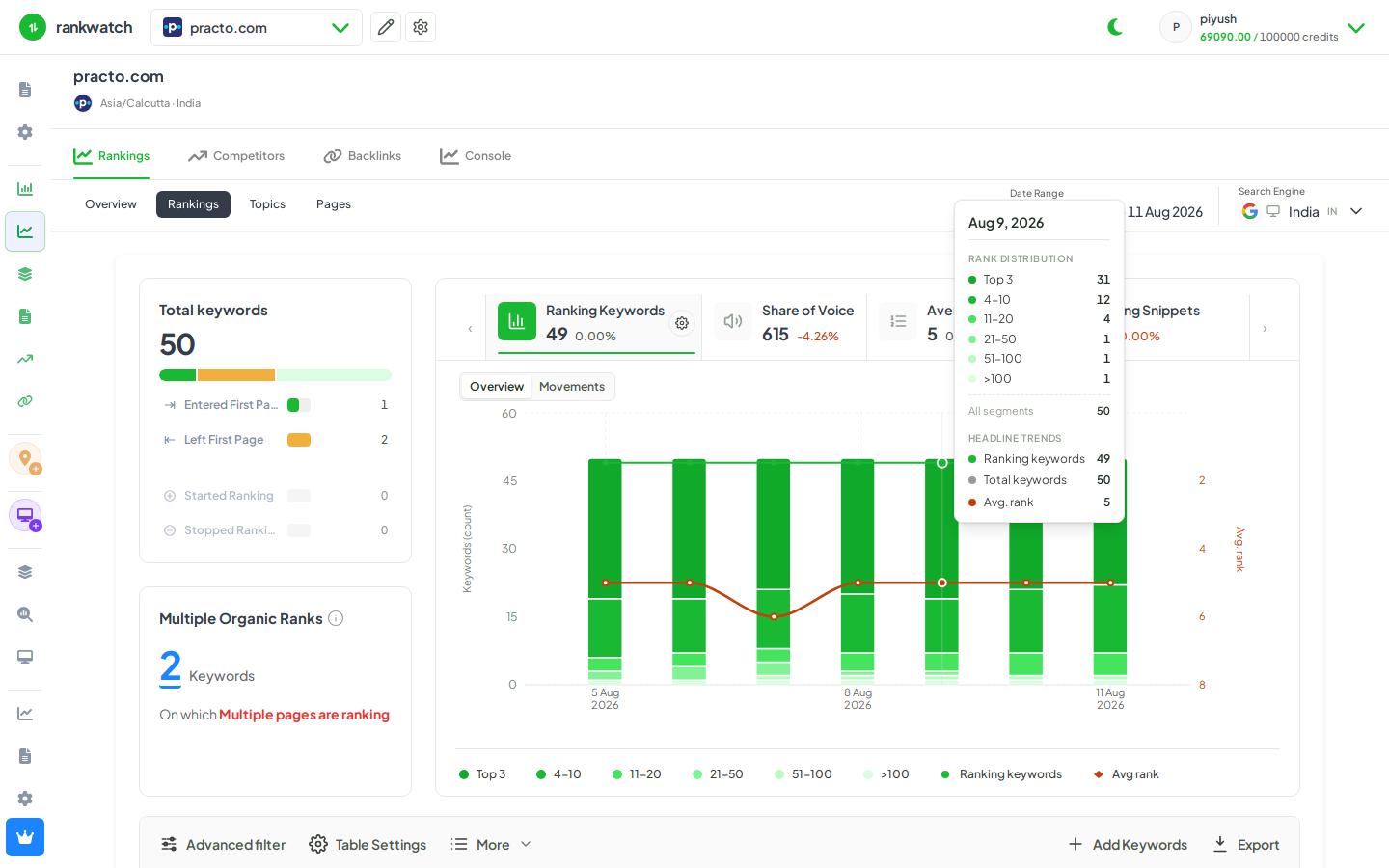
- Open Projects → project → Rankings for the target search context.
- Select one or more keywords (or use filters first to narrow the set).
- Open toolbar More → Recheck (requires tracking/keyword permissions that allow recheck).
- Confirm the recheck. Watch the project recheck / calculation status banner until jobs finish.
- Refresh Rankings — updated ranks and SERP data appear when checks succeed. Failed or throttled jobs stay on the previous snapshot until the next successful check.
Outcome
Selected keywords receive fresh ranks when jobs complete. Credit balance and package limits still apply. See Crawl frequency and recheck behavior.