
How to open a keyword detail and SERP snapshot
Open keyword detail from Rankings to review daily history, ranking URL, SOV, and the SERP snapshot for a search context.
Prerequisites
- Project with SEO tracking and keyword.read / keyword.update as needed
Open any tracked keyword from Rankings to inspect day-by-day history and the SERP snapshot for that check — useful when a position jumps and you need the landing URL and SERP features, not just the rank number.
Steps
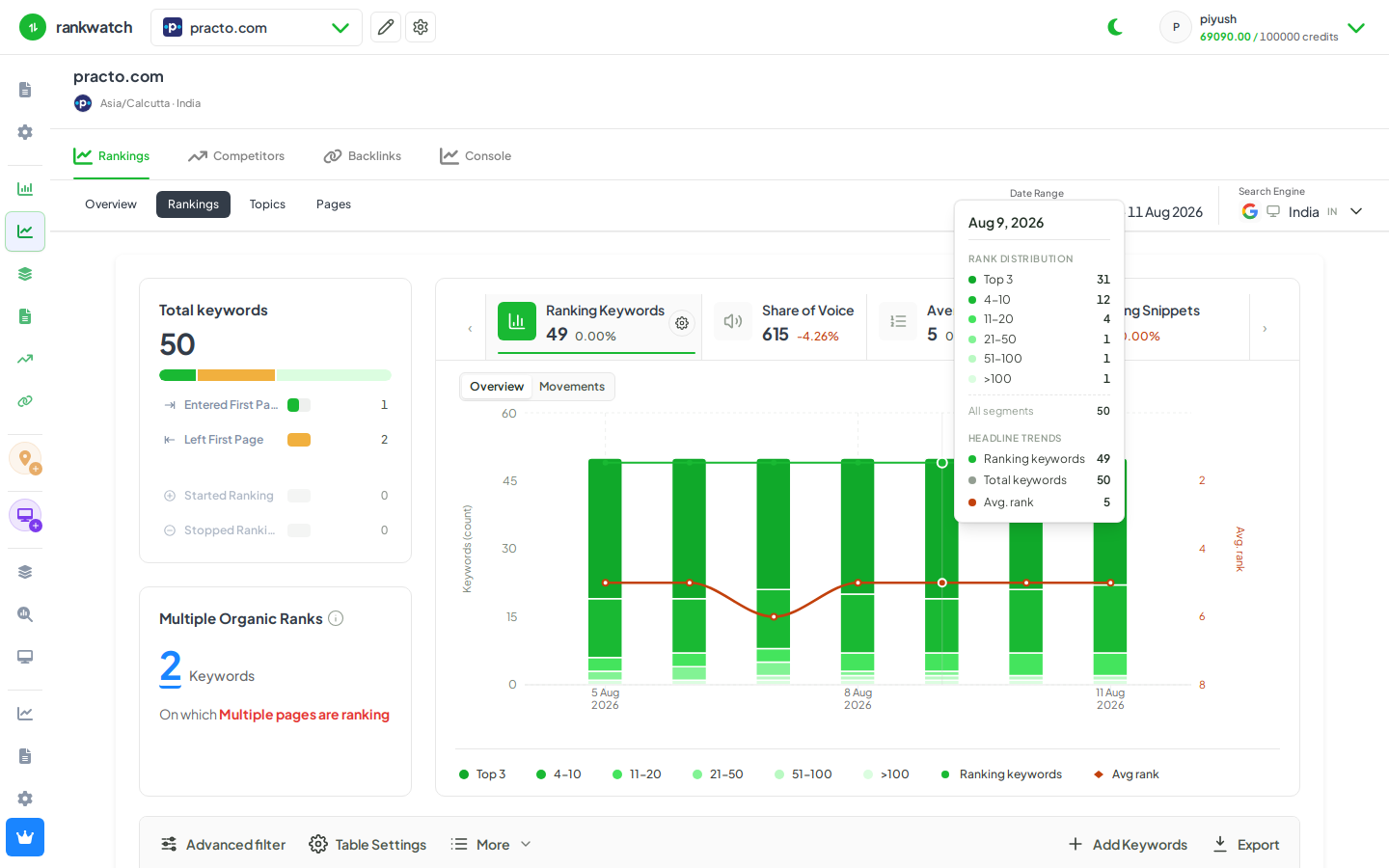
- Open Projects → your project → Rankings for the correct search engine / location context.
- Find the keyword (search, tags, or advanced filter). Click the keyword name to open Keyword detail.
- Review the KPI strip and daily history table (rank, ranking URL, SOV, SERP snippets, volume/CPC when available).
- Open the SERP snapshot / competitors landscape for the selected check day to see which domains and snippet types occupied the SERP.
- Optionally change the date or compare recent days before returning to Rankings.
Outcome
You have the keyword’s history and SERP context for that search context. Metric definitions: Keyword detail metrics.