
How to export rankings data
Export the Rankings table (respecting current filters and columns) for offline analysis or client spreadsheets.
Prerequisites
- Project with SEO tracking and keyword.read / keyword.update as needed
Export Rankings when you need a spreadsheet outside RankWatch. The export follows the table’s current filters, sort, and visible scope for that search context — tighten filters before exporting large projects.
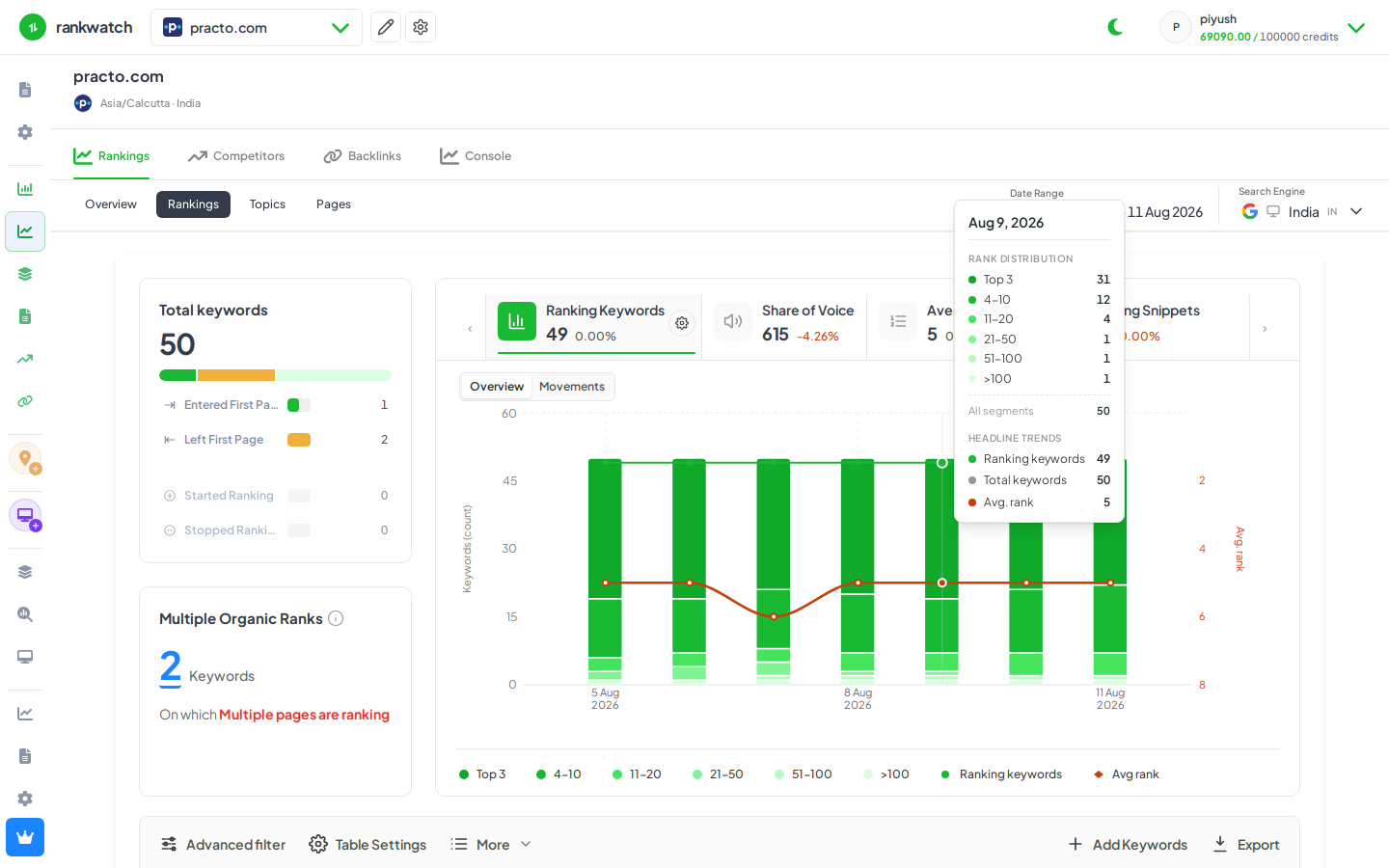
Steps
- Open Projects → project → Rankings.
- Apply tags, topics, advanced filter, and column visibility so the table matches what you want in the file.
- Choose Export in the table toolbar.
- Confirm format/options if prompted and download when the export completes (large exports may process asynchronously).
- Open the file and verify row counts match the filtered table total.
Outcome
You have a rankings export for the filtered keyword set. For recurring client packs, prefer a ready PDF report template instead of one-off CSVs.